

Best Graphics Settings for Oblivion Remastered
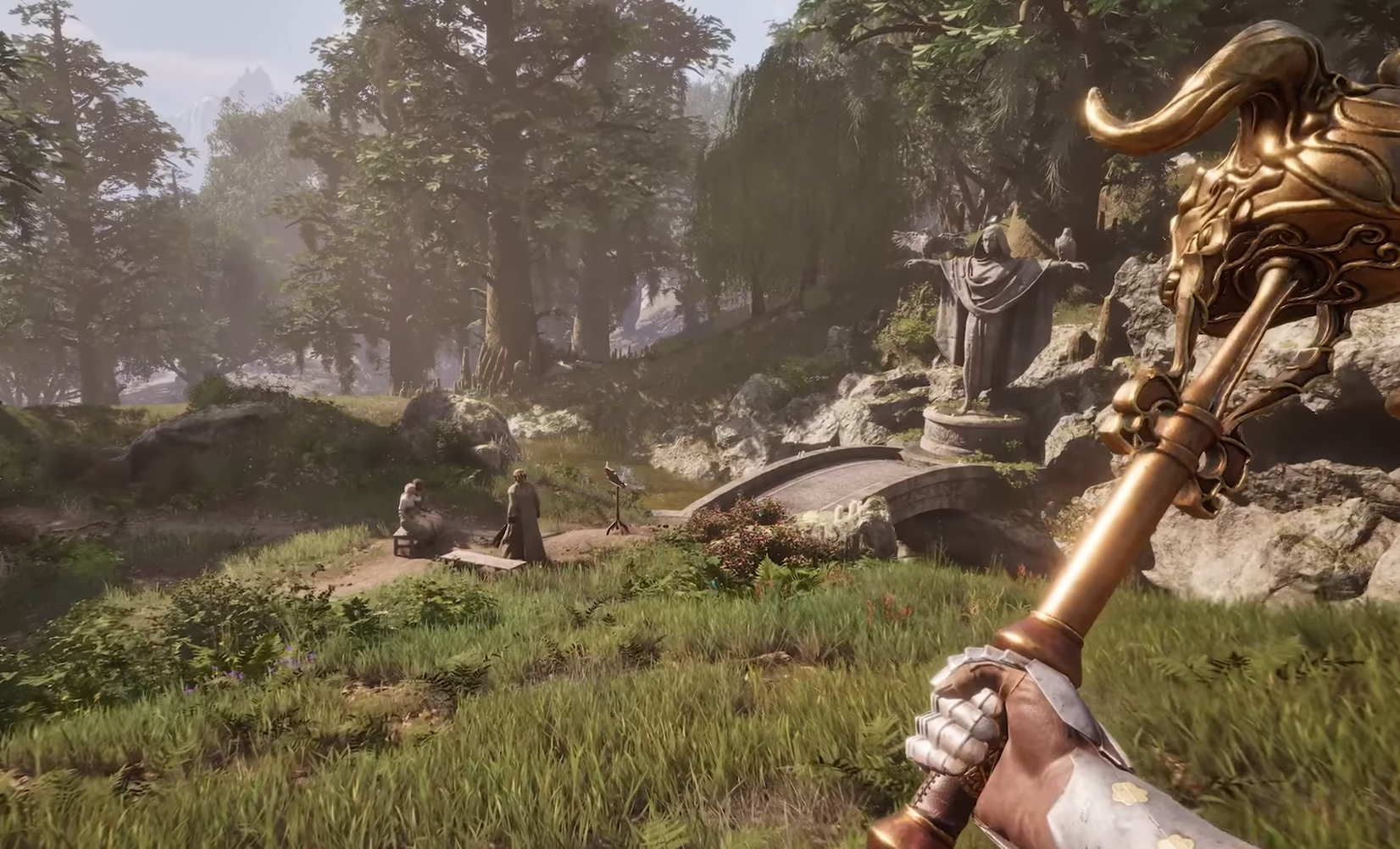
Image Credits: Bethesda Game Studios
Let’s face it—Oblivion Remastered looks gorgeous, but Unreal Engine 5 isn’t exactly known for going easy on your hardware. If your FPS is tanking harder than a Mud Crab in Daedric armor, here’s how to tweak your settings for a smoother experience without turning Cyrodiil into a pixelated mess.
Quick Tips Before You Start the Game
Keep your resolution at 1920x1080. It’s the sweet spot for performance without making everything look like it belongs in 2006 again.
Use FSR (if available). AMD’s upscaling can help you keep visuals decent while boosting frames.
Don’t be afraid to experiment—every rig handles things a bit differently.
Best Settings to Improve FPS in Oblivion Remastered
Here’s what to focus on when you head into the settings menu:
Shadows: Turn these down or off entirely. Shadows in UE5 love to eat FPS for breakfast.
Effects Quality: Set this to Low. You don’t need fancy spell sparkles costing you frames.
Anti-Aliasing: If you're on a lower-end PC, turn this off. It smooths edges, but at the cost of performance.
Post-Processing: Drop this to Low or Medium—your FPS will thank you.
Textures: If you have enough VRAM, keep this at Medium. Lower-end cards should stick to Low.
Water Details & Ripples: Turn both off. Pretty water isn’t worth sinking your frame rate.
View Distance: Keep this at Medium. Seeing every tree in Cyrodiil isn’t necessary when you’re sprinting past them anyway.
Oblivion Remastered Graphics Settings For Low-End PCs
If your PC is closer to Oblivion's original 2006 specs than today’s standards:
Drop everything to Low.
Turn off V-Sync.
Cap your FPS to 30 for a more stable experience… Maybe go up to 40-50.
Disable Motion Blur and Depth of Field—they’re just extra work without doing much.
Final Blurb
Oblivion Remastered is a visual treat, but if you'd rather play the game than stare at a slideshow, dialing down the settings is the way to go. Sure, you’ll lose some of that Unreal Engine 5 shine, but you’ll gain the ability to actually enjoy closing Oblivion gates without your PC sounding like it’s about to take off.
Remember, no one’s judging your graphics settings—except maybe your horse in low-res armor.

Recommended | View all Oblivion Remastered


