

Blue Protocol Star Resonance How to Add Friends
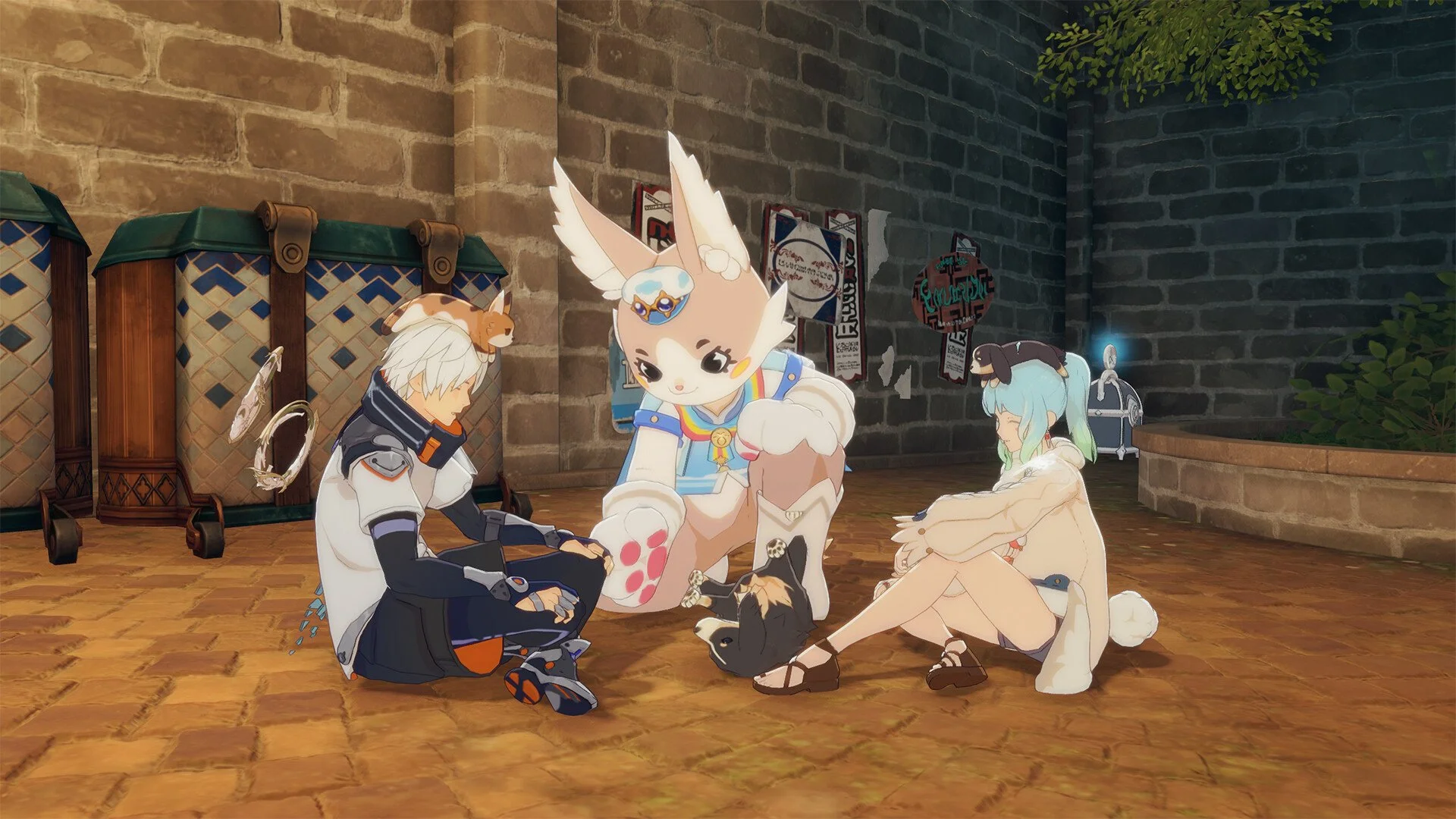
Adding friends in Blue Protocol Star Resonance works a little differently than in most online games. Since many players can share the same name, the game uses a unique ID system to make sure you’re connecting with the right person.
How to Add Friends
Press Escape to open the main menu. You’ll see your player ID number in the corner of the screen. This ID is unique to your account and is used for all friend requests.
Ask your friend to give you their ID. Once you have it, open the Friends section of the menu and type an asterisk followed by their ID into the search field. Press Enter to look them up. When their profile appears, send the friend request.
Your friend will receive a notification to accept it. Once they do, both of you will appear in each other’s friend lists automatically.
How to Find Your ID
Your player ID always appears in the top corner of the main menu after pressing Escape. You can also find it in your Profile screen under Character Info. Keep it private unless you’re giving it to someone you trust, since it’s your unique tag.
Tips for Adding Friends
You can’t invite players to your party through the Party Finder unless they’re already on your friend list or nearby in the same area.
Friend requests only work if both players are logged in and connected to the same region server.
Adding friends makes it easier to whisper, invite, or form parties without needing to search manually every time.
Final Blurb
The friend system in Blue Protocol Star Resonance might seem a bit old-school, but it keeps IDs clean and reliable. Just grab your friend’s code, type it with an asterisk, and you’re all set to group up for quests and dungeons.
FAQ
How do I add a friend?
Press Escape, copy your friend’s ID, then type an asterisk followed by their ID in the Friends search bar.
Can two players have the same name?
Yes, names can repeat, which is why the unique ID is required to find specific players.
Can I invite someone who isn’t on my friend list?
Only if they’re nearby in the same zone, otherwise you’ll need to add them first.
© 2025 GamerBlurb. Linking is welcome with credit to GamerBlurb.com. Copying or reproduction without permission is prohibited.
More Blue Protocol: Star Resonance


