

Borderlands 4 Compiling Shaders Fix Guide
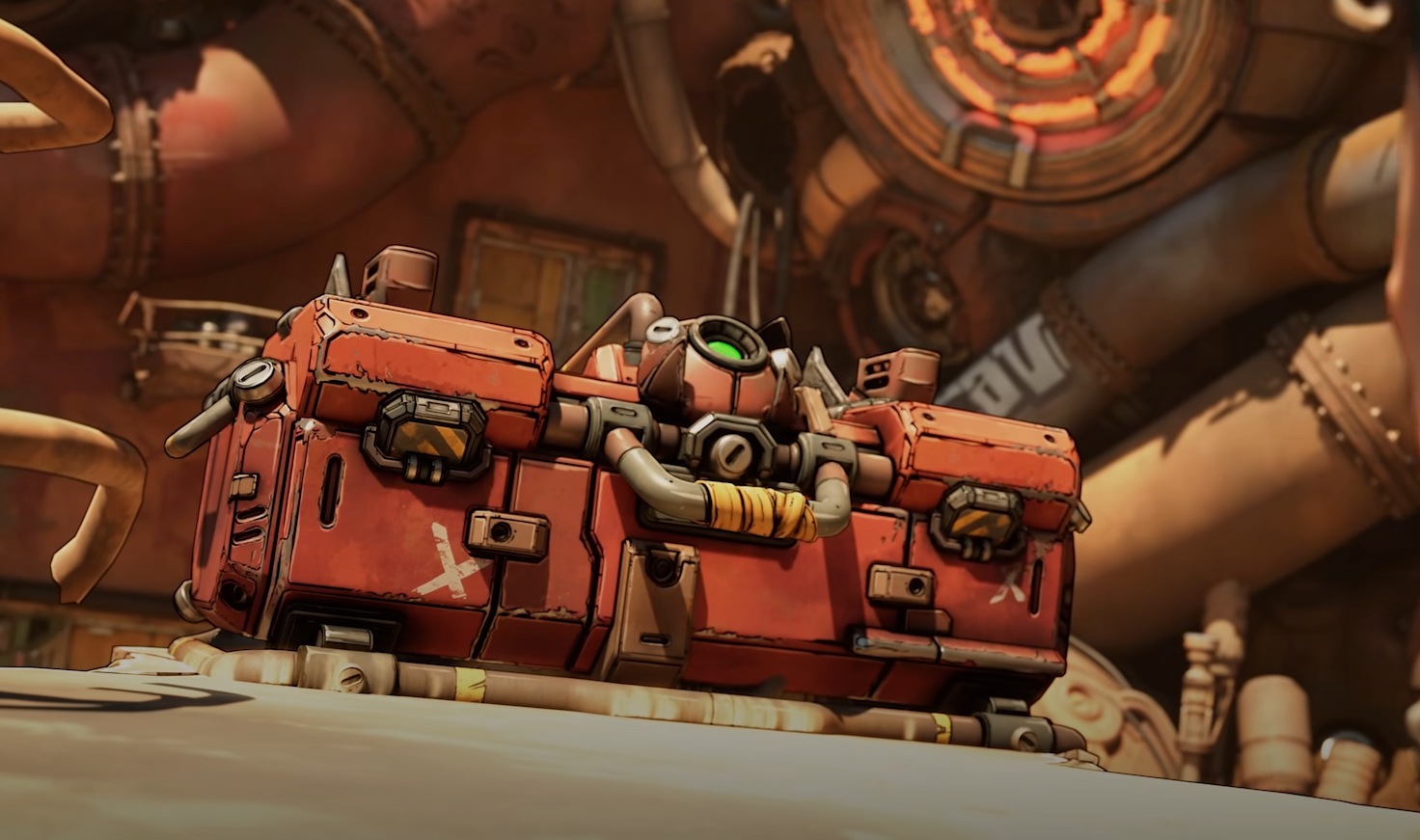
Borderlands 4 players on PC have been running into shader issues that freeze the game on launch or drag the compiling process far past the normal 10 minutes. Gearbox has shared several fixes, and with a few extra troubleshooting steps you can get past the dreaded screen and back to looting. This guide explains every way to fix compiling shaders in Borderlands 4.
How Long Should Compiling Shaders Take
Normally, shaders should finish compiling in about 10 minutes. If you see the process hanging longer than that, close the game and reboot your system. A simple restart clears up most cases.
If the problem sticks around, you’ll need to reset your shader cache or check for other performance conflicts.
Update Your Drivers First
Before touching anything else, make sure your GPU drivers are up to date. Both Nvidia and AMD push new updates alongside big releases like Borderlands 4, and outdated drivers are one of the most common causes of shader stalls.
How to Clear Shader Cache
Nvidia
Press Windows Key + R to open Run.
Paste:
%LOCALAPPDATA%\NVIDIA\DXCacheHit OK.
Delete the files in this folder. If Windows blocks a few, choose Skip.
AMD
Open AMD Adrenalin app.
Go to Gaming, then Graphics.
Scroll to the bottom.
Select Reset Shader Cache.
Note: this clears shaders for all games on your system, not just Borderlands 4.
Intel CPU Instability
Players on Intel 13th and 14th gen processors may also see compiling shaders hang due to CPU instability. Intel has acknowledged spikes in CPU usage, overheating, and crashes on certain models. Check Intel’s support site for stability fixes if this applies to you.
Extra Troubleshooting Steps
Verify Game Files
Steam: Right-click Borderlands 4 > Properties > Installed Files > Verify integrity.
Epic: Library > three dots > Manage > Verify.
Disable Overlays
Turn off Steam overlay in Settings > In-Game.
Disable Discord, GeForce Experience, and other overlays.
Run as Administrator
Right-click the game .exe > Run as administrator.
If issues persist, try compatibility mode for Windows 10.
Check Antivirus and Firewall
Add Borderlands 4 to exceptions.
Temporarily disable security software to test (be careful).
If none of these solve it, you’ll need to submit a support ticket through Gearbox.
Final Blurb
Compiling shaders in Borderlands 4 should be quick, but if you’re stuck for more than 10 minutes, it’s time to step in. Updating drivers, resetting shader cache, and disabling overlays will solve most cases.
With these fixes, you can get through the loading screen and back to the mayhem.
FAQ
How long should compiling shaders take in Borderlands 4?
Around 10 minutes. Anything longer points to an issue.
Does clearing shader cache delete anything important?
No, it only wipes temporary files. Games will recompile new shaders automatically.
Can Intel processors cause shader issues?
Yes. Some 13th and 14th gen CPUs have known instability problems that can impact shader compiling and general performance.
Will overlays really affect shader compiling?
Yes. Overlays like Discord and GeForce Experience can interfere with the compiling process and cause stuttering or crashes.
More Borderlands 4


