

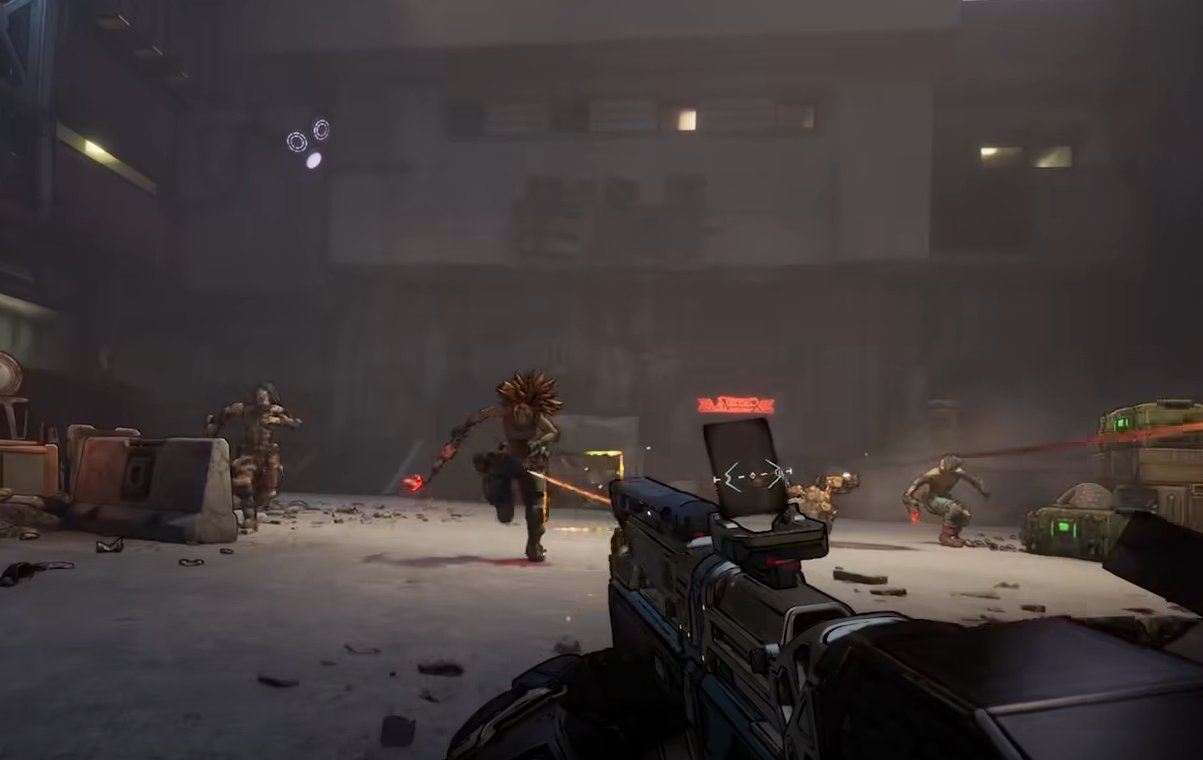
Playing Borderlands 4 alone works fine, but the game is designed to shine when you team up. Co-op brings out each Vault Hunter’s strengths, makes farming faster, and keeps the chaos flowing. This guide explains exactly how to join friends in Borderlands 4, including online, couch co-op, crossplay, and matchmaking options.
How to Join Friends in Borderlands 4
From the main menu, select the party button to pull up your platform’s friends list. You can invite friends directly if they’re online on PlayStation, Xbox, Steam, or through SHiFT. Accepted invites drop them straight into your party, and you can head right into a campaign run, boss farm, or whatever chaos you had planned.
On console, Borderlands 4 also supports local couch co-op. Just connect another controller and choose split-screen to play side by side. This option is not available on PC.
Crossplay and SHiFT Friends
Borderlands 4 has full crossplay, but you’ll need a SHiFT account. Sign in through the in-game SHiFT menu and add friends using their SHiFT ID. As long as everyone in the party has crossplay enabled, you can squad up across PlayStation, Xbox, and PC. If even one player disables it in their Session Settings, the whole party defaults to same-platform only.
Matchmaking with Random Players
If your friends aren’t online, matchmaking lets you party up with others. From the main menu, select Matchmaking and pick a category:
Campaign for players near your story progress
Ultimate Vault Hunter for endgame scaling
Moxxi’s Big Encore Runs for boss farming
Weekly Wildcard missions for rotating challenges
You can queue for multiple categories at once, and the game will search based on your region. Matchmaking settings also let you toggle crossplay or change your preferred server region.
Voice Chat Settings
To set up voice chat, open the Options menu and go to the Network/Social tab. From here you can:
Turn voice chat on or off
Adjust chat volume
Enable or disable push-to-talk
Choose your input and output devices
These settings apply to both friend lobbies and matchmaking groups.
Final Blurb
Borderlands 4 makes co-op smoother than ever. Whether you’re inviting friends, running split-screen, or diving into matchmaking, the game is built for chaotic teamwork. Crossplay ensures platform choice doesn’t matter, and SHiFT integration makes managing friends simple. Grab your crew, pick your Vault Hunters, and loot Kairos together.
FAQ
How many players can join in Borderlands 4?
Up to 4 players can play together online, or 2 players in couch co-op on consoles.
Do I need a SHiFT account to join friends?
Yes, SHiFT is required for crossplay and adding friends across platforms.
Can I disable crossplay?
Yes, you can turn off crossplay in the Session Settings menu. If one person disables it, the whole party runs without crossplay.
Is split-screen available on PC?
No, split-screen co-op is console only. PC players can only use online co-op.
More Borderlands 4


