

Borderlands Quest Stuck Fix Guide
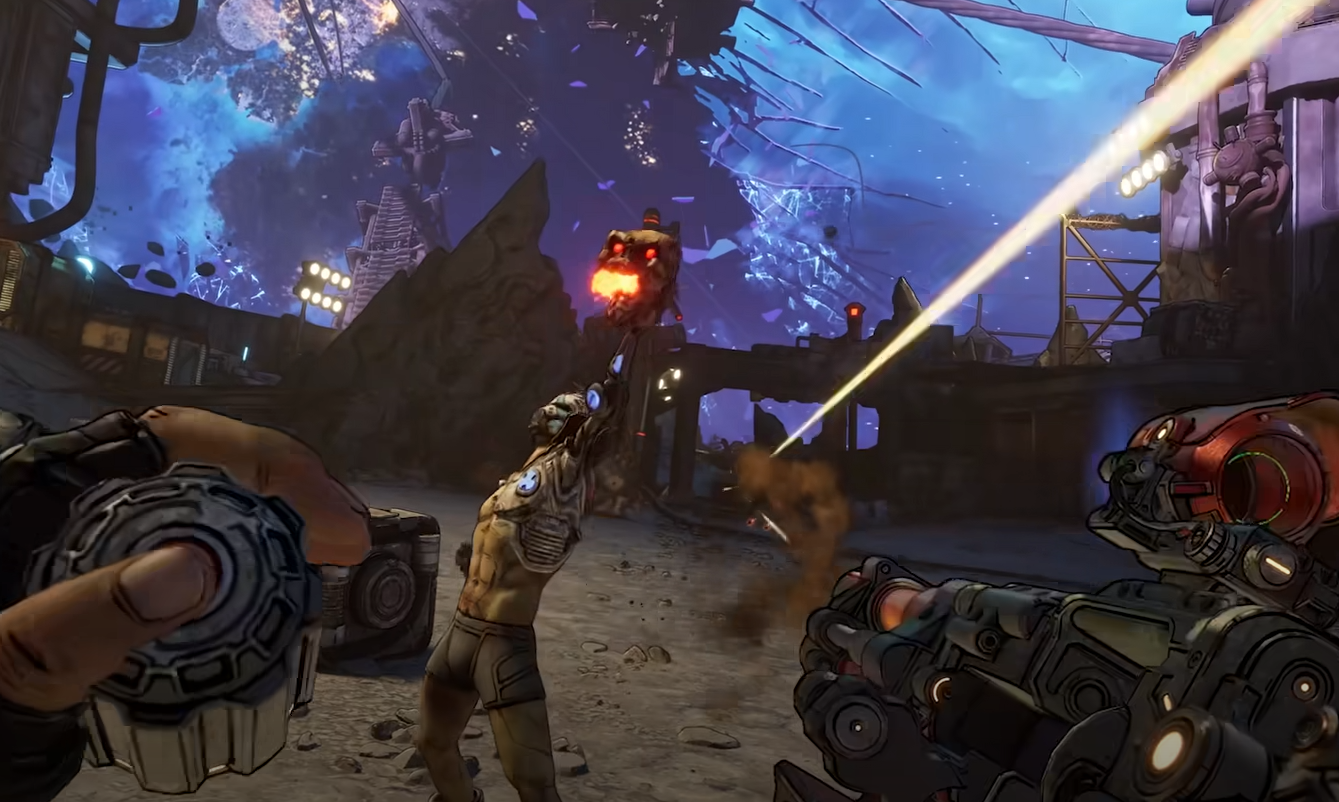
Borderlands games are notorious for fun chaos… and sometimes game-breaking bugs. One of the most common problems is a quest objective not updating, leaving you soft locked. This can happen in Borderlands 2, The Pre-Sequel, Borderlands 3, and even Borderlands 4. While frustrating, there are a handful of reliable workarounds that usually solve the problem without wiping your save.
Here’s a full guide to fixing stuck quests.
Quick Fixes for Quest Bugs
These are the first things you should try when a quest won’t progress:
Save and quit – Exit to the main menu, reload your character, and check if the quest updates.
Fast travel out – Leave the area and re-enter, which can reset objective triggers.
Reload checkpoint – If available, load a checkpoint before the bugged step.
Host swap – If you’re in co-op, change the host to another player.
These simple resets fix most soft locks.
Fresh Character Workaround
If basic resets don’t work, the most reliable method is using a new character:
Create a new Vault Hunter.
Skip the prologue or tutorial if possible.
Load into the game with the new character.
Quit back to the menu, then reload your original character.
The stuck cutscene or dialogue usually triggers again, allowing progression.
This trick works across multiple Borderlands games and is the community’s most recommended solution.
Multiplayer Fixes
Quest scripting often behaves differently in co-op. If you’re stuck solo, try these options:
Invite a friend – Have them join and trigger the objective on their end.
Matchmaking – Join random lobbies at the same quest stage. Sometimes another host pulls you through.
Replay with another save – If you or a friend have an earlier save, replaying the mission can reset it for both players.
Last Resorts
If none of the above work, you still have a few options:
Check Gearbox support forums – Developers and players often share specific fixes for certain missions.
Community saves or editors – On PC, tools exist that let you roll back a save file.
Wait for a patch – Rarely fun, but sometimes it’s the only clean fix.
Final Blurb
Quest bugs are part of the Borderlands experience at this point, but they’re almost never permanent. By resetting your game, trying a new character, or using co-op to trigger missing events, you can usually salvage any stuck mission. Keep these tricks in mind and you’ll never lose a character to a soft lock again.
FAQ
Why do quests get stuck in Borderlands?
It usually happens when cutscenes, triggers, or objectives fail to load due to sequence breaks or network issues.
Do I need to restart the entire game?
Almost never. Most bugs can be fixed by resets or co-op workarounds.
Does this work across all Borderlands games?
Yes. These fixes are community-tested for Borderlands 2, The Pre-Sequel, Borderlands 3, and Borderlands 4.
What if nothing works?
Submit a ticket to Gearbox support and keep an eye on patch notes. On PC, you can also use save editors to reset quest progress.
More Borderlands 4


