

Cairn Bag Maniac Achievement Guide: How To Unlock It
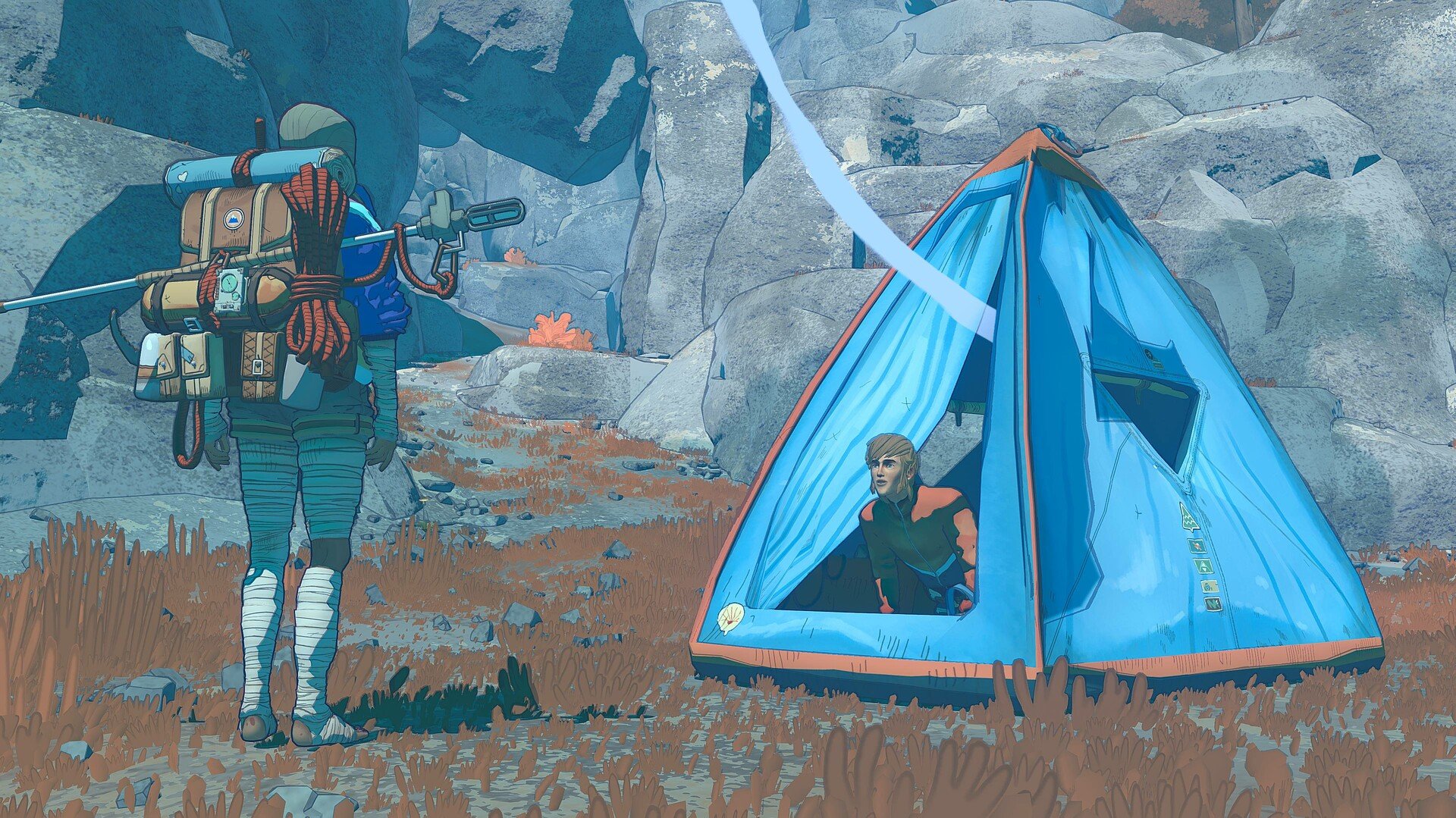
Bag Maniac in Cairn is unlocked by manually adjusting the contents of your backpack. You do not earn this achievement through progression or climbing alone, it only triggers after you interact with your pack inventory yourself.
How To Unlock Bag Maniac
To unlock Bag Maniac, you need to open your backpack and manually move items around. This means repositioning gear inside the pack rather than letting the game auto manage it. Once you make a manual adjustment, the achievement unlocks.
What Counts As Manual Adjustment
You must actively interact with the backpack layout. Simply picking up items or using them does not count. The game looks for intentional inventory organization.
When To Do It
You can unlock Bag Maniac very early in the game. There is no specific location or story requirement. Doing it once is enough, no need to keep rearranging your pack.
Common Mistakes
Some players miss this achievement because they never touch their backpack layout. Auto sorting or leaving items as placed will not trigger it. Make sure you actually move something inside the pack.
View all the other Cairn achievements and how to get them here
Final Blurb
Bag Maniac is one of the simplest achievements in Cairn once you know what it wants. Open your backpack, move an item by hand, and it unlocks instantly. It is less about skill and more about curiosity.
FAQ
Does auto organizing the backpack unlock Bag Maniac
No, you must manually move an item yourself.
Can this achievement be missed
No, it can be unlocked at any time.
Do you need to fully reorganize the backpack
No, moving a single item is enough.
Does using items count
No, only manual repositioning inside the backpack triggers it.
