Crimson Desert Best Settings For FPS And Performance
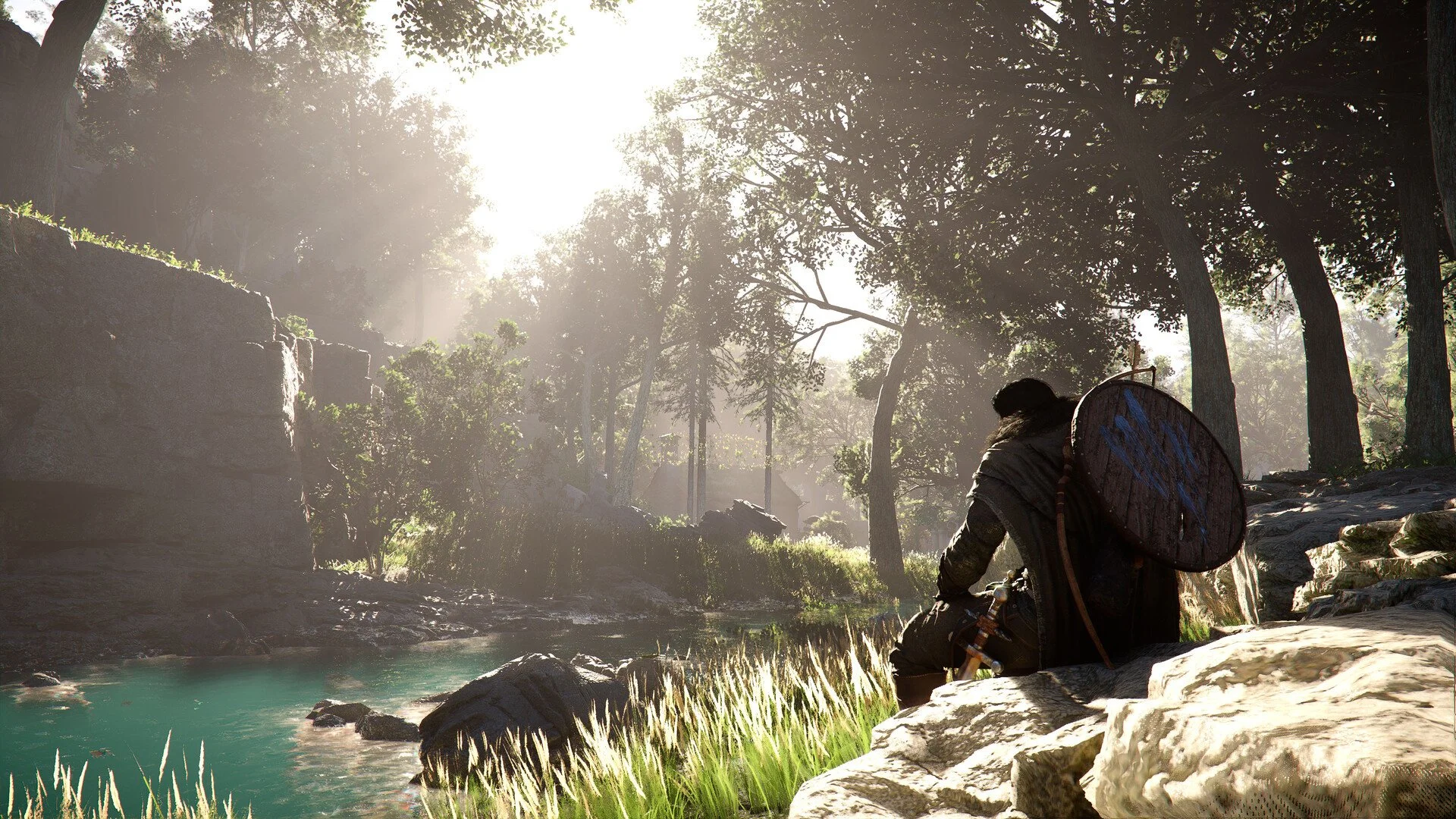
Crimson Desert runs well for a massive open world game, but a few settings can quietly hurt both visuals and FPS if left alone. The biggest problems come from lighting noise and how upscaling behaves, so fixing just a handful of options makes a bigger difference than lowering everything.
Best Settings For FPS And Graphics In Crimson Desert
Use Cinematic as your base, set Lighting to Ultra, Model Quality to Ultra, Foliage to Medium, and use DLSS 4.0 Quality or native resolution for the best balance of FPS and visuals.
This setup improves performance while keeping the game looking sharp and stable.
Performance Benchmarks And What They Show
Crimson Desert is already well optimized across most hardware, so you are not fighting poor performance here. At 1440p, high end GPUs can push well over 100 FPS, while mid range systems stay between 70 and 100 FPS. Older GPUs still land around 60 FPS with only small tweaks.
At 4K, performance drops as expected but remains playable.
High end GPUs sit around 80 to 110 FPS
Mid tier systems average 50 to 70 FPS
Lower end hardware sits closer to 40 to 50 FPS
This shows that most players only need small adjustments instead of lowering everything.
How To Fix Lighting Noise And Grain
Lighting is the biggest visual issue, especially indoors where you can see grain, flicker, and unstable shadows. Pushing lighting to Max might seem like the best move, but it can actually make noise worse in some scenes.
Set Lighting Quality to Ultra or Cinematic and keep your render resolution high. This reduces most of the noise without hurting performance.
Best DLSS And Upscaling Settings
Upscaling behaves differently in this game compared to most modern titles. Lower render resolution does not just reduce sharpness, it also reduces lighting quality, which is why the image can look worse than expected.
DLSS 4.0 Quality gives the best balance
Native resolution still looks the cleanest
Performance mode should only be used if needed
AMD users should stick with FSR4 on Quality for similar results.
Should You Use Ray Tracing
Ray tracing is worth leaving enabled since it improves reflections and lighting without hurting performance much. Turning it off usually makes the game look worse without giving meaningful FPS gains.
Ray Reconstruction is much heavier but can improve image quality further.
Reduces lighting noise
Improves shadows and global illumination
Comes with a large performance cost
It can also remove rain visually, which is a known issue right now, so it is best used only on high end systems.
Ultra Vs Cinematic Settings Explained
Cinematic is the highest visual preset, while Ultra is slightly lower but often more stable. The difference between them is small in actual gameplay, especially during combat and movement.
Ultra can sometimes look cleaner in motion, while Cinematic can introduce more visual noise in certain lighting situations. Performance differences are usually minor, so you can safely use either depending on preference.
Motion Blur And Visual Effects Settings
Motion blur can make the image feel less clear, especially during fast movement or combat. Turning it off improves visibility and makes the game feel more responsive.
Motion blur does not meaningfully impact FPS
Turning it off improves clarity
Recommended to disable for most players
Other visual effects can stay high without major performance loss.
Settings That Do Not Affect FPS Much
Several settings have almost no performance impact, so you can safely leave them high without worrying about FPS.
Texture Quality
Effects Quality
Simulation Quality
Post Processing
Water Quality
These give visual improvements without a downside.
Settings That Actually Improve FPS
Most performance gains come from just a few key settings. Lighting should stay on Ultra for the best balance, while Model Quality on Ultra gives a noticeable FPS boost with minimal visual loss.
Foliage Density is one of the easiest wins, with Medium improving performance while still keeping the world looking full. Shadow Quality should stay on Ultra to avoid flicker and blur, and Reflection Quality is best left on Cinematic since lowering it barely helps performance.
Settings That Cause Input Lag
Some settings can make the game feel less responsive even if your FPS is high.
V Sync can add noticeable input delay
Frame generation can increase latency slightly
Lower FPS can make controls feel slower
Turning off V Sync and keeping a stable frame rate improves responsiveness.
Best Settings To Boost FPS
Lighting Quality | Ultra
Shadow Quality | Ultra
Reflection Quality | Cinematic
Model Quality | Ultra
Foliage Density | Medium
Texture Quality | Cinematic
Effects Quality | Cinematic
Water Quality | Cinematic
Volumetric Fog | High
Upscaling | DLSS 4.0 Quality or native
This gives the best balance between performance and visuals without introducing new issues.
Known Issues And Limitations
Some problems are part of the current version and cannot be fixed with settings.
Pop in when moving quickly
Noise in certain indoor areas
Blur when using lower render resolutions
Rain disappearing with ray reconstruction
These will likely improve with future patches.
Final Blurb
Crimson Desert does not need heavy optimization, but a few targeted changes make a big difference. Fixing lighting and avoiding poor upscaling setups matters far more than lowering everything. Once dialed in, the game runs smoothly and looks the way it should.
FAQ
What are the best settings for FPS in Crimson Desert
Use Cinematic base with Lighting on Ultra and Foliage on Medium for the best results.
Should you turn off ray tracing
No, it usually does not improve performance and makes visuals worse.
Is DLSS better than native resolution
DLSS Quality is close, but native still gives the best image quality.
What setting improves FPS the most
Lighting and model quality have the biggest impact.