Crimson Desert Controls Guide: KBM, Controller, & Keybinds
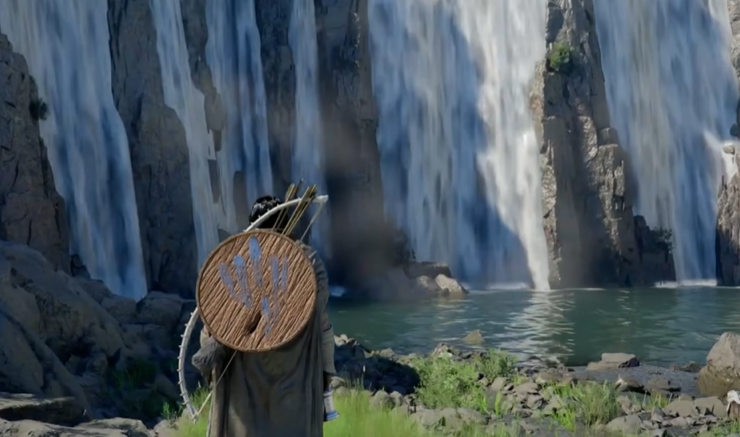
Crimson Desert controls can feel strange at first, and most of that comes down to how the game handles inputs. Controller feels smoother right now, while keyboard and mouse works but can feel clunky and delayed until you adjust.
What Controls Work Best In Crimson Desert
Controller is currently the best input for Crimson Desert, while keyboard and mouse is supported but feels less smooth and takes more adjustment.
The combat system uses layered inputs and combos, so controller fits that design better. Keyboard and mouse is still playable, just not as natural early on.
Controller Vs Keyboard And Mouse In Crimson Desert
Controller Gameplay Feel
Controller gives the cleanest experience overall.
Movement is smoother and easier to control
Combos feel more natural to execute
Camera movement is more consistent
Most players who switch to controller notice better flow right away.
Keyboard And Mouse Gameplay Feel
Keyboard and mouse works, but it has some drawbacks.
Inputs can feel slightly delayed
Some actions require multiple keys
Default layout takes time to learn
It is playable, but not as intuitive early on.
Crimson Desert Controls Overview
How The Control System Works
Crimson Desert uses layered inputs instead of simple one button actions.
Combos require chaining multiple inputs
Some actions use modifier keys
Skills can require holding or timing inputs
This makes combat deeper, but also harder to learn at first.
Why Controls Feel Different
The game expects you to learn input patterns over time.
You are not just pressing one button for actions
Many abilities rely on timing and combinations
Movement and combat are tied closely together
Once it clicks, it feels much better.
Crimson Desert Keyboard Controls Explained
Keyboard controls follow standard movement, but actions are more complex.
WASD is used for movement
Interactions can require extra inputs
Combat uses multiple keys and timing
Some players find the layout awkward at first, especially for interacting with NPCs or using skills.
Crimson Desert Keyboard And Mouse Controls Feel
Keyboard and mouse can feel less responsive compared to controller.
Input delay can happen depending on performance
Combat feels less fluid early on
Requires more precise input timing
Lower settings can help make it feel better.
Crimson Desert Keybinds And Customization
Can You Change Controls In Crimson Desert
Yes, you can change some controls, but full keybind customization is limited depending on platform.
Basic keybind changes are available
Full remapping is not fully confirmed
External tools can help with custom layouts
Players looking for full customization may need to adjust outside the game.
Keybind Limitations Right Now
Not all keys may be remappable
Some actions are tied to specific inputs
Controller remapping may be limited
This will likely improve with updates.
Common Input Issues To Be Aware Of
This is a quick overview, not a full fix guide.
Input Delay On Keyboard
Can happen due to performance issues
Lower graphics settings can help
Turning off V Sync may improve responsiveness
Controller And Keyboard Switching
Game can swap input prompts randomly
Happens when both inputs are active
Restarting usually fixes it
Character Keeps Walking Forward
Known bug
Restarting the game fixes it temporarily
Can trigger after certain actions
Tips To Improve Controls
Use a controller for the smoothest experience
Lower settings slightly for better responsiveness
Stick to one input device per session
Take time to learn combo inputs
The controls feel awkward early, then start to make sense once you build muscle memory.
Final Blurb
Crimson Desert controls take some time to get used to, especially on keyboard and mouse. Controller gives the best experience right now, while keyboard and mouse works but needs more adjustment.
Once you understand how the combo system works, everything starts to feel much more natural.
FAQ
Is controller or keyboard better in Crimson Desert
Controller is currently better because it handles combat and movement more smoothly.
Can you use keyboard and mouse in Crimson Desert
Yes, keyboard and mouse is supported, but it feels less smooth for most players.
Can you change keybinds in Crimson Desert
You can change some controls, but full keybind customization is limited right now.
Why do controls feel clunky in Crimson Desert
The game uses layered inputs and combos, which takes time to learn.
Why does my character keep walking forward
This is a bug that usually fixes after restarting the game.