Crimson Desert: How To Withdraw From Kuku Pot
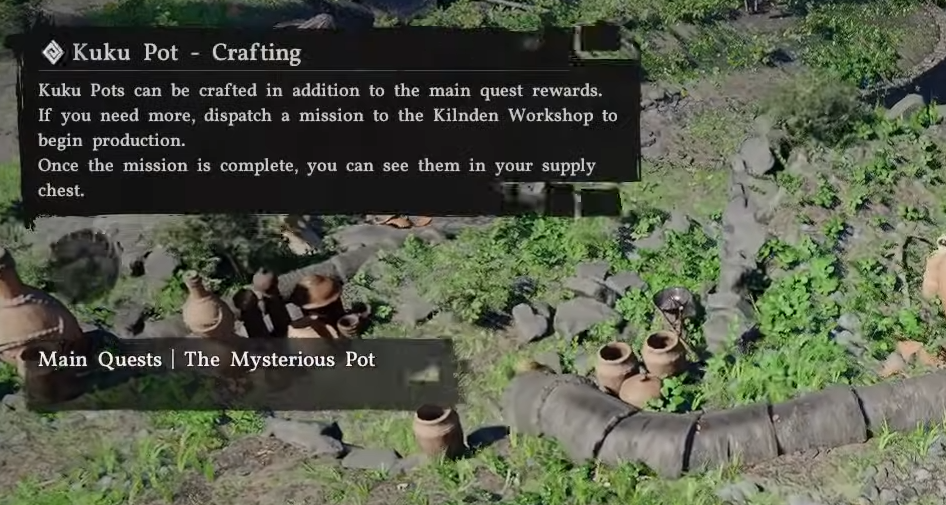
Getting items back out of the Kuku pot is quick once you know the exact input. The option is there, it just uses a different label than you would expect.
How To Withdraw Items From Kuku Pot In Crimson Desert
To withdraw items from the Kuku pot, open it in your inventory and use the discard option.
Follow these steps:
Open your inventory
Select the Kuku pot
Hold the interact button
Open its storage
Select discard on the item you want
The item will go straight back into your main inventory.
Why You Use Discard To Withdraw
The system uses discard as the removal action.
Discard pulls items out of the Kuku pot
It does not delete them in this case
It works as the withdraw function
Once you know that, it is straightforward.
Quick Tips For Withdrawing Items
Always open the pot directly from inventory
Use discard anytime you want something back
Double check the item before confirming
Final Blurb
Withdrawing from the Kuku pot is just opening it and hitting discard. Simple once you know it, and it takes only a few seconds each time.
FAQ
How do you withdraw items from the Kuku pot in Crimson Desert
Open the pot in your inventory and use discard.
Does discard delete items from the Kuku pot
No, it returns them to your inventory.
Where is the withdraw option
There is no traditional withdraw, discard is the correct option.
Is there a faster way to remove items
No, discard is the only method to take items out.