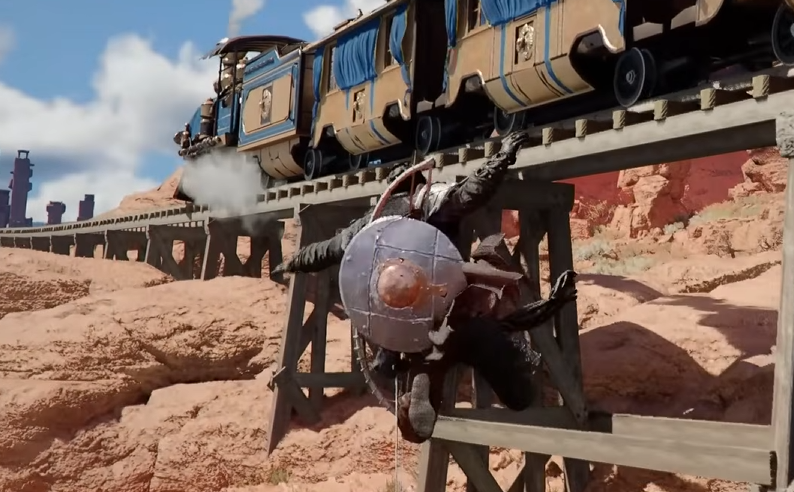
Jumping in Crimson Desert feels off at first because it is not just one button like most games. There are two different jump types, and if you use the wrong one, your character either will not jump or will miss completely.
How To Jump In Crimson Desert
Press ☐ on PlayStation or X on Xbox for a normal jump, and hold L1 or LB first to use precision jump for targeted movement.
Basic Jump Button
For normal movement, jumping is simple.
PlayStation, press ☐
Xbox, press X
PC, press Space
This works for small gaps, basic movement, and climbing.
How Precision Jump Works
Precision jump is what the game expects you to use in most tricky areas.
Instead of jumping freely, you aim first.
Hold L1 on PlayStation or LB on Xbox
This brings up a targeting reticle
While holding it, press ☐ or X to jump
On PC, hold CTRL and press Space.
This makes your character jump directly to the targeted spot.
Why Your Jump Is Not Working
This is the part that confuses almost everyone.
If you are holding L1 or LB but do not see the reticle, the game will not let you jump at all. It cancels the input because there is no valid target.
That is why it feels like the button is broken sometimes.
When To Use Each Jump Type
You need to switch between jump types depending on what you are doing.
Use normal jump when:
Moving around normally
Crossing small gaps
Use precision jump when:
Jumping to narrow platforms
Climbing puzzles
Any time you need accuracy
Trying to use normal jump in those sections will usually fail.
Extra Tips That Help A Lot
Move your camera before jumping so the reticle appears clearly
Do not spam jump, line it up first
If nothing happens, you are not in range of a valid target
Once you understand that, the system feels way better.
Final Blurb
Jumping in Crimson Desert is not broken, it just uses a targeting system that the game barely explains. Once you know the actual buttons and when to use them, movement becomes much more consistent and way less frustrating.
FAQ
What is the jump button in Crimson Desert
☐ on PlayStation, X on Xbox, and Space on PC.
How do you do a precision jump
Hold L1 or LB, aim the reticle, then press jump.
Why won’t my character jump
You are likely holding the targeting button without a valid reticle.
Is precision jump required
Yes, many puzzles and traversal sections depend on it.
Can you change jump controls
Not in game, you would need to remap through system settings.