Crimson Desert Jump Delay Fix Guide
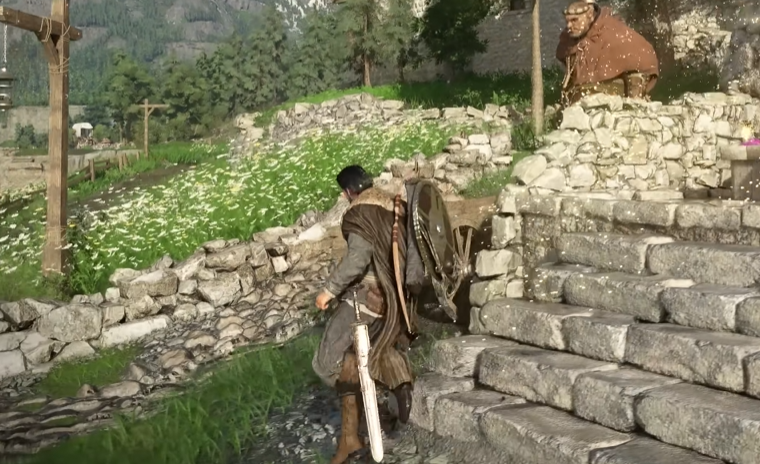
Jumping in Crimson Desert can feel off right away… you press the button and your character reacts a split second later. It makes basic movement feel heavy and sometimes even gets you hit during platforming or fights. This is not you messing up, it is a mix of input delay and how the game handles actions.
How To Fix Jump Delay In Crimson Desert
You cannot fully remove jump delay, but you can reduce it by improving input responsiveness and avoiding animation overlap.
Here are the best ways to make jumping feel faster and more consistent:
Use a wired controller instead of wireless
Disable Steam Input if you are on PC
Lower graphics settings to improve responsiveness
Avoid spamming inputs while other animations are playing
Let actions fully finish before jumping
These changes will not make it instant, but they noticeably tighten the timing.
Why Jump Feels Delayed
The delay comes from a few things happening at once.
First, the game has built in animation commitment. That means if Kliff is finishing an action, your jump will not happen until that animation ends.
Second, input latency can stack on top of that. If your setup has any delay, it makes the jump feel even slower.
Third, the jump button overlaps with other actions like interacting or moving, which can cause hesitation before the jump triggers.
This combination is why it can feel like your input is late, even when you pressed it on time.
How To Make Jumping Feel Better
You cannot brute force this by pressing faster. The trick is to work with the system instead of against it.
Time your jump after movement settles
Avoid pressing jump during other actions
Keep your inputs clean and deliberate
Practice short pauses between actions
Once you adjust to the timing, it becomes more consistent, even if it still feels slightly delayed.
Controller Vs Keyboard Difference
Some players notice a difference depending on input method.
Controller can feel slower due to:
Wireless delay
Input processing layers
Keyboard and mouse can feel slightly more responsive, especially on PC setups with lower latency.
If you are struggling, testing both can help you find what feels better.
Is Jump Delay A Bug Or Intended
Right now it is a mix of both.
Some delay comes from intentional animation design, while other parts feel like input lag that will likely be improved with updates.
That is why the experience can feel inconsistent depending on your setup and situation.
Final Blurb
Jump delay in Crimson Desert is one of those things you notice immediately and then slowly adapt to. It is not fully fixable right now, but you can reduce how bad it feels with a few quick changes.
Once you understand the timing and stop fighting the animations, jumping becomes more predictable… just not as snappy as most games.
FAQ
Why is jumping delayed in Crimson Desert?
It is caused by animation commitment and input latency stacking together.
Can you fix jump delay completely?
No, but you can reduce it with better settings and input timing.
Does using a wired controller help?
Yes, it can improve responsiveness compared to wireless.
Is jump delay a bug?
Part of it feels like input lag, while part is intentional design.
Does keyboard feel better than controller?
In many cases, yes, especially on PC with lower input delay.