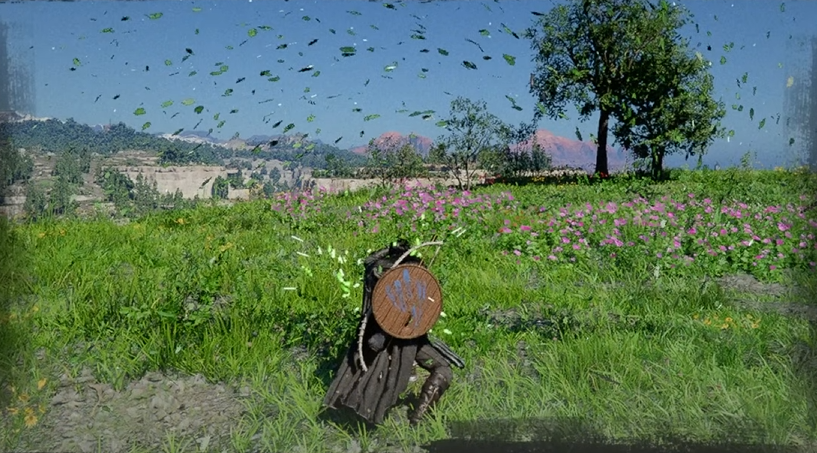
Nature’s Snare not working is one of the most frustrating early issues, especially because the game expects you to use it in puzzles and combat without clearly explaining the input. It ends up feeling bugged when it is actually a mix of strict timing, bad input detection, and in some cases a real controller issue.
Why Nature’s Snare Is Not Working
Nature’s Snare usually does not work because of strict input timing, missing Focus, or a controller input bug, especially when using wireless controllers.
There are multiple causes, and you need to narrow down which one you are dealing with.
How To Use Nature’s Snare Normally
Before fixing anything, make sure you are doing the base input correctly.
Enter Focus using L3 and R3
While entering Focus, start rotating the right stick
Keep rotating the stick while staying in Focus
Aim the ability while it is active
Nature’s Snare uses wind to push enemies and block projectiles, and it drains Spirit while active.
The important part is timing. You are not supposed to press Focus first and then rotate. Both actions need to happen together.
If done correctly, your character will start the animation instead of doing a normal move.
Fix 1 Timing And Input Issue
This is the most common problem.
Start rotating the right stick at the same time you activate Focus
Do not delay the rotation
Rotate slowly and steadily, not fast
If the timing is off, the game will not recognize the input and will default to something else.
Fix 2 It Keeps Using The Wrong Ability
If you keep getting a different move like Force Palm
Your rotation is not being detected early enough
The game is reading a basic input instead
Fixing your timing almost always solves this.
Fix 3 Controller Bug Fix That Actually Works
This is the biggest confirmed issue right now.
Plug your controller into your system using a cable
Do not use Bluetooth while doing this
Try the input again immediately
Many players report that Nature’s Snare only works when the controller is wired
This same issue also affects other rotation based mechanics.
Fix 4 PC Controller And Steam Input Issues
If you are on PC
Disable Steam Input for your controller
Or switch to mouse and keyboard temporarily
Some inputs register more reliably with mouse controls
Controller mapping can interfere with rotation detection.
Fix 5 You Might Be Missing Focus
Nature’s Snare will not work without Focus.
Make sure Focus is unlocked
Make sure you are actually entering Focus mode
If Focus is missing, the skill simply will not activate.
Fix 6 Puzzle Positioning Problem
Some puzzles make this worse by not being clear.
Stand right next to the device you are trying to use
Do not stand where the ghost preview appears
Aim directly at the object
If you are in the wrong spot, it looks like the skill is broken.
Extra Tips To Make It Consistent
Once you get it working once, it becomes easier
Rotate slower than you think
Keep the stick fully pushed while rotating
Watch for the animation to confirm it worked
Reset instead of spamming if it fails
This ability is very sensitive to input, so clean execution matters.
Final Blurb
Nature’s Snare not working is a mix of poor input clarity and actual controller issues. The biggest fixes are getting the timing right and avoiding wireless controller problems. Once it clicks, the skill works consistently and becomes useful for both puzzles and combat, but until then it can feel completely broken.
FAQ
Why is Nature’s Snare not activating
Most of the time it is due to timing issues or controller input problems, especially on wireless controllers.
Do you need Focus to use Nature’s Snare
Yes, the skill only works while in Focus mode.
Why does it keep using another ability instead
That happens when the rotation input is not detected correctly.
Does plugging in the controller fix it
Yes, using a wired connection fixes the issue for many players.