Dawn of War Definitive Edition Camera Controls & WASD Guide
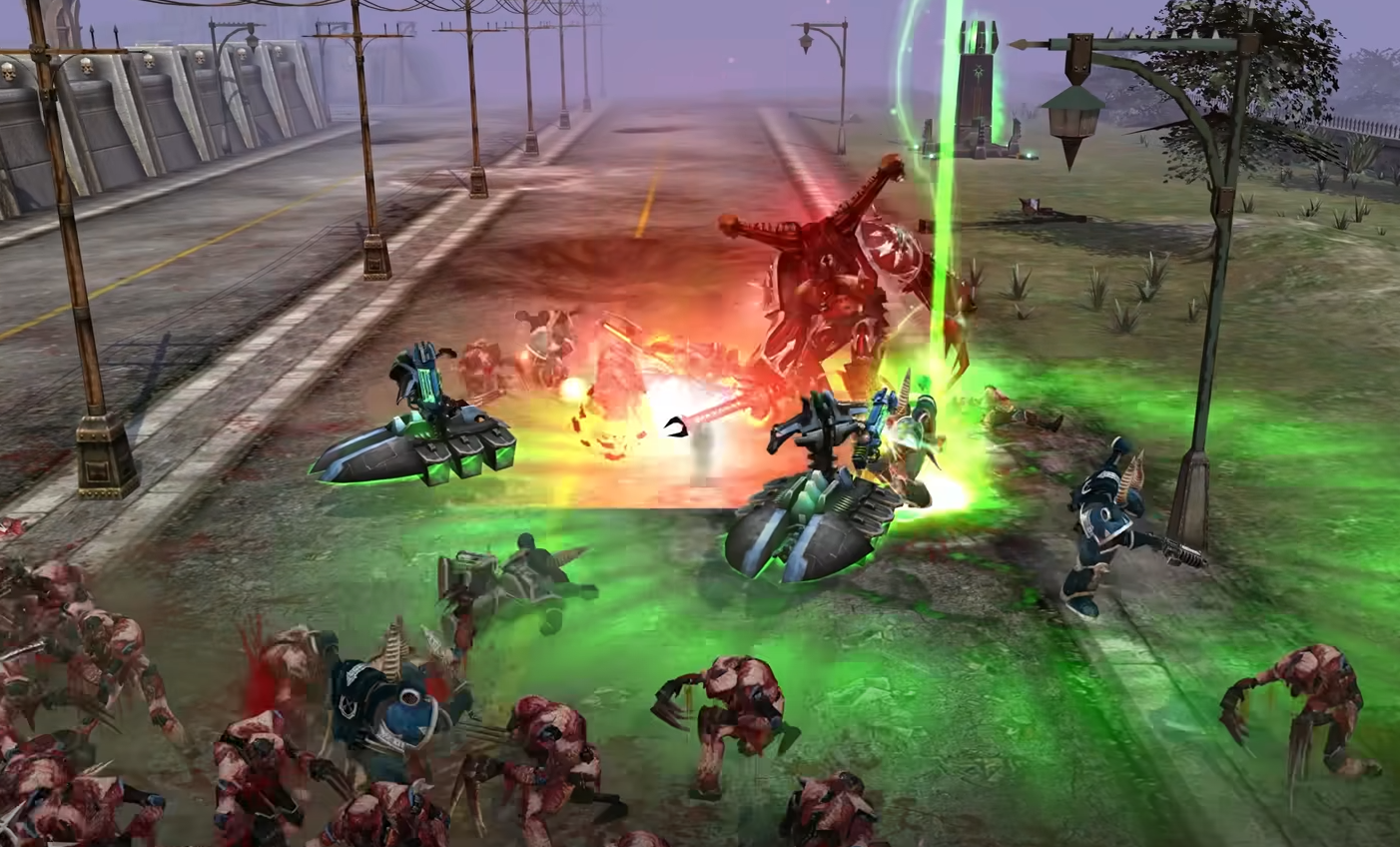
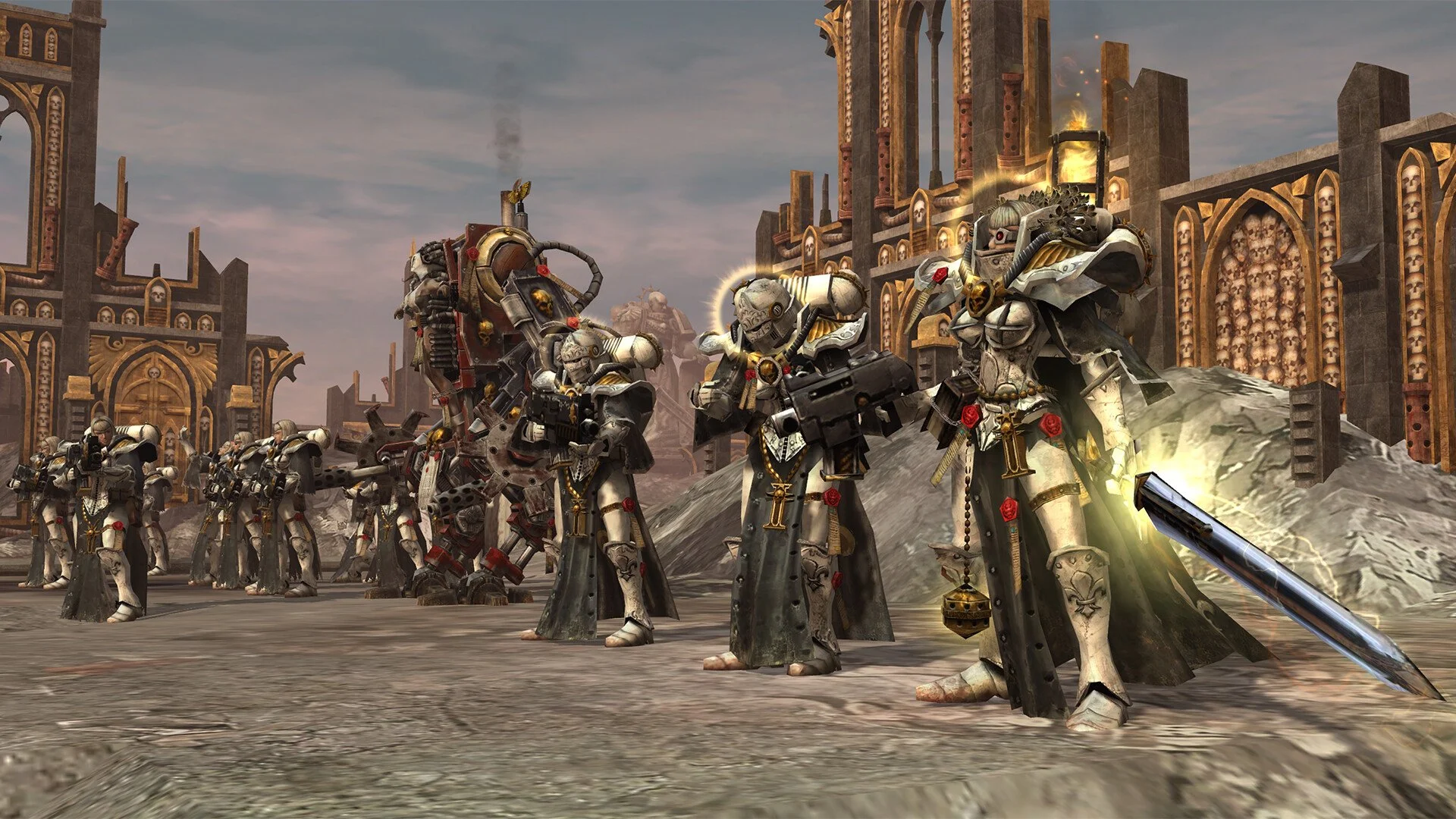
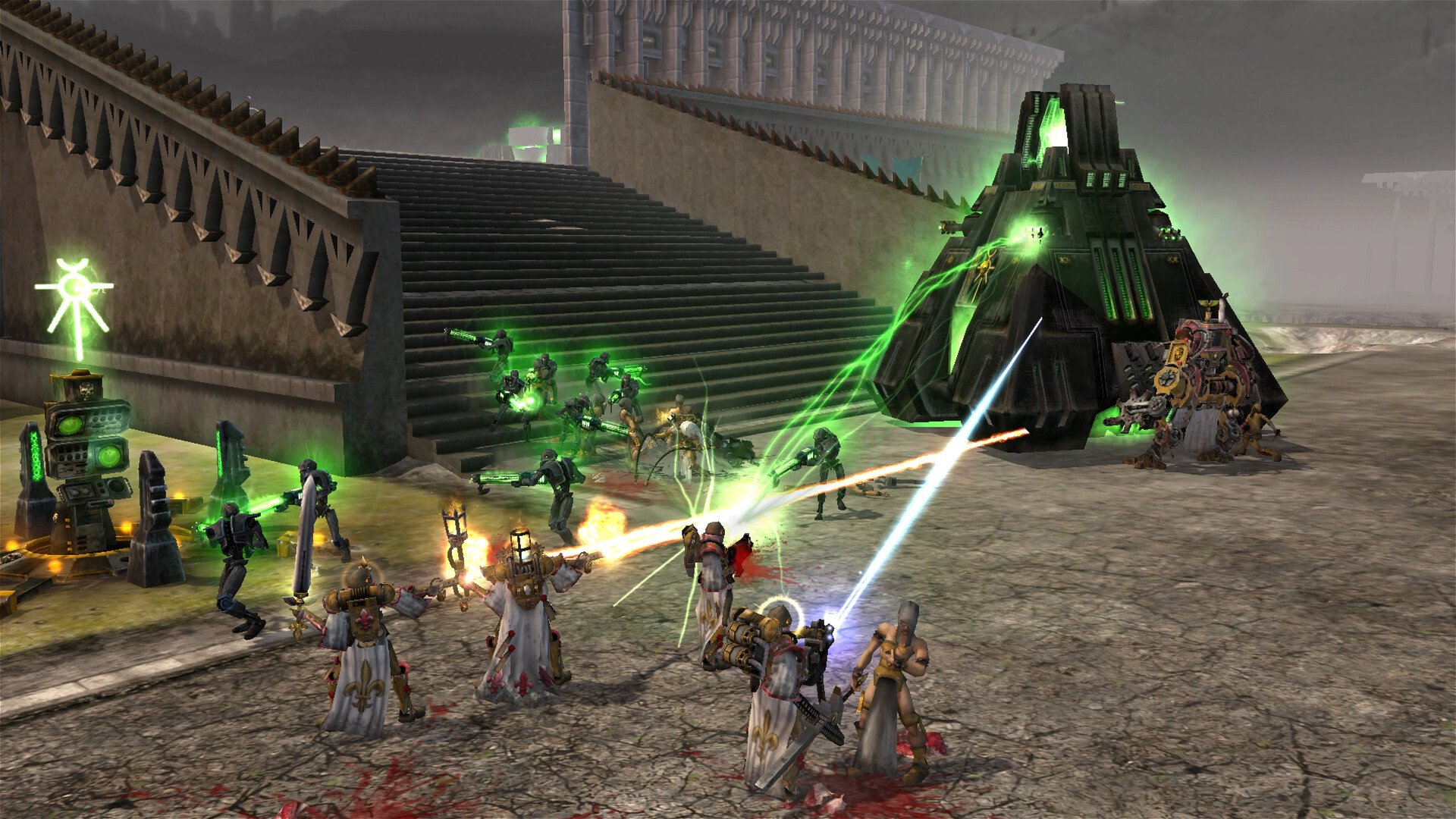
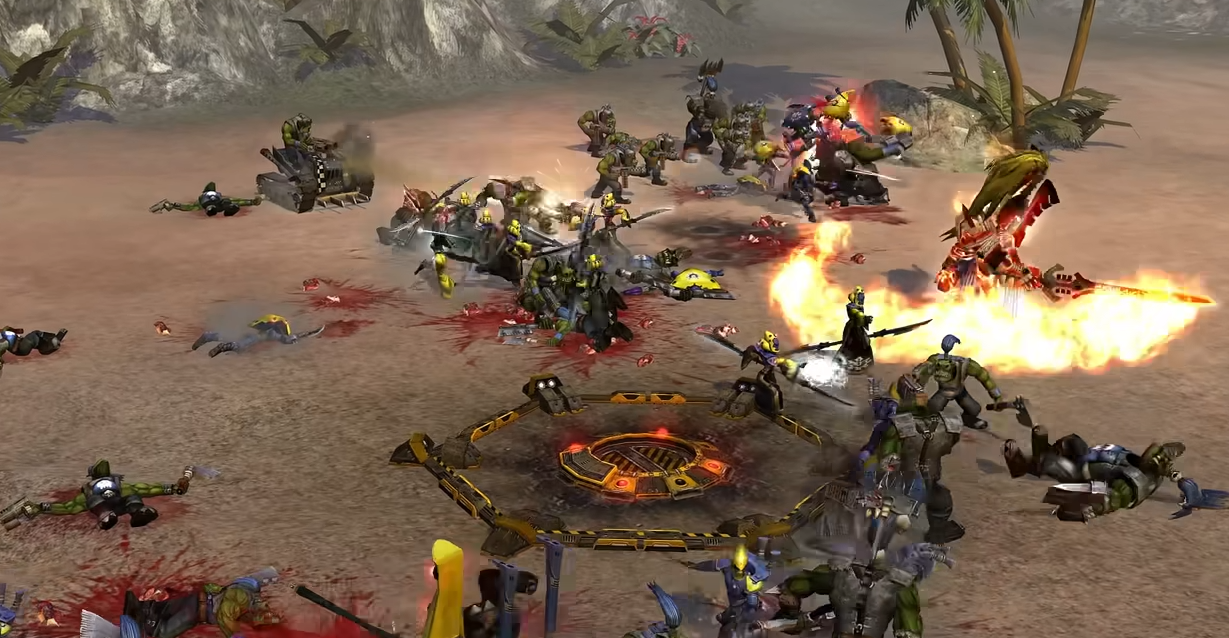
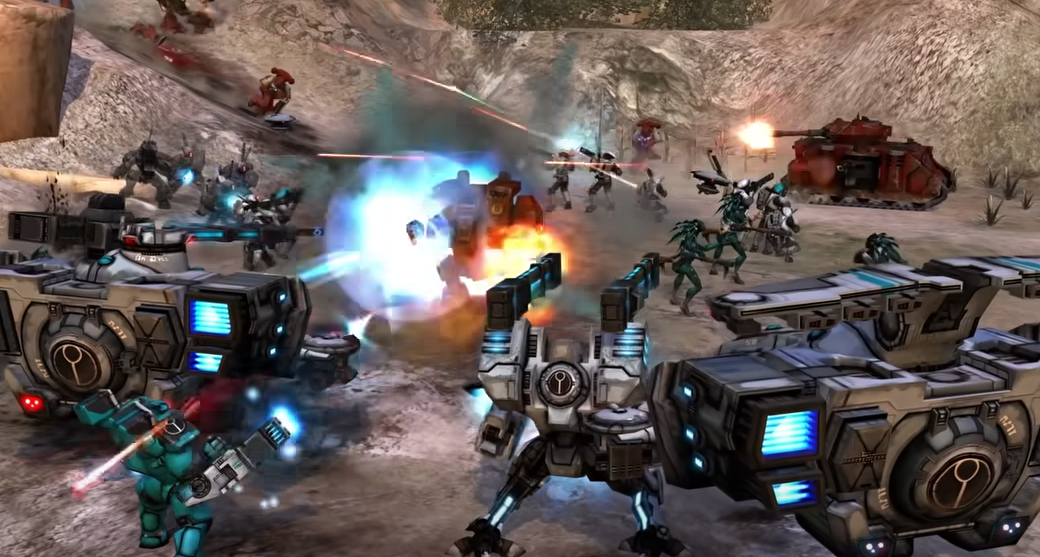
Dawn of War Definitive Edition finally addresses one of the biggest complaints from the original by increasing the maximum camera zoom. You can now see more of the battlefield at once, with the option to keep the original closer view if you prefer.
Camera panning still uses arrow keys or edge scrolling, and there is no in-game way to rebind movement keys to WASD. Players who want WASD movement must use external tools since the game does not currently allow key remapping.
How Camera Controls Work
Basic Movement
Move the mouse to the screen edges or use the arrow keys to pan.
WASD camera movement is not supported natively and cannot be set in-game.
Hold Alt and move the mouse to rotate the camera.
Backspace resets the camera to its default position.
Zooming
Use the mouse wheel to zoom in and out.
The maximum zoom-out is much further than in the original release.
The settings menu allows you to switch to the original closer zoom level.
Zoom Improvements in the Definitive Edition
Much greater zoom-out range for better visibility during large battles.
Fog of war display improved at maximum zoom for a clearer view.
Smoother mouse wheel scrolling for more responsive zoom control.
Camera Tips
Use maximum zoom-out for better map awareness and unit coordination.
Rotate the view when fighting in tight areas or on maps with height changes.
Press Backspace if you lose track of the camera during intense fights.
WASD Controls
If you want WASD control, you must use an external remapping program since the game does not have built-in keybinding options as of now.
Final Blurb
The camera upgrades in Dawn of War Definitive Edition make it easier to command armies and plan movements by giving players more field visibility than ever before.
While native WASD movement is not available, the improved zoom and smooth camera controls offer a clear upgrade over the original game.
FAQ
Can you still use the original zoom level?
Yes, you can set the camera to match the original closer view in the settings.
Does the game have WASD camera movement?
No, and there is no in-game keybinding to enable it.
Can you rebind camera controls in-game?
No, the Definitive Edition does not currently have a key remapping feature.
Does the new zoom change gameplay balance?
No, it only improves visibility and battlefield control.
Can you rotate the camera?
Yes, hold Alt and move the mouse to rotate the view.
More Warhammer 40k: Dawn of War - Definitive Edition