Dawn of War Definitive Edition How to Mod (Installing Mods)
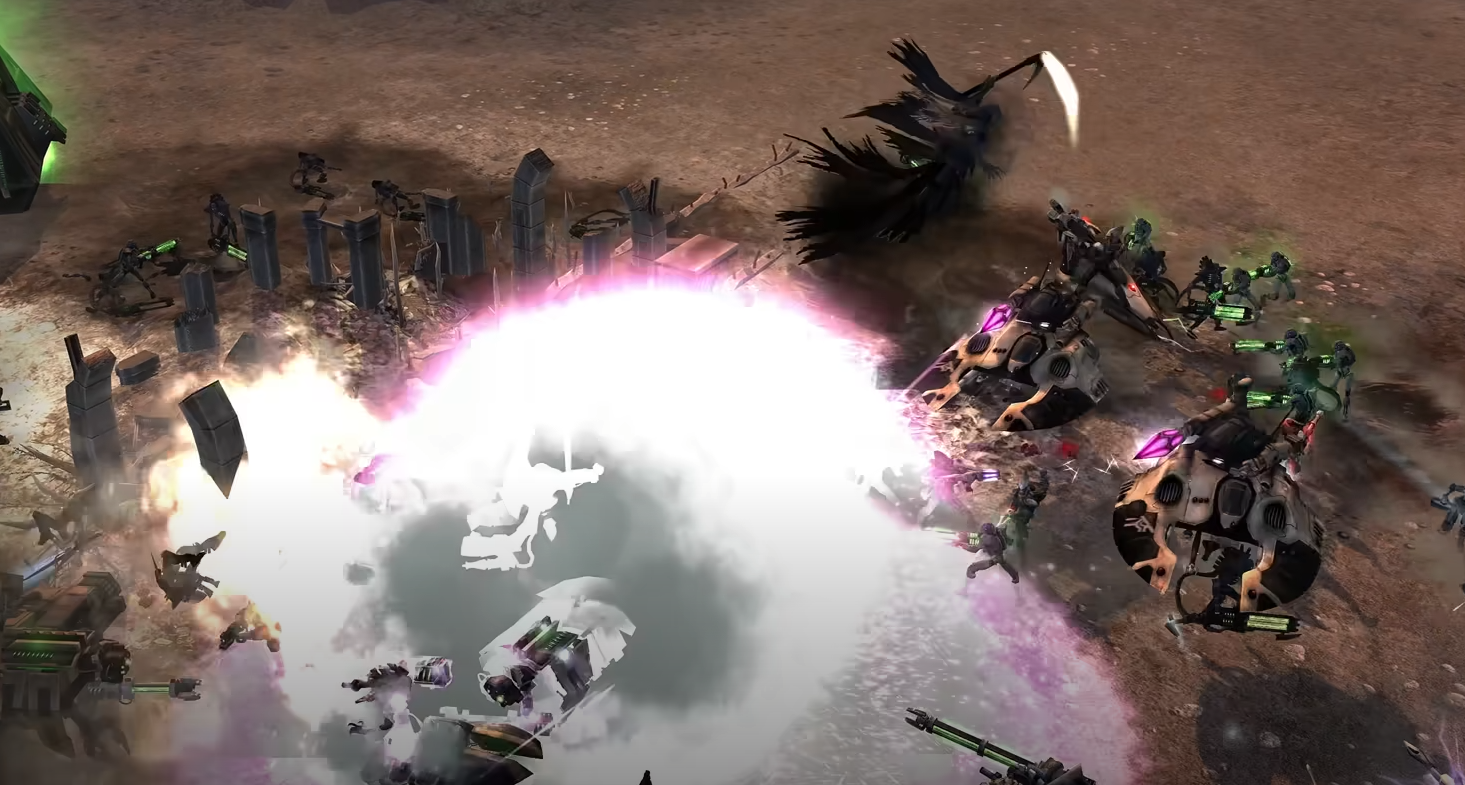
Installing mods in Dawn of War Definitive Edition is different from the original game. Mods no longer go in the main install directory and must be placed in the game’s save directory under your user profile.
This keeps core files clean and ensures better compatibility with updates.
How to Install Mods
Step 1 – Locate the Save Directory
Enable “Show Hidden Files and Folders” in your operating system.
Go to:
C:\Users\[YourUsername]\AppData\Roaming\Relic Entertainment\Dawn of War
Step 2 – Create the Mods Folder
Inside the Dawn of War folder, create a folder called
Mods.For each mod you install, create a separate subfolder inside
Mods.Place the mod’s files inside its own folder, not directly in
Mods.
Step 3 – Install and Test Mods
Unification Mod: Install into its own folder and check that it appears in the in-game Mods list before adding more mods.
Ultimate Apocalypse: Install into its own folder, then add the required sub-mods:
Tyranids Mod
Objective Points SS Mod
Free UI Mod
All required sub-mods go inside the Ultimate Apocalypse folder.
Step 4 – Steam Deck Setup
Use Proton Tricks to run mod installers.
Point them to the
compatdatafolder for Dawn of War Definitive Edition.You may need to navigate into the folder manually to place files correctly.
Tips for Mod Installation
Always test one mod before adding another to avoid conflicts.
Keep mods organized in their own folders.
Avoid the main game directory to prevent update issues.
Follow each mod’s included instructions, especially for large mods like Ultimate Apocalypse.
Final Blurb
The new mod folder system in Dawn of War Definitive Edition makes adding and managing mods easier while keeping the game stable. With the right folder setup, popular mods like Unification and Ultimate Apocalypse work smoothly on both PC and Steam Deck.
FAQ
Can I use mods from the original Dawn of War?
Yes, most will work if placed correctly in the new mods folder.
Where do mods go now?
In AppData\Roaming\Relic Entertainment\Dawn of War\Mods.
Do I need to enable hidden folders to find it?
Yes, the AppData folder is hidden by default.
Can mods be used on Steam Deck?
Yes, by installing them through Proton Tricks and placing them in the correct compatdata directory.
More Warhammer 40k: Dawn of War - Definitive Edition