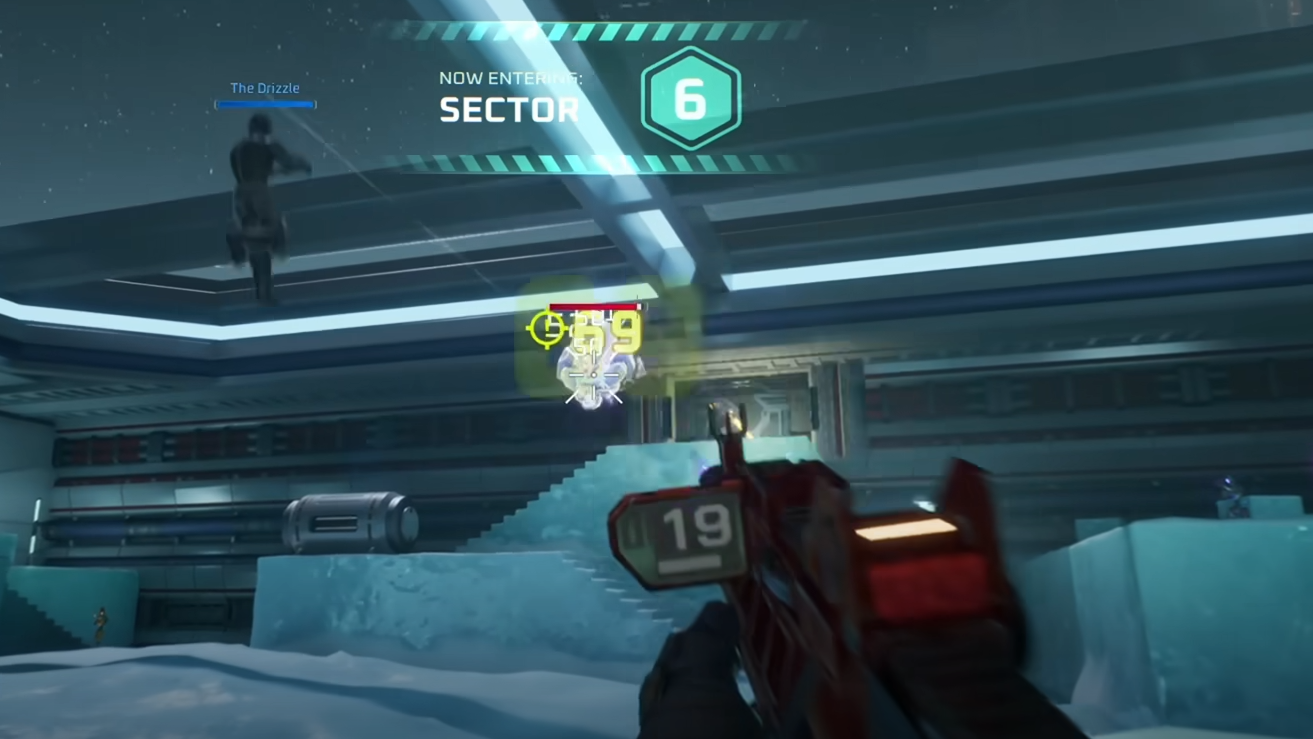
Multiplayer problems in Deadzone Rogue can stop you from joining or inviting friends, and they happen more often than you might expect. Failed invites, empty lobbies, and Steam invite buttons that do nothing are some of the most common reports.
The fix is to connect through the in-game friends list or by using invite codes. These options bypass most Steam invite issues and let you reliably join matches.
How to Fix Multiplayer in Deadzone Rogue
If invites through Steam do not work, open the in-game social menu and add your friends there. Once they are on your in-game list, send or accept invites from inside Deadzone Rogue instead of Steam.
Invite codes are another reliable option. Share the code from your lobby screen and have your friend enter it in their join menu. This method works even when the invite system fails.
Make sure Steam Overlay is enabled before launching the game. Some players report it must be active for invites and codes to function correctly.
Restarting both Steam and Deadzone Rogue can also refresh connections and clear temporary issues.
Final Blurb
Deadzone Rogue’s multiplayer can be temperamental, but using the in-game friends list or invite codes usually solves the problem. Stick to those methods until the developers patch the Steam invite issues.
FAQ
Why won’t Steam invites work in Deadzone Rogue?
They often fail due to the way Deadzone Rogue handles lobbies separately from Steam’s system.
Do I need the in-game friends list to play with friends?
It’s the most reliable method. Add friends in-game and invite them from there to avoid failed connections.
Can I still use Steam Overlay with invite codes?
Yes, and it’s recommended to keep it enabled for the best chance of invites working.
More Deadzone: Rogue