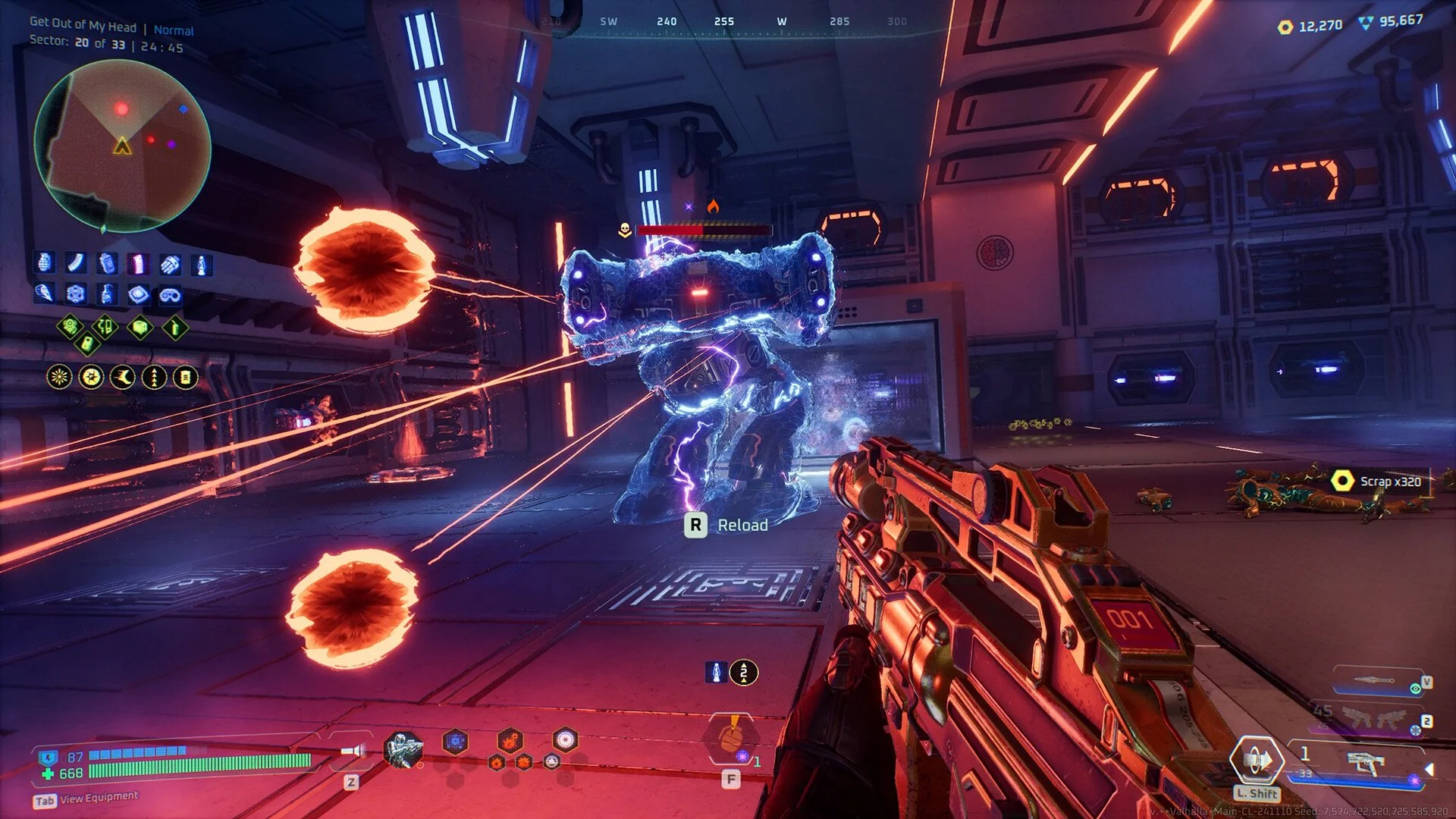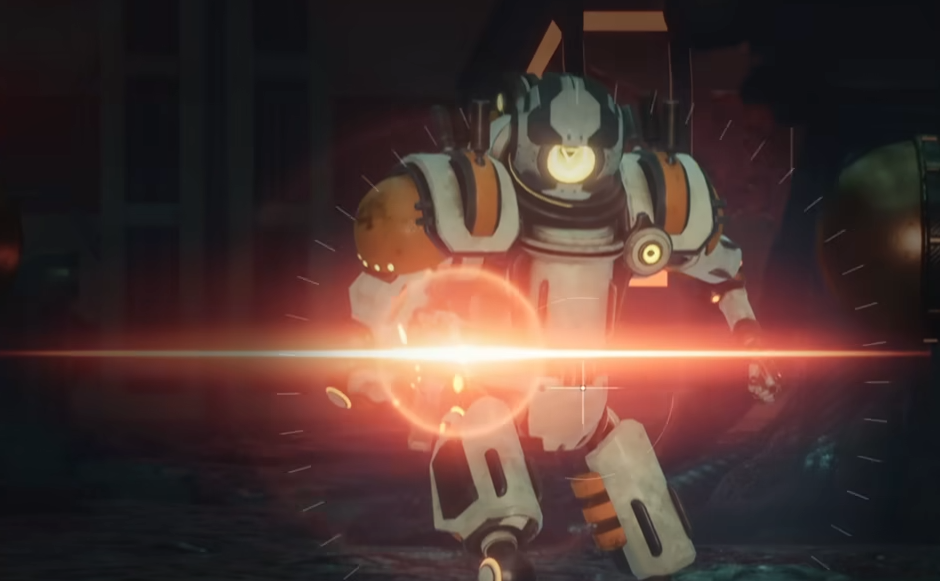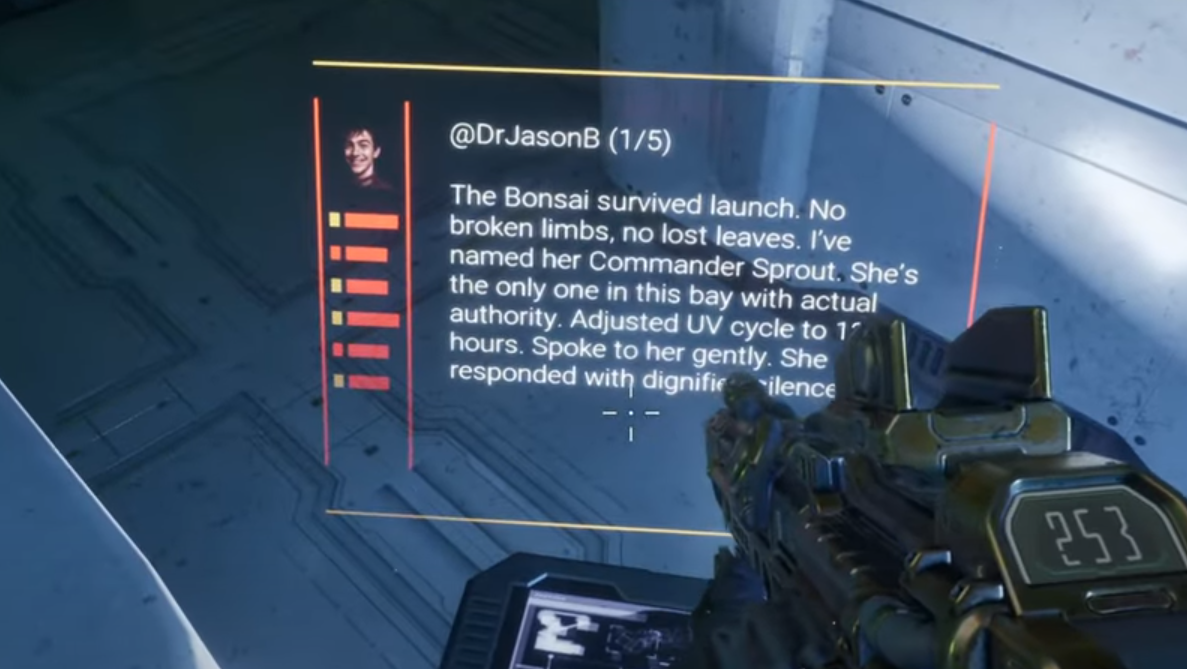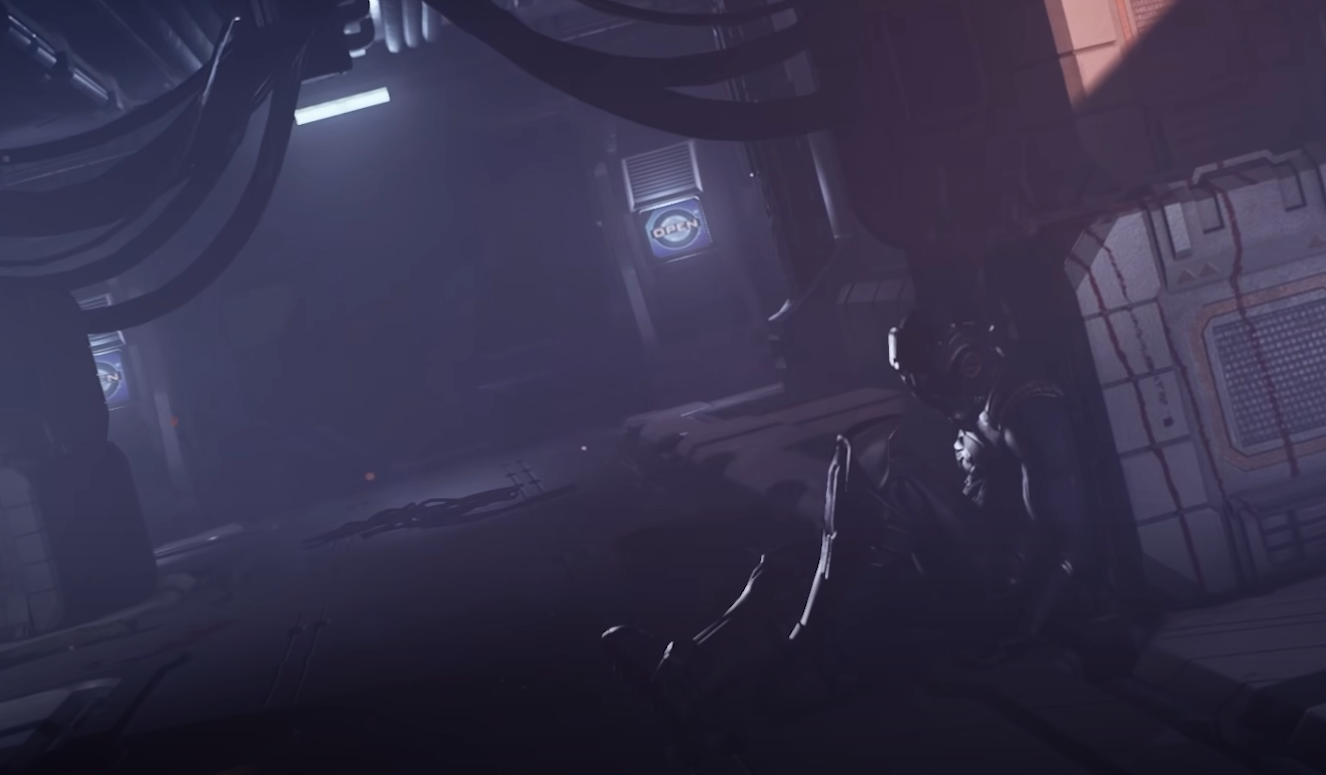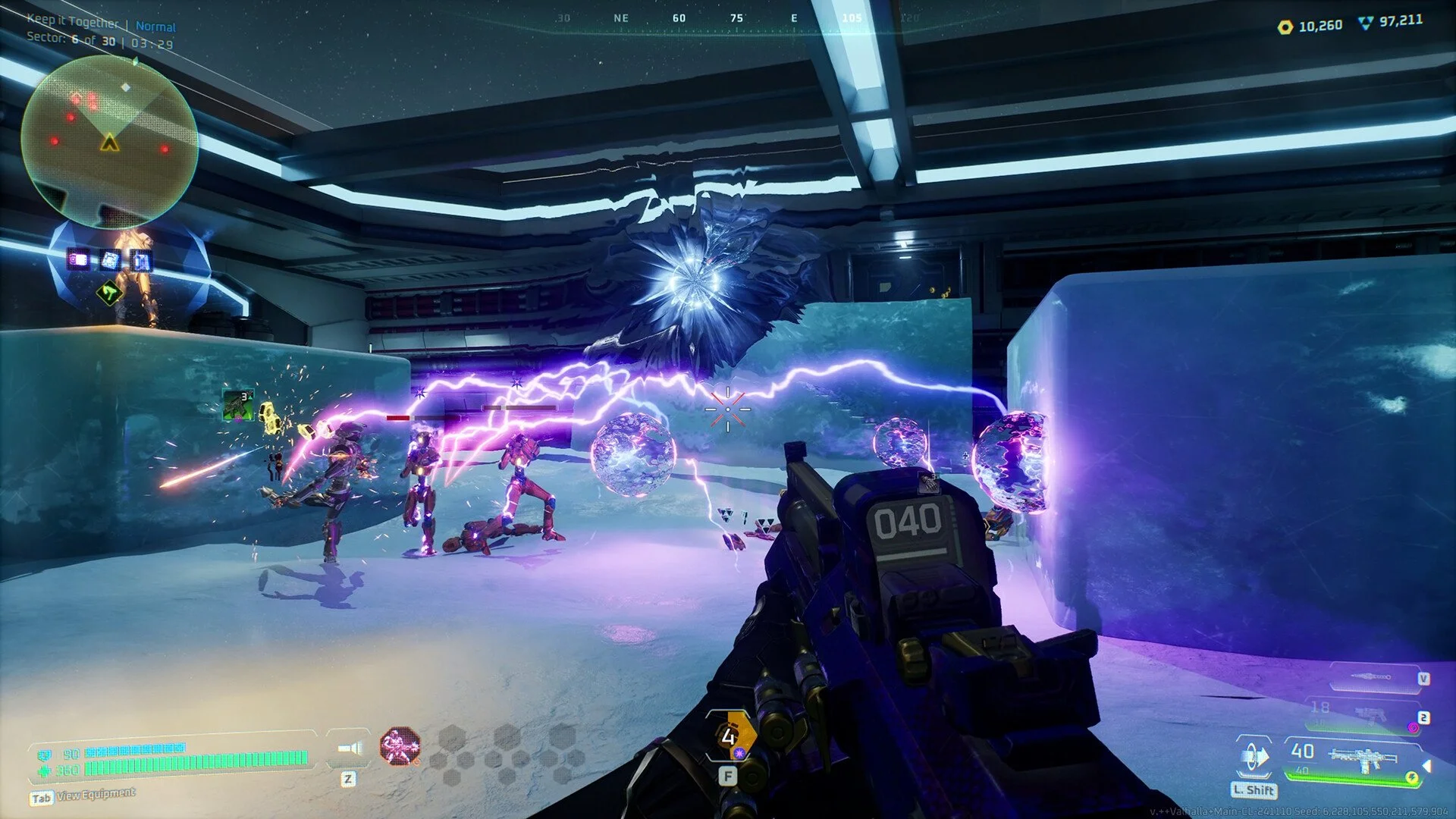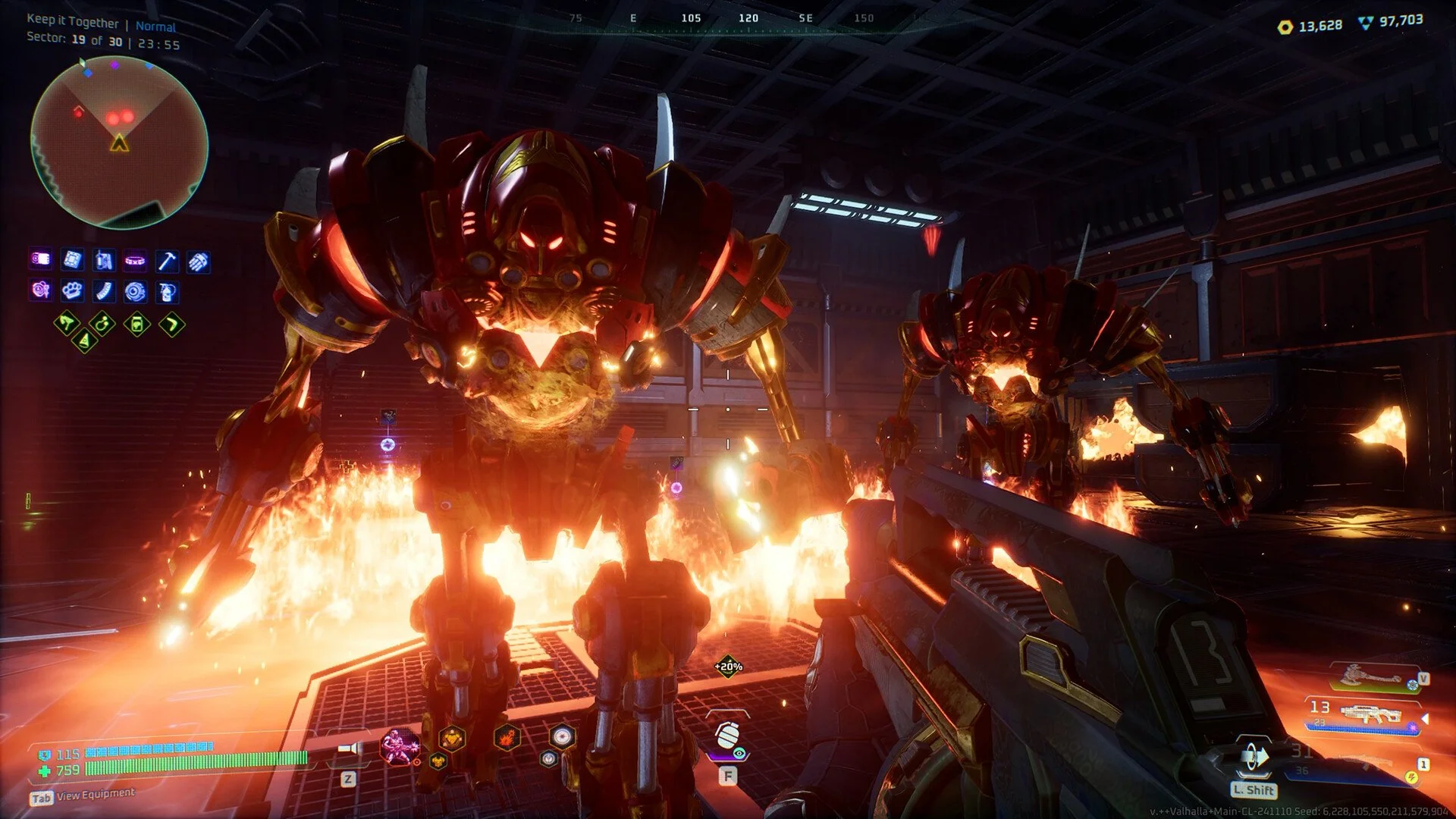
Deadzone Rogue can run with beautiful visuals while still holding stable performance on both Steam Deck and PC. The key is to push important visual effects high while lowering the ones that drain frames but barely change the look.
Here are the optimized settings for the best mix of graphics and performance.
Optimized Graphics Settings
Display:
Screen Mode: Windowed Fullscreen
Resolution: 1280x800 (Deck) or native resolution (PC)
Resolution Scale: 100
Anti-Aliasing Method: FSR
FSR Quality Mode: Quality
Sharpness: 1 (to preference)
Graphics Quality:
Global Quality: Custom
View Distance: High
Shadow Quality: Normal
Post-Processing: High
Texture Quality: High
Visual FX Quality: Normal
Shading Quality: Normal
Global Illumination: Low
Reflections: Normal
Foliage: Normal
Performance Options:
Motion Blur: Off (or On if you prefer cinematic look)
Raytraced Shadows: Off
Lumen Hardware Raytracing: Off
Max FPS: 60 (Deck) or uncapped (PC)
Limit Menu Framerate: On
Vsync: On for smoother pacing
Frame Generation: Off
Nvidia Reflex: Off
Steam Deck Performance Preset
Cap framerate at 45 FPS for smoother visuals at higher settings
Lower Visual FX to Low if aiming for 60 FPS
Adjust FSR Quality and Sharpness depending on preference
PC Performance Preset
High-end GPUs can push over 200 FPS with these settings
Disable raytracing features for stability
Keep Textures, Post-Processing, and Shadows higher for best visuals
Lock framerate to monitor refresh rate for smooth pacing
Final Blurb
Deadzone Rogue looks and plays its best when you balance textures, shadows, and post-processing against heavier features like raytracing. On Steam Deck, 45 FPS with higher visual quality is the sweet spot, while PC players can push far higher frames with the same optimized settings.
These tweaks give sharp visuals, smooth combat, and stable performance.
FAQ
Does Deadzone Rogue run better on Steam Deck with 45 or 60 FPS?
45 FPS gives smoother stability with higher visuals. Lower settings are needed to hold a steady 60 FPS.
Which settings improve visuals the most?
Textures, post-processing, and shadows have the biggest impact on image quality.
Should I use raytracing in Deadzone Rogue?
No, it causes a big performance drop with little visual gain. Keeping it off is best.
Is FSR needed for Deadzone Rogue?
Yes, using FSR in Quality mode gives sharp visuals while boosting performance.
What’s the best overall preset for PC?
High textures, normal shadows, post-processing high, and reflections normal create the best look while staying smooth.
More Deadzone Rogue