Digimon Story Time Stranger Outer Dungeon Not Working Fix
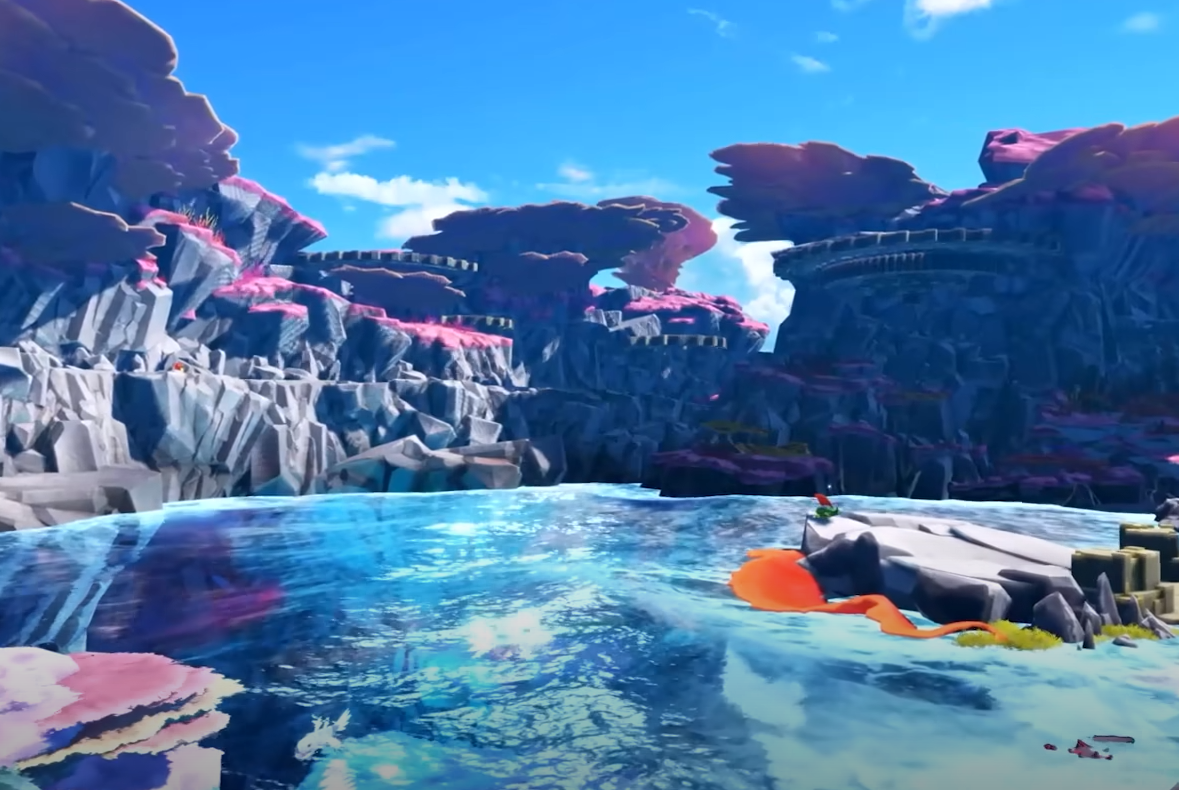
The Outer Dungeons DLC in Digimon Story: Time Stranger adds extra farming dungeons, but some players run into problems where the content doesn’t appear after purchase. If your DLC is not working, here are the steps to fix the issue and make sure you can access the new dungeons.
Check DLC Installation
First confirm the DLC is installed on your platform.
Steam: Right-click the game, open Properties, and look under Installed Content. Make sure Outer Dungeons DLC is checked.
PlayStation/Xbox: Go to Manage Game Content and confirm the DLC is downloaded. If not, select it manually.
After confirming, restart your system so the game reloads all content.
Verify Game Files
Sometimes the base game does not register the new DLC correctly.
On Steam, use Verify Integrity of Game Files. This will re-download missing or corrupted data.
On consoles, delete the DLC and download it again from your library.
This step fixes most recognition problems.
Account and Region Settings
Only the account that purchased the DLC will have access. If you are game-sharing, other profiles may not see the content.
Also check your regional store page. The Outer Dungeons DLC might have staggered release dates, and in some regions it can appear later than the global launch.
Accessing the Dungeons
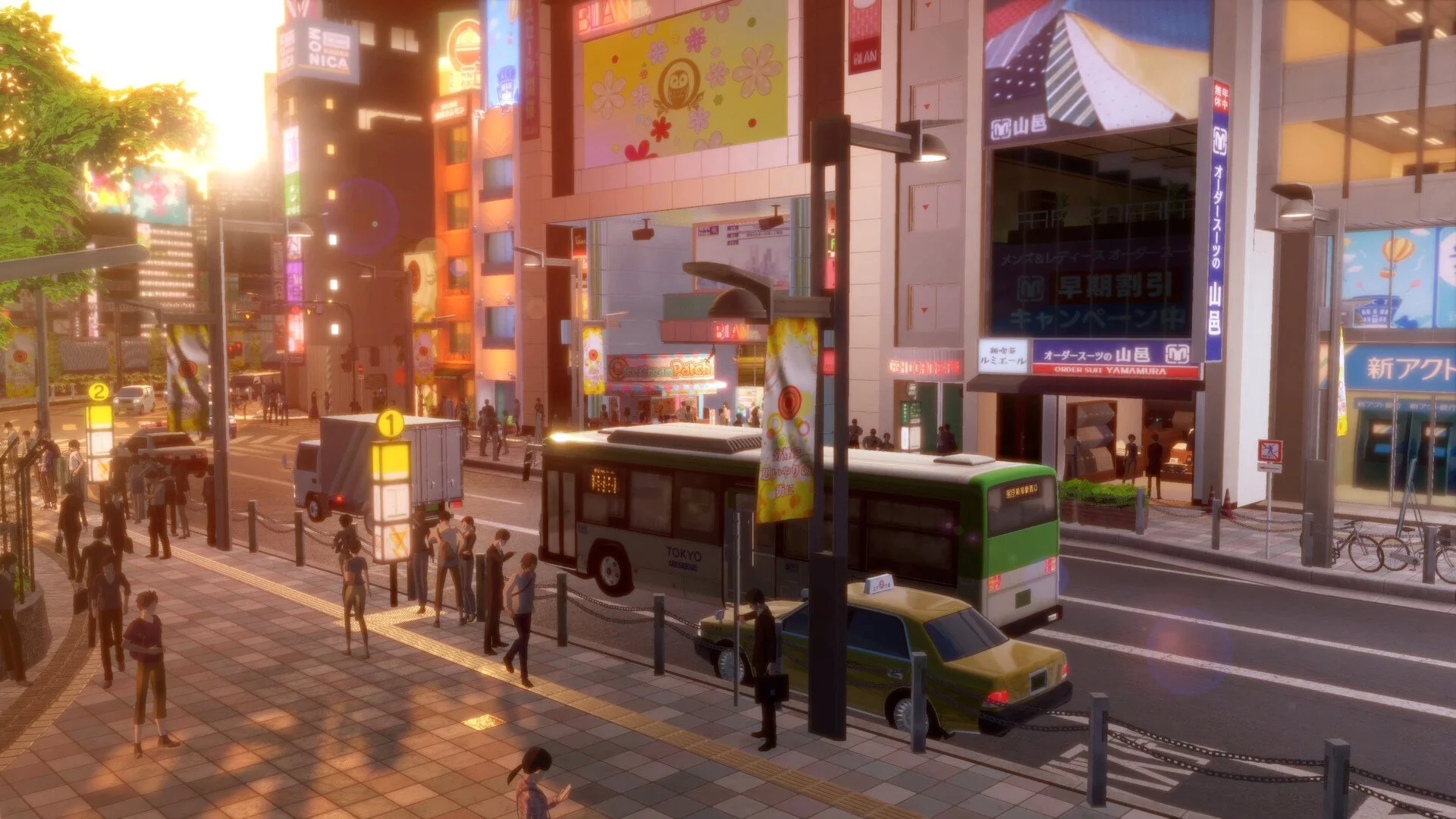
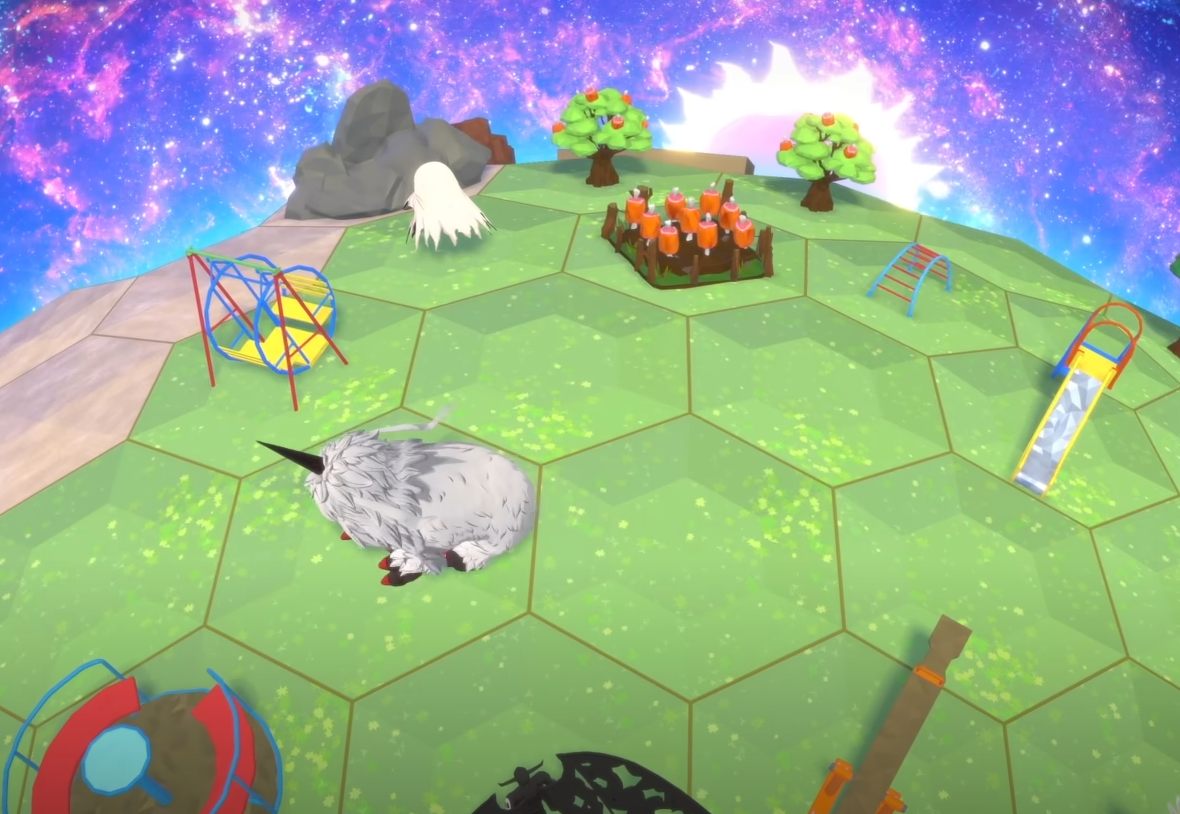
The DLC does not appear in the title screen. Instead, the Outer Dungeons show up as portals inside the game world or through the In-Between Theater once installed. If you only check the main menus, it may seem like the DLC isn’t working when it’s already active in-game.
Reinstall If Needed
If the content still won’t load:
Uninstall both the base game and the DLC.
Delete any leftover files in the install directory.
Reinstall the game and DLC together.
A clean install will fix cases where corrupted data blocks the DLC from activating.
Final Blurb
If the Outer Dungeons DLC in Digimon Story: Time Stranger is not working, the fix usually comes down to installation issues, account mismatches, or checking the wrong location in-game. Confirm the DLC is downloaded, verify your files, and restart your system. In the rare case none of this works, a full reinstall should solve it.
FAQ
Why is my Outer Dungeons DLC not showing up?
Because it’s not fully installed or the game hasn’t recognized it. Confirm installation and restart your system.
Where do I find the Outer Dungeons after installing?
They are accessed in-game as portals and through the In-Between Theater, not from the title menu.
Does the DLC work on all accounts?
No, only the account that purchased the DLC can use it.
Could this be a region issue?
Yes, some DLC may roll out later in certain regions, so check your store page.
What if reinstalling doesn’t fix it?
Contact support with proof of purchase, as your DLC license may not be linking correctly.
© 2025 GamerBlurb. Linking is welcome with credit to GamerBlurb.com. Copying or reproduction without permission is prohibited.
More Digimon Story Time Stranger