Esoteric Ebb: How To Level Up
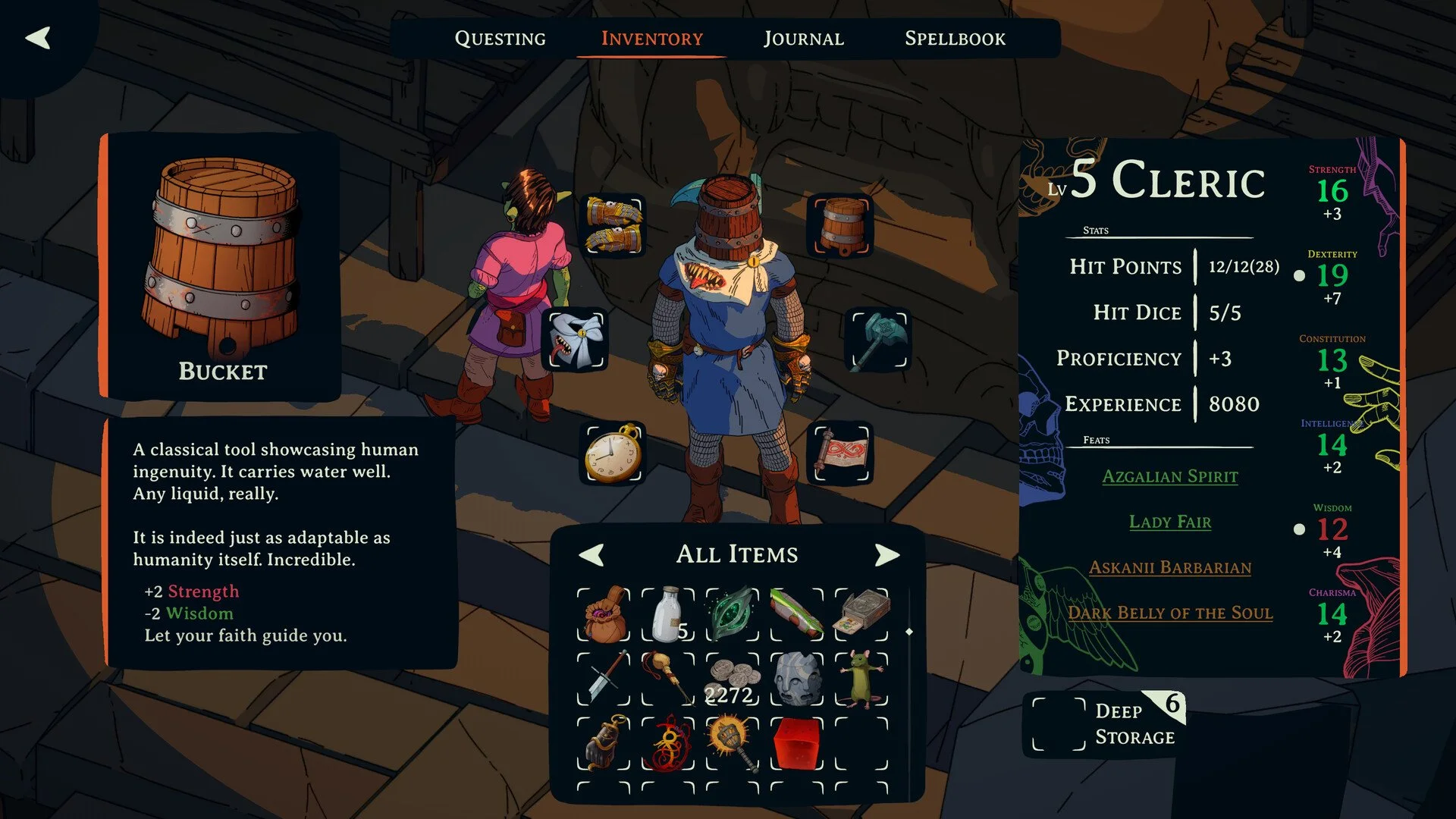
In Esoteric Ebb, you level up by opening the level up screen manually once you have enough experience. The game does not auto trigger the level up window. You need to press the correct button or click the level up icon to access it.
If you have enough XP and nothing happens, the level up menu is likely just hidden behind a small UI button.
How To Open The Level Up Screen
Once you gain enough experience for the next level, you can open the level up menu in 3 ways.
Press Backspace on keyboard
Press Select on a gamepad
Click the arrow in the middle right of the screen
When a level up is available, the arrow icon will show a blinking plus sign. That blinking plus means you have a level ready to claim.
If you do not see the plus sign but you know you have enough XP, it may be a temporary bug.
What Happens If It Does Not Work
Some players have reported that the level up notification appears during dialogue, but the menu does not open correctly afterward. In certain cases, leveling up again later allowed them to level properly, which suggests a bug can interrupt the process.
If you reach the next XP threshold and can only level once instead of multiple times, that is also likely a bug. The developer has acknowledged this issue and mentioned it is being addressed in updates.
If the level up screen does not appear at all, try:
Pressing Backspace again outside of dialogue
Using Select on a controller
Checking for the blinking plus icon on the right side of the screen
If the problem continues, you may need to update the game to the latest version.
Final Blurb
Leveling up in Esoteric Ebb is simple once you know where the menu is hiding. The game expects you to manually open the level up screen instead of auto prompting you.
Keep an eye on that blinking plus icon and use Backspace if nothing appears. Once you know the trick, leveling up becomes second nature… assuming the dice are kind to you.
FAQ
Why is my level up not triggering automatically?
The game does not automatically open the level up screen. You must manually open it using Backspace, Select, or the arrow icon.
What if I have enough XP but cannot level up?
It may be a temporary bug. Try opening the level up menu again or update the game to the latest version.
Where is the level up button located?
It is the arrow in the middle right of the screen. It shows a blinking plus sign when a level up is available.