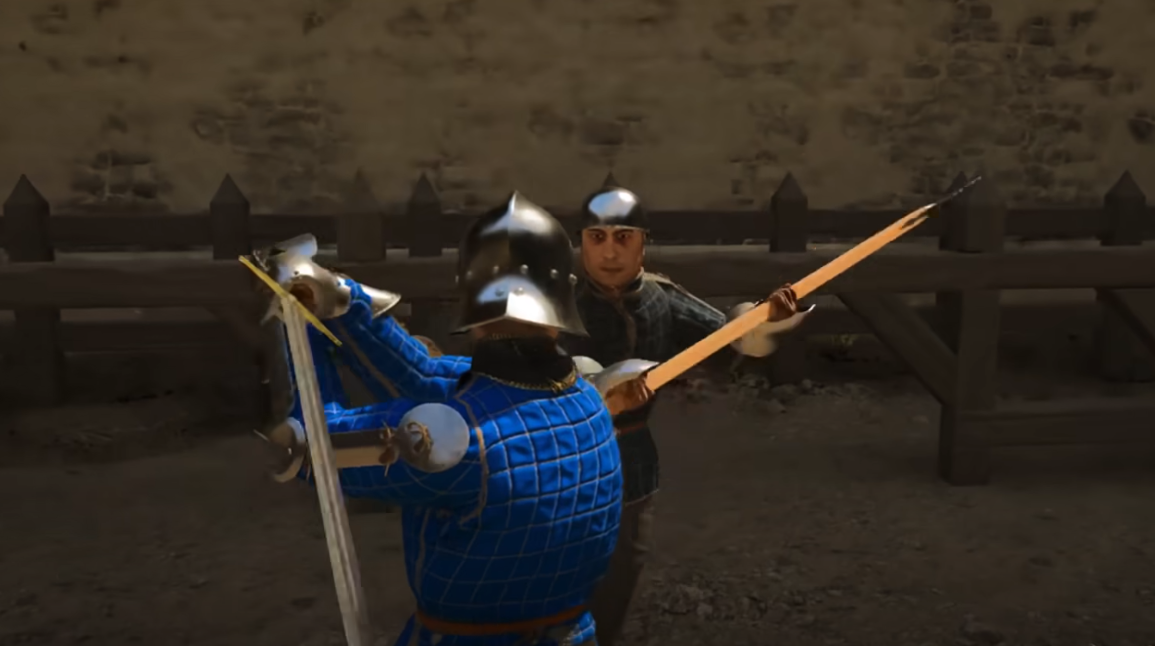
Half Sword Controls Guide
Half Sword uses a keyboard and mouse control setup on PC, and learning the exact inputs is required to survive fights. All actions are hard bound by default, but every key can be changed in the settings. This guide lists every default control in alphabetical order so you can memorize them faster and build muscle memory.
All Default Controls In Half Sword
Below is the full list of default Half Sword controls sorted alphabetically by action name.
Arrow Time, F
Crouch, Left Ctrl
Give Up, G
Inventory, R
Left Hand Grab, Q
Left Hand Swing, RMB
Lock On Target, Z
Move Back, S
Move Forward, W
Move Left, A
Move Right, D
Photo Mode, C
Right Hand Grab, E
Right Hand Swing, LMB
Run, Left Shift
Sheathe Left, Hold Q
Sheathe Right, Hold E
Swap Hands, X
Switch View, V
Thrust, RMB x2
Thrust Mode, Left Alt
How To Change Keybinds In Half Sword
You can customize every control if the default layout does not feel right. The process is quick and works for all actions.
Load Half Sword, open Options, then open Controls and choose Key Binds. Select the action you want to change, press a new key, then save your changes.
There is also a shortcut option to invert mouse input if needed. As of now, there is no controller support on PC.
Final Blurb
Half Sword controls reward precision and timing, not button mashing. Memorizing the keybinds early makes combat smoother and reduces mistakes in high pressure fights. Once the controls click, the game feels much more manageable.
FAQ
Can you rebind all controls in Half Sword
Yes. Every keybind can be changed in the Controls menu.
Is there controller support on PC
No. Only keyboard and mouse are supported right now.
Why do grabs sometimes sheath weapons
Holding Q or E triggers sheathe actions. Tapping the key is required to grab.
Is thrust a separate attack input
Yes. Thrust is done by double clicking RMB or using Thrust Mode with Left Alt.
Should I change the default controls
Only if the layout feels uncomfortable. The defaults are designed around combat flow.
Half Sword Guides