Hollow Knight Silksong Controls for PC and Controller
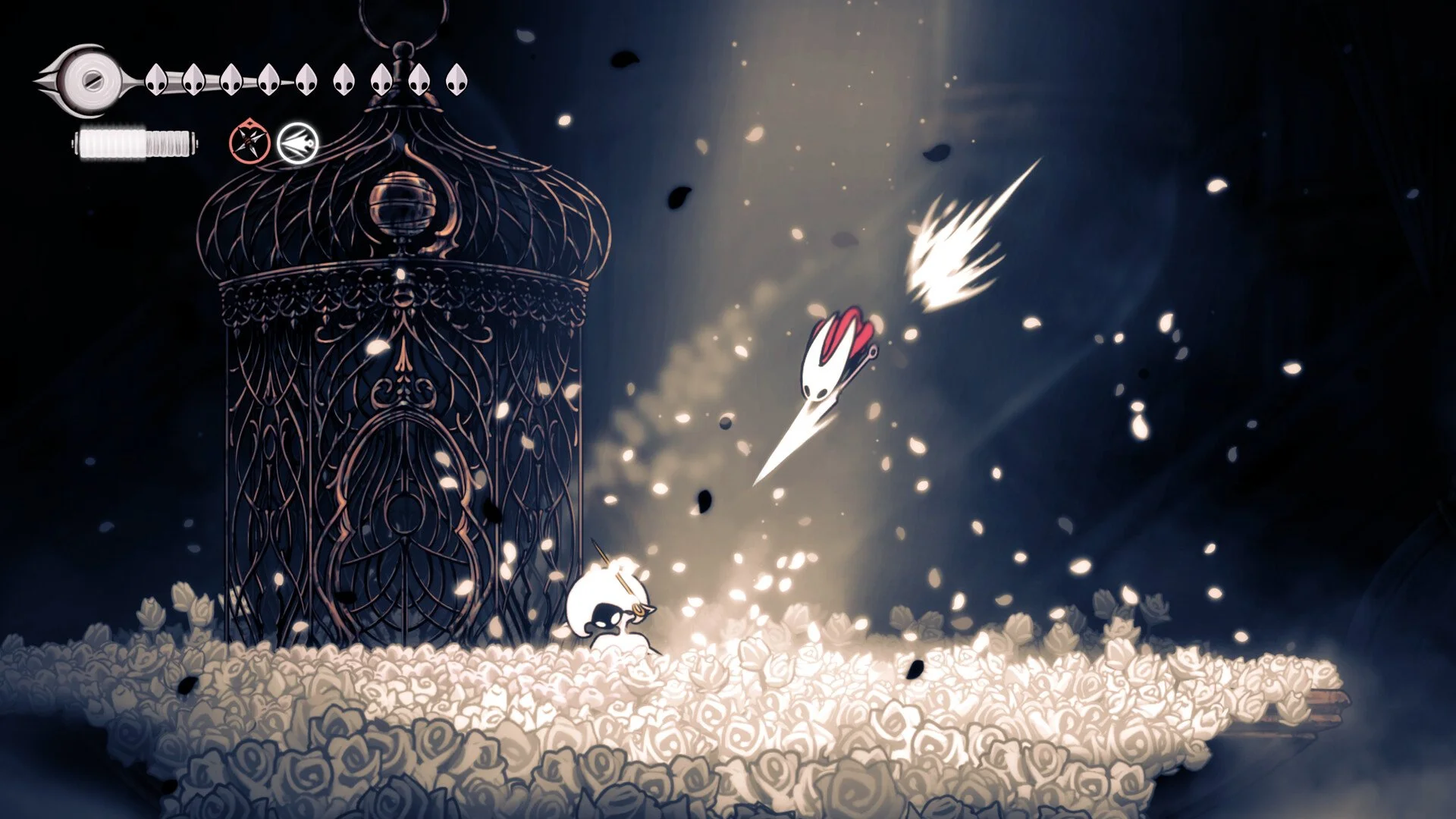
Hollow Knight Silksong plays smoothly whether you’re on controller or keyboard. Team Cherry designed Hornet’s moveset with precision, and every action maps naturally across inputs. You can use Xbox, PlayStation, or standard keyboard setups, and every option is fully remappable.
Hollow Knight Silksong Controller Controls
Here are the default controls for Xbox and PlayStation controllers:
Needolin – Y (Xbox) / Triangle (PlayStation)
Bind – B / Circle
Jump – A / X
Attack – X / Square
Inventory – View Button / Touchpad
Movement – Left Stick / Left Stick
Harpoon – LT / L2
Quick Map – LB / L1
Pause Menu – Menu Button / Options Button
Sprint – RT / R2
Skill / Tool – RB / R1
Hollow Knight Silksong Keyboard Controls
Here are the default keyboard inputs:
Up – ↑
Down – ↓
Left – ←
Right – →
Jump – Z
Attack – X
Sprint – C
Bind – A
Inventory – I
Map – M
Crest – Q
Quick Map – Tab
Harpoon – S
Needolin – D
Skill / Tool – F
Challenge – V
Journal – J
Tasks – T
Can You Remap Controls in Hollow Knight Silksong?
Yes, every control in Silksong can be remapped. Both controller and keyboard bindings can be customized in their own menus, so you can tailor inputs to your preferred style.
Controller Support on PC
Silksong has native support for both Xbox and PlayStation controllers. In-game prompts display correctly depending on your device. DualShock 4, DualSense, and Xbox Series controllers all work without issue.
If your PlayStation controller is not detected, disable Steam Input, since Silksong has native profiles. For devices like the DualSense Edge, enabling Steam Input may be necessary because support is not yet perfect.
While Team Cherry recommends controller play, the keyboard layout is fully functional and responsive. Inputs feel snappy either way, so the choice comes down to preference.
Final Blurb
Hollow Knight Silksong controls are fluid, responsive, and fully customizable across controller and keyboard. With native support for Xbox and PlayStation devices on PC, and a complete set of remappable keys, Hornet’s fast-paced combat is accessible no matter how you play.
FAQ
Does Hollow Knight Silksong support PlayStation controllers on PC?
Yes, Silksong has native DualShock 4 and DualSense support with correct in-game prompts.
Can you remap all controls in Silksong?
Yes, every input on controller and keyboard can be remapped.
What is the default attack button on keyboard?
Attack is mapped to the X key by default.
Is a controller better for Hollow Knight Silksong?
A controller is recommended for comfort and precision, but the keyboard layout works perfectly and remains customizable.
© 2025 GamerBlurb. All rights reserved. Please credit GamerBlurb.com by linking to any information used from this site.
More Hollow Knight Silksong