Hollow Knight Silksong Not Available on PS5 Fix Guide
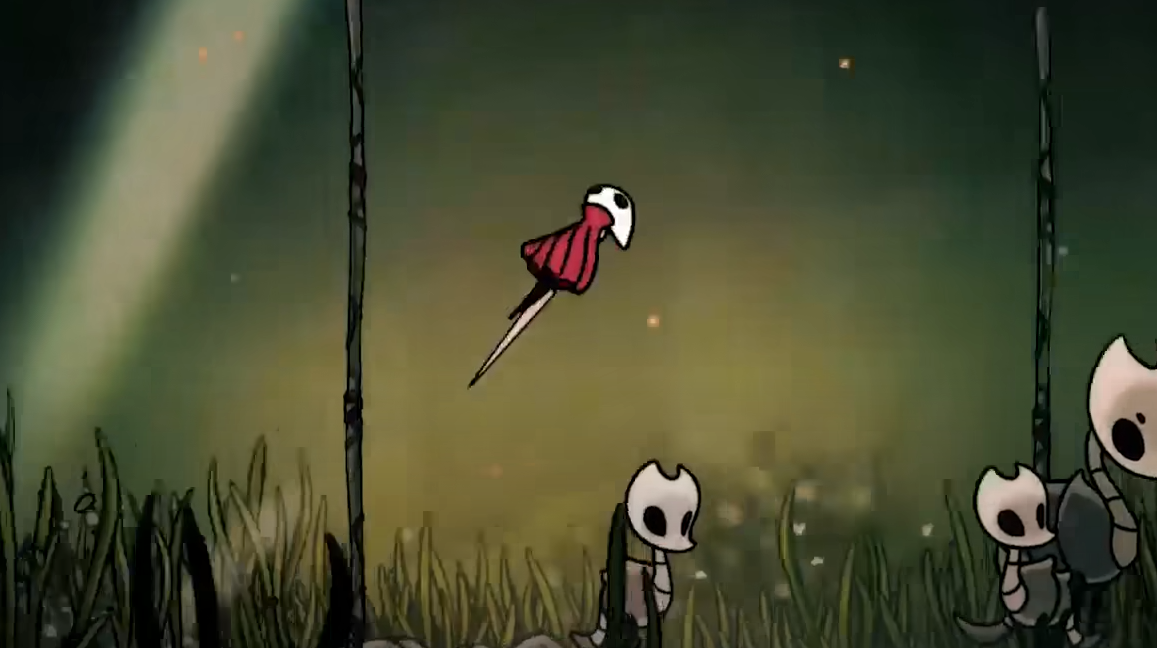
Hollow Knight Silksong is out on PlayStation, but some PS5 players have run into issues at launch. Reports include the game not showing in the store, showing as unavailable, or failing to launch after download. These problems are common on release day with heavy demand, but there are several fixes you can try.
Check Release Time
Silksong launched worldwide at 10 AM EST on September 4, 2025. If you checked before this, the listing would not appear. Make sure your PlayStation Network region is set correctly, as the release is tied to regional store timing.
Search Manually
If the store page does not appear on the front menu, use the PlayStation Store search function and type “Silk” or “Hollow Knight.” Many players reported finding the game this way even when the featured banners were missing.
Refresh the Store
Close the PlayStation Store and reopen it. If that doesn’t work, highlight the store app, press the Options button, and select “Close Application” before trying again.
Restore Licenses
If the game is downloaded but won’t launch, go to Settings > Users and Accounts > Other > Restore Licenses. This often fixes games that show as unpurchased or locked after download.
Rebuild Database
For persistent launch issues, boot your PS5 into Safe Mode and choose Rebuild Database. This clears corrupted cache data and can fix store and install errors without deleting saves.
Use the Web or Mobile Store
If the console store is overloaded, buy the game through the PlayStation Store website or mobile app. This queues the download directly to your console.
Final Blurb
If Hollow Knight Silksong is not working on PS5, the issue is usually tied to launch demand or account syncing. Refreshing the store, restoring licenses, or rebuilding the database will usually fix the problem. Once servers stabilize, the game should run without further issues.
FAQ
Why isn’t Silksong showing on my PS5 store?
It may not have updated yet in your region. Search manually or wait until the 10 AM EST launch window.
What if Silksong says “Not Available” on PS5?
Refresh the store or purchase through the PlayStation Store website or app.
Why won’t Silksong launch after I downloaded it?
Restore licenses in system settings to unlock your purchase.
Do I need to delete and reinstall the game?
Not usually. Try restoring licenses or rebuilding the database before reinstalling.
© 2025 GamerBlurb. All rights reserved. Please credit GamerBlurb.com by linking to any information used from this site.
More Hollow Knight Silksong