How to Fix Bloom Issues in RuneScape: Dragonwilds
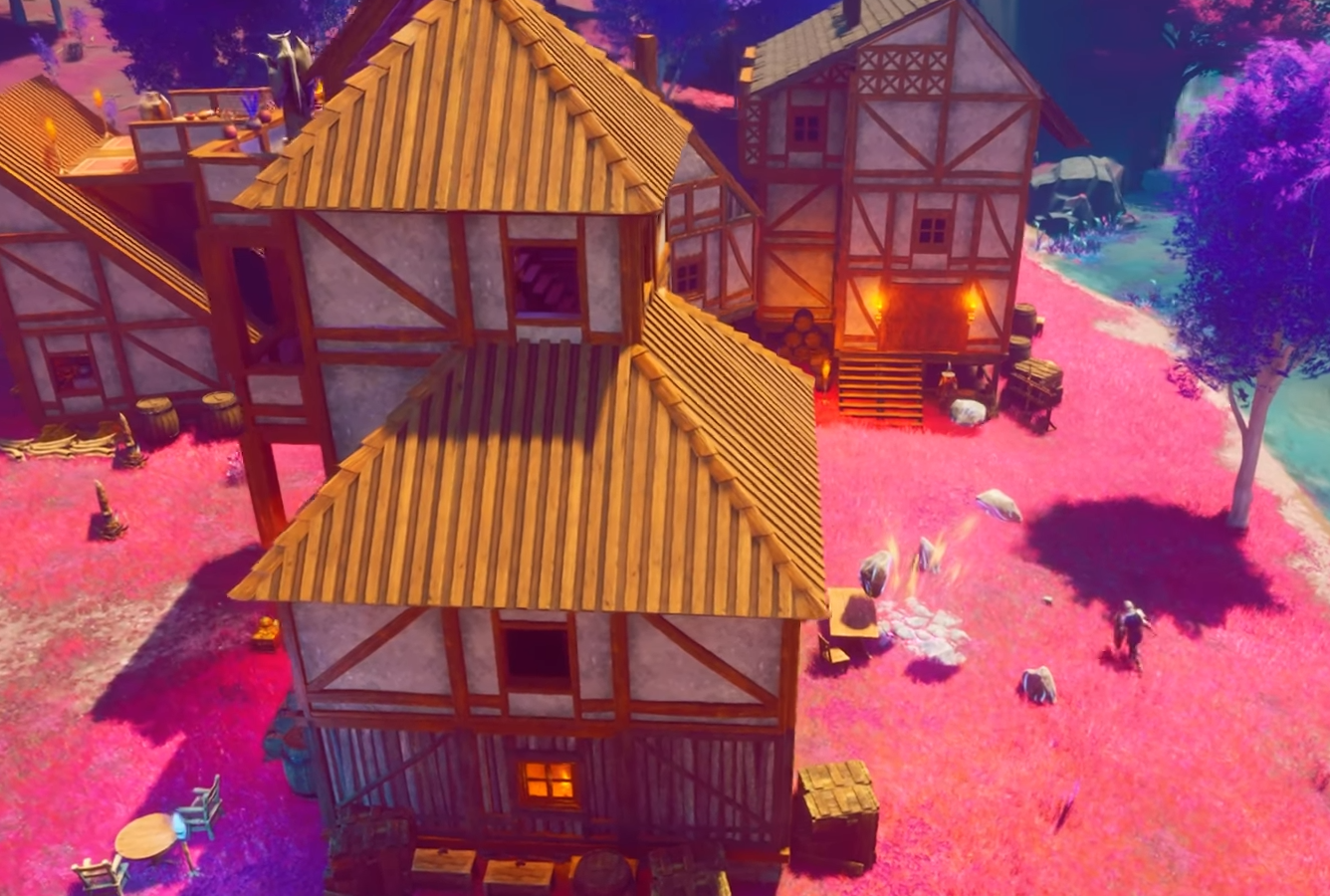
Image Credit: Jagex, RuneScape Dragonwilds
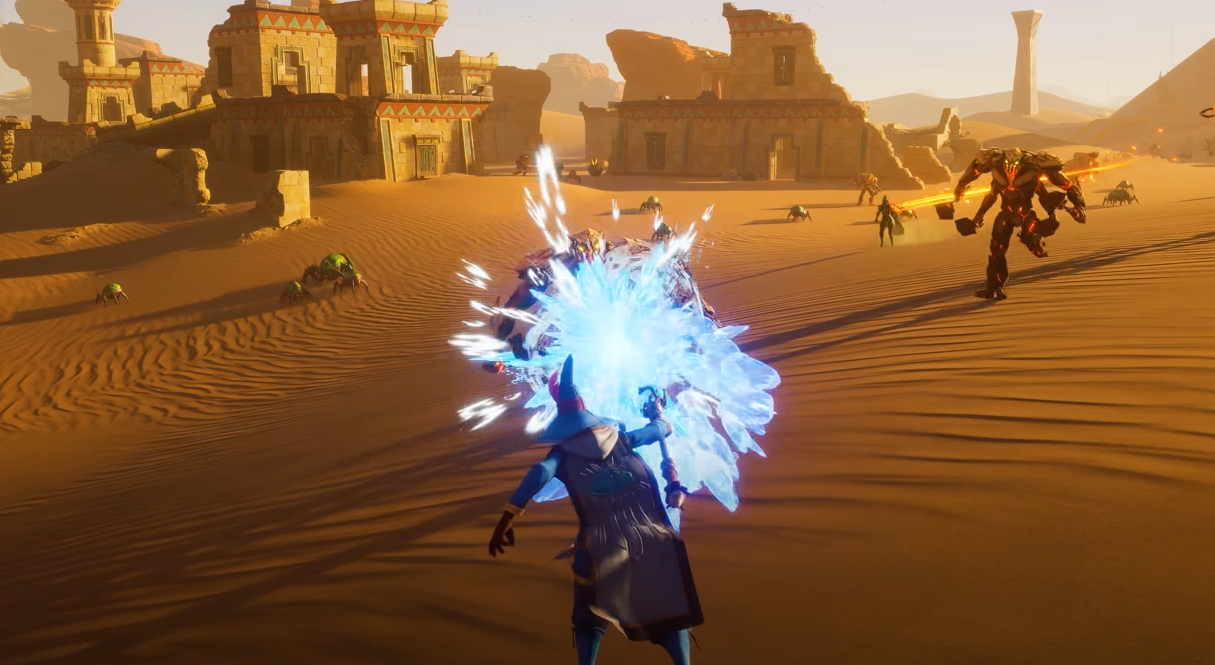
If you're playing RuneScape: Dragonwilds and it feels like the sun is personally attacking your retinas, then that makes two of us. A lot of players are dealing with overwhelming bloom effects both outside in daylight and indoors with even a single torch. It’s a common complaint, and no, there’s currently no magic slider in the menu to fix it.
But let’s go over what you can do in the meantime.
Is There a Bloom Setting?
Nope.
There is currently no toggle for bloom, motion blur, or depth of field in the in-game settings. You get:
Resolution
DLSS / FSR level
Frame generation
That’s it. You can lower brightness or try different DLSS settings, but it won’t actually get rid of the bloom problem. At best, you’ll dull it. At worst, your screen still looks like it was washed with milk.
General Troubleshooting Tips
Until the devs add proper graphics options, here are a few things you can try:
Lower DLSS/FSR Settings: Set it to “Quality” or “Off” if your performance allows it. Lower modes tend to introduce more blur and don’t help the bloom issue.
Crank Resolution Higher (if possible): Some players have reported that running at native or ultra-wide resolutions helps clarity. It also tanks FPS, so… tradeoffs.
Adjust Monitor Settings: If you’re desperate, lower your monitor’s contrast or brightness directly. It's not a real fix, but it might keep your eyes from melting.
Reshade: A Community Workaround
Some players have started using Reshade to try and tone down the bloom. It’s not officially supported, and it’s a bit of work to set up, but it’s currently the only way to actually try and reduce bloom until the devs patch in settings.
Here's a Steam Community Guide for removing bloom with Reshade (external link — use at your own risk, not officially endorsed).
Will the Devs Fix It?
They probably will. The bloom complaints are piling up fast, and with no .ini files available to tweak manually (thanks, UE5), everyone’s waiting on a real solution. There’s speculation that the devs locked settings on purpose during Early Access to collect optimization data, so a bloom toggle might be on the way.
But for now? You're stuck with nuclear daylight and flashlight-grade torches.
Final Blurb
The bloom in RuneScape: Dragonwilds is more aggressive than a goblin ambush, and there's no in-game setting to fix it—yet. You can try DLSS tweaks, resolution bumps, or Reshade hacks, but the real fix will probably have to come from the devs. Until then, maybe keep a bottle of eye drops nearby and avoid looking directly at torches.
Recommended | View all RuneScape Dragonwilds