Image Credits: Questline, Tainted Grail: The Fall of Avalon
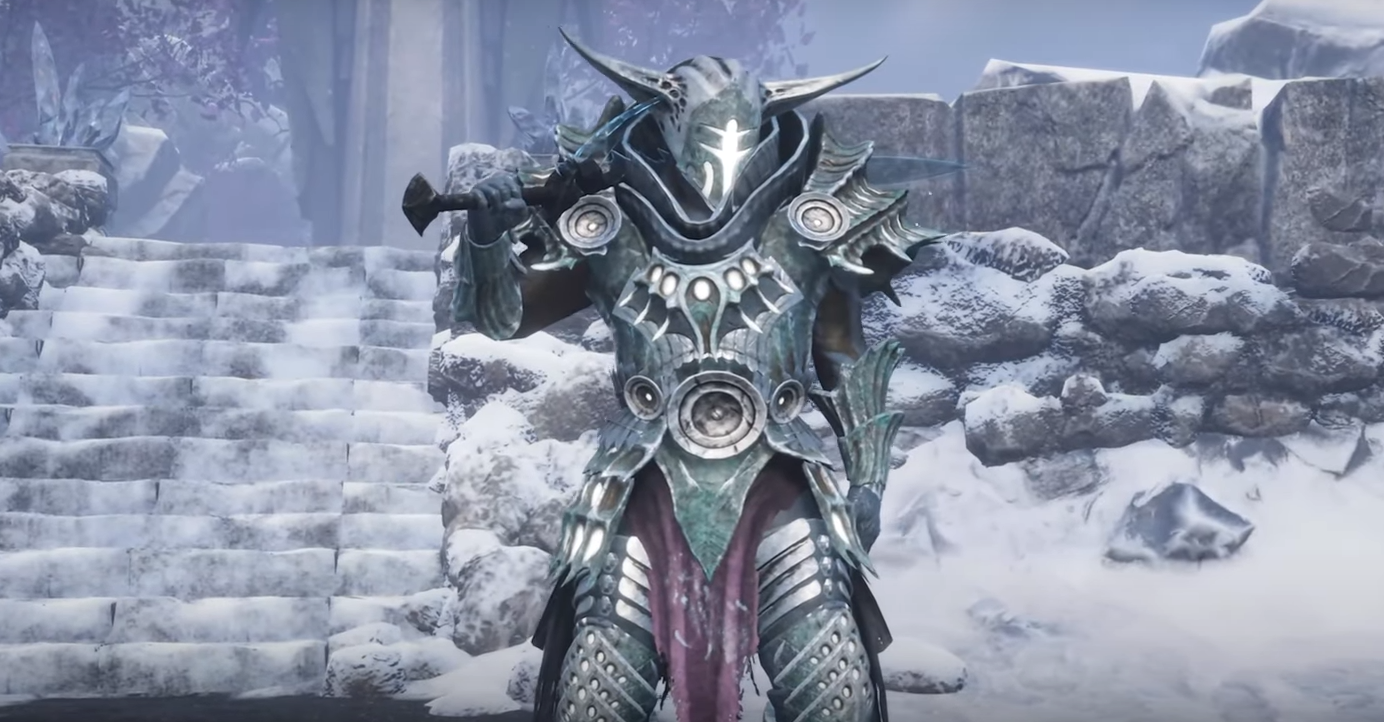
Yes, huzzah, you can hide your helmet in Tainted Grail: The Fall of Avalon... but the setting is a bit tucked away.
If you’re tired of staring at a rusted bucket every time you open the inventory screen, here’s how to turn it off.
Where to Find the Hide Helmet Option
The toggle is not in the appearance tab or armor screen where you might expect it. The option it’s hidden down in the Options menu under Gameplay.
Steps:
Open the pause menu
Go to Options
Scroll all the way down to the Gameplay section
Look for Hide Helmet and toggle it On
Once it’s enabled, your character’s helmet will no longer show up as visible, but you’ll still keep all its stats and bonuses.
Why Hide Your Helmet?
You like seeing your character’s face during dialogue
You’re tired of clipping issues or oversized helms
Your transmog game is strong and the helmet ruins it
Whatever the reason, the game lets you choose, even if it doesn't exactly advertise the option up front.
Final Blurb & FAQ
The hide helmet feature in Tainted Grail: The Fall of Avalon is easy to miss, but simple to use once you know where it lives.
Check the bottom of the Gameplay settings tab and toggle it on for a cleaner look while keeping your gear bonuses intact.
FAQ
Q: Can I hide my helmet in this game?
Yes, there's a toggle in the options under Gameplay.
Q: Will hiding the helmet remove its stats?
No, hiding the helmet is visual only. You still keep all bonuses.
Q: Where is the hide helmet option located?
In the pause menu, go to Options, then scroll down under Gameplay.
Q: Can I switch it on and off anytime?
Yes, you can toggle it on or off whenever you like.
Q: Does this work for all helmets?
Yes, the toggle hides all equipped helmets regardless of type.
Recommended