

How to Remove & Clean Ink in Cash Cleaner Simulator
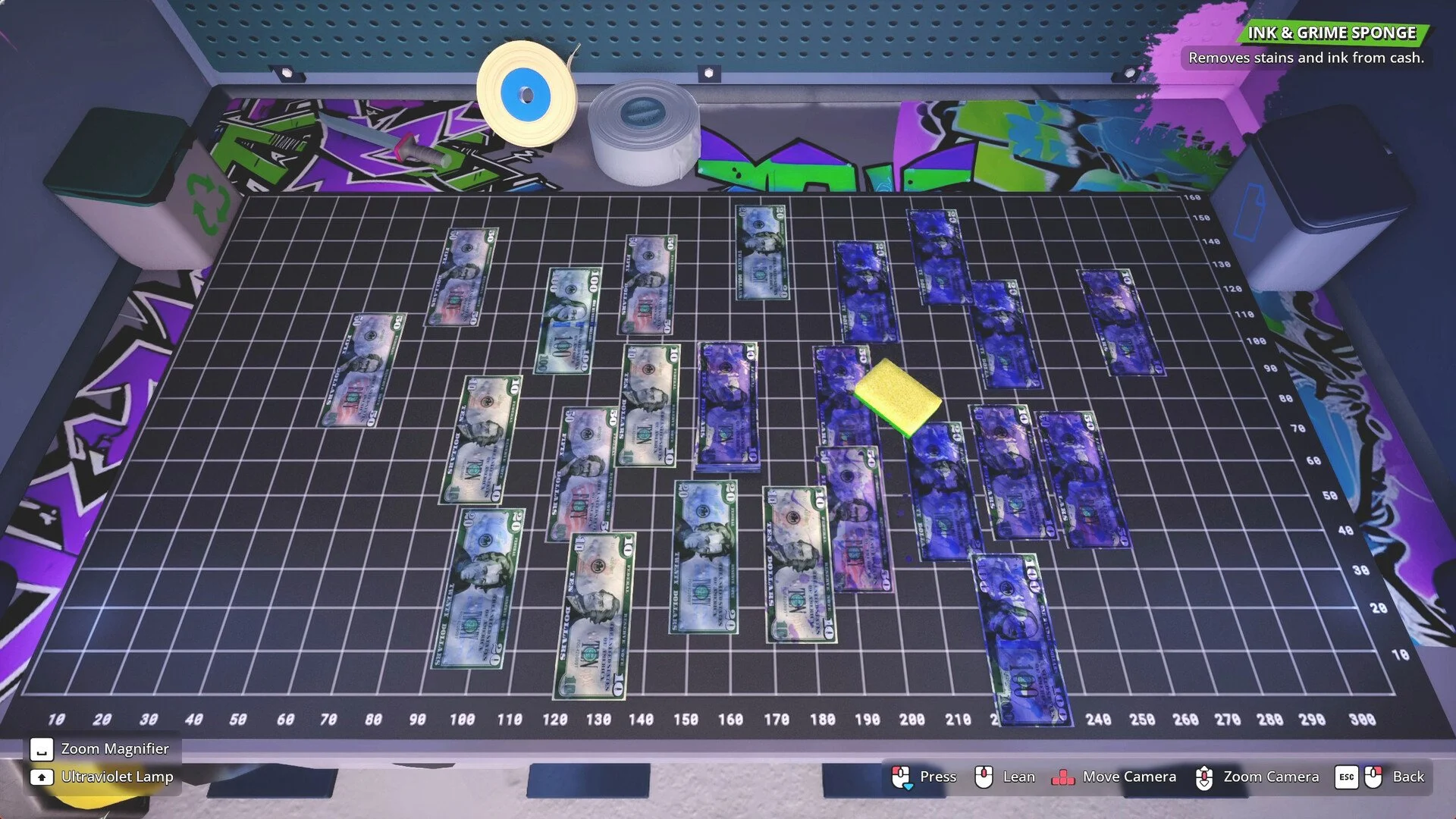
Image Credit(s): Mind Control Games, Cash Cleaner Simulator
Ink-covered bills are one of the messiest problems you’ll deal with in Cash Cleaner Simulator. They ruin orders, spread to clean cash if you’re careless, and can’t be fixed with your washer or dryer. If a task asks for clean bills only, ink-stained ones will instantly fail the order.
Here's how to properly clean ink off of money.
Read More: All Achievements in Cash Cleaner Simulator
Step 1: Get an Ink Sponge
You can’t clean inked bills with the washer or dryer. The only tool that works is the Ink Sponge.
Early in the game, you won’t have access to this tool yet.
You’ll unlock it a little later as orders get more complex.
Once unlocked, you’ll find it sitting on your workbench near the cleaning stations.
Step 2: Use the Sponge
Using the sponge is simple:
Pick up the ink-stained bills with your hands.
Bring them over to the Ink Sponge on your workbench.
Hold the bills up to the sponge to clean them off.
Once the ink disappears, they’re good to go.
Don’t drop them near clean money during this process—ink can spread and ruin your clean stacks.
Step 3: Don’t Open Ink Bags Carelessly
Here’s a tip most players miss:
When you get bills in an inked bank bag, don’t open it from the top.
Instead, cut it open with a knife. This keeps the stained bills more contained.
It also reduces the chance of accidentally contaminating nearby cash.
Ink spreads easily, so one sloppy move can ruin everything on the table.
Final Blurb
Ink-covered bills are a pain, but once you’ve got the Ink Sponge, they’re no big deal. Just don’t let them touch your clean cash, and don’t rip open bank bags like you’re unwrapping candy. Slow and steady wins the order.
Recommended | View all Cash Cleaner Simulator


