How To Use Repair Kits in Hytale Step-By-Step
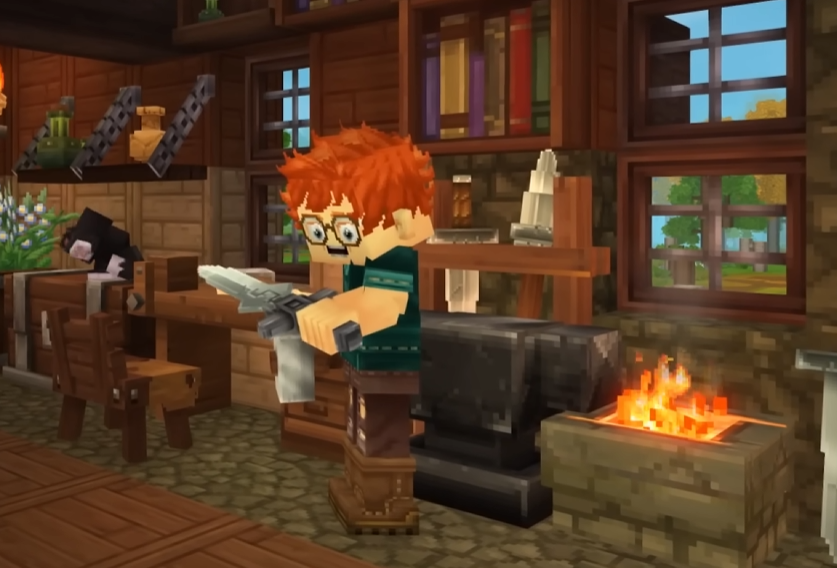
To use a Repair Kit in Hytale, you must equip the Repair Kit in your hotbar and activate it, which opens a dedicated repair menu where you choose the damaged item. Repairs are not done at a workbench, and nothing happens automatically just because you crafted the kit.
This guide is only about using the Repair Kit itself, step by step, with no filler.
Step 1 Equip The Repair Kit
After crafting a Repair Kit, it goes into your inventory.
Move the Repair Kit into your hotbar like a normal usable item. If it is not in your hotbar, you cannot use it.
This is the most common reason players think repair is broken.
Step 2 Activate The Repair Kit
With the Repair Kit selected in your hotbar, use it like an item.
Using the Repair Kit opens the Repair Items menu. This menu does not appear anywhere else in the game.
If you click a workbench, nothing will happen. If you open your inventory, nothing will happen. The kit itself must be activated.
Step 3 Select The Item To Repair
Inside the Repair Items menu, you will see all eligible gear with durability.
This includes tools, weapons, and armor that are damaged. Items at full durability will not appear.
Select the item you want to repair.
Step 4 Confirm The Repair
Once you select an item, confirm the repair.
The Repair Kit is consumed immediately. The selected item regains durability, and the menu closes.
There is no partial use and no refund.
What Happens After Using A Repair Kit
The Repair Kit disappears
The item is repaired
You must craft another kit for future repairs
There is no cooldown, but each repair always costs a full kit.
What You Cannot Do With Repair Kits
Repair Kits do not work passively.
You cannot:
Repair items at a workbench
Repair by combining materials
Repair without consuming a kit
Repair items that are not damaged
If the Repair Items menu does not open, the kit was not used correctly.
When Using A Repair Kit Is Worth It
Repair Kits are best used on valuable gear.
High tier weapons, armor, or tools close to breaking are the best candidates. Using a Repair Kit on low tier gear or items with high durability left is usually inefficient.
Early on, replacing cheap tools is often better than repairing them.
Common Mistakes When Using Repair Kits
Most issues come from misunderstanding the flow.
Forgetting to put the kit in the hotbar
Expecting a bench repair option
Trying to use the kit from the inventory screen
Repairing items too early
Once you understand that the kit itself opens the repair menu, the system makes sense.
Final Blurb
Using a Repair Kit in Hytale is a direct action, not a crafting step. Equip the kit, activate it from your hotbar, choose the damaged item, and confirm. The kit is consumed every time, so save repairs for gear that actually matters.
FAQ
How do you open the repair menu
By using a Repair Kit from your hotbar.
Can you repair at a workbench
No. Workbenches do not repair items.
Does one Repair Kit fix multiple items
No. One kit repairs one item.
Why does nothing happen when I click the kit in inventory
It must be used from the hotbar.
Can armor be repaired this way
Yes. Armor uses the same Repair Kit system.
More Hytale Guides