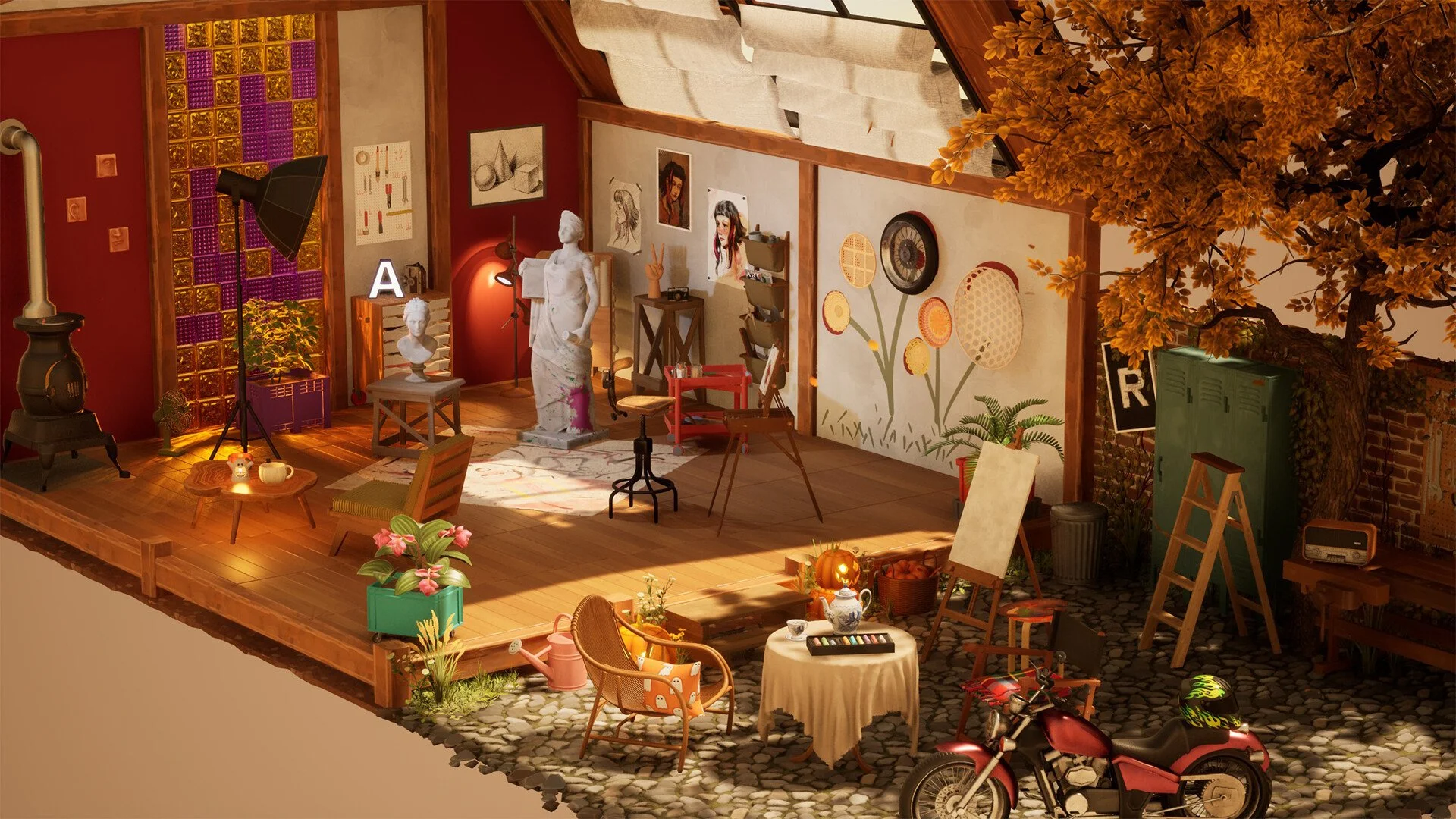
Hozy: How To Use Photo Mode And Take Screenshots
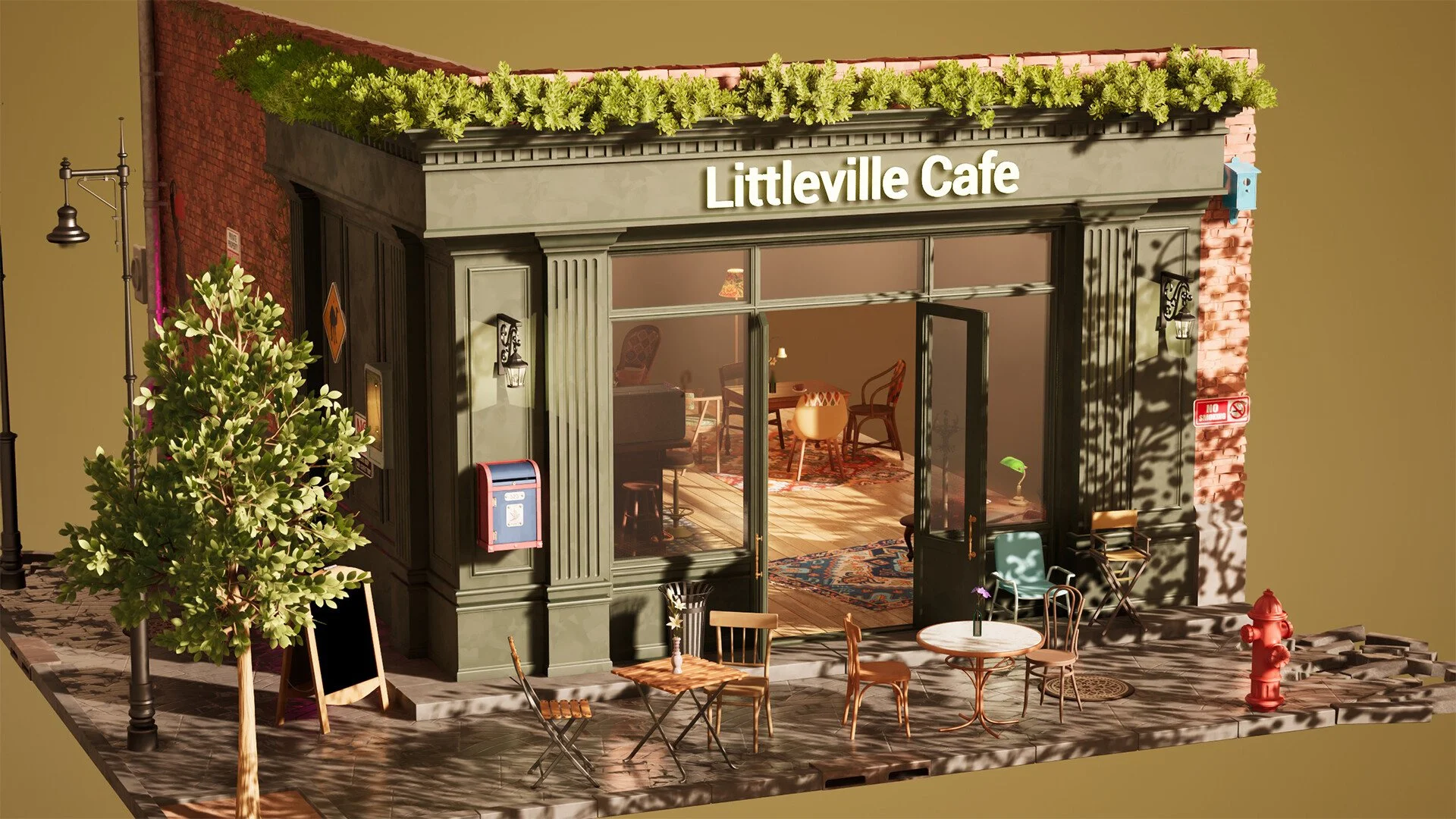
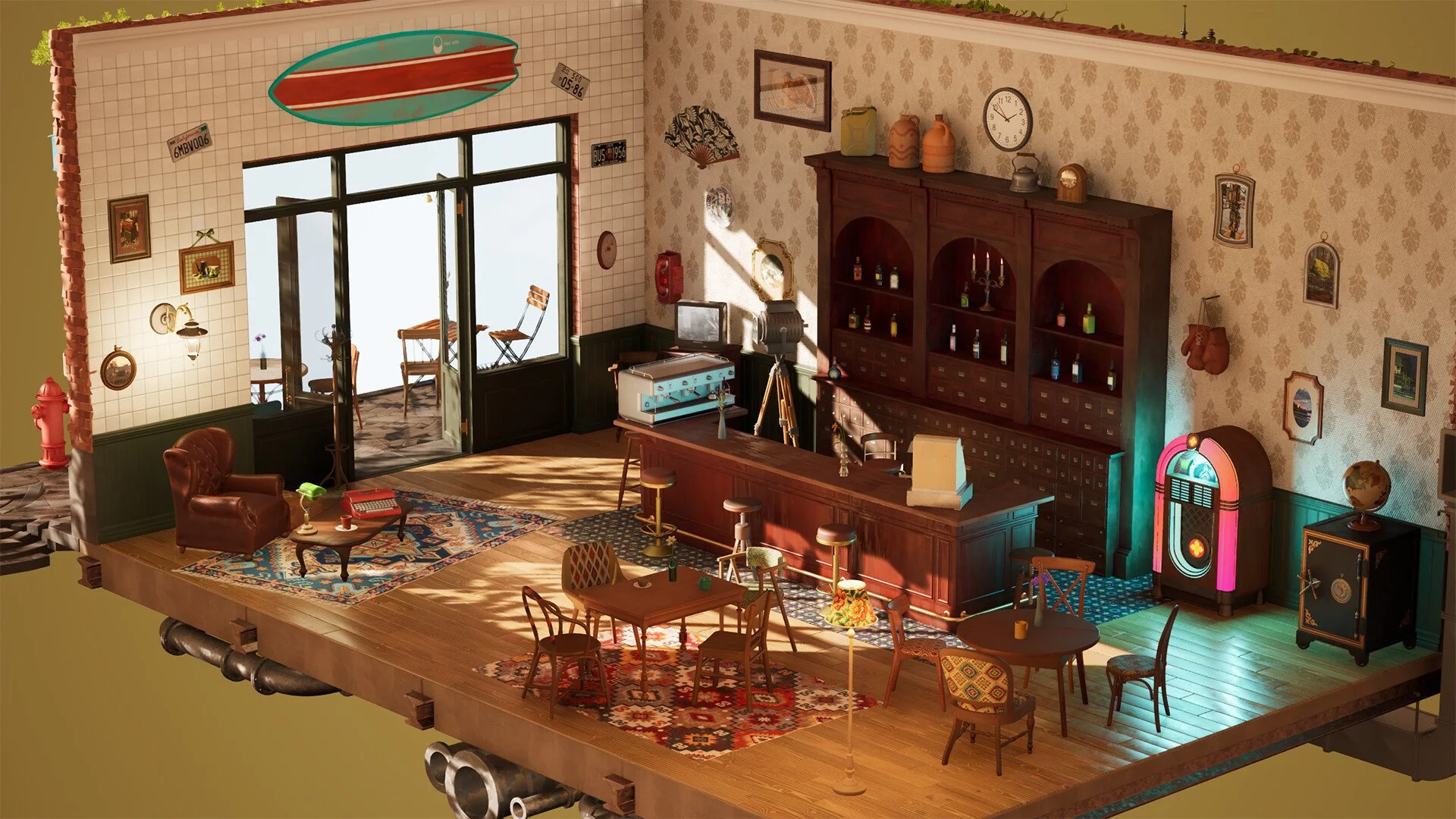
Hozy quietly includes a photo mode that a lot of players miss, especially since it only shows up after you finish a level. It is simple, but it is perfect for capturing your final room once everything is clean and decorated.
Once you know when and how to access it, it becomes a really nice way to show off your designs.
How To Enter Photo Mode In Hozy
You unlock and use photo mode by pressing Spacebar after completing a level.
Photo mode is not available while you are actively cleaning or decorating. It only becomes available once the level is fully finished.
After finishing a room, press Spacebar and you will enter photo mode, where you can start setting up your shot.
What You Can Do In Photo Mode
Photo mode is simple but gives you enough control to get a clean screenshot of your room.
Zoom in and out to frame your shot
Adjust your camera angle
Use filters to change the look of the scene
Capture your finished room layout
It is designed more for quick snapshots than deep editing, but it works well for showing off your setup.
When Photo Mode Becomes Available
Photo mode only appears after you fully complete a level. That means:
All cleaning tasks must be finished
All required furniture must be placed
The level must be considered complete
Once that happens, you can enter photo mode freely before moving on.
Tips For Better Screenshots
If you want your rooms to actually look good in screenshots, a little setup goes a long way.
Turn lights on or off to change the mood
Open windows for better lighting and atmosphere
Adjust furniture angles before entering photo mode
Try multiple angles instead of just standing in one spot
Small changes make a big difference once you are in photo mode.
Why Photo Mode Feels Limited
Photo mode works well for what it is, but it is not super deep.
Limited editing tools
No full sandbox camera controls
Tied only to completed levels
It gets the job done, but it does not go as far as some other games in the genre.
Final Blurb
Hozy keeps photo mode simple, but it fits the game perfectly. Finish your room, press Spacebar, and grab your screenshot. It is a nice little reward after putting everything together, and a good way to save your best designs.
FAQ
How do you use photo mode in Hozy?
Press Spacebar after completing a level to enter photo mode.
Can you use photo mode during a level?
No, it only unlocks after finishing the level.
What can you do in photo mode?
You can adjust the camera, zoom, and apply filters to take screenshots.
Can you share photos from Hozy?
You can take screenshots and share them however you want outside the game.