Jump Space GPU Bricking Issue | How to Keep PC Safe
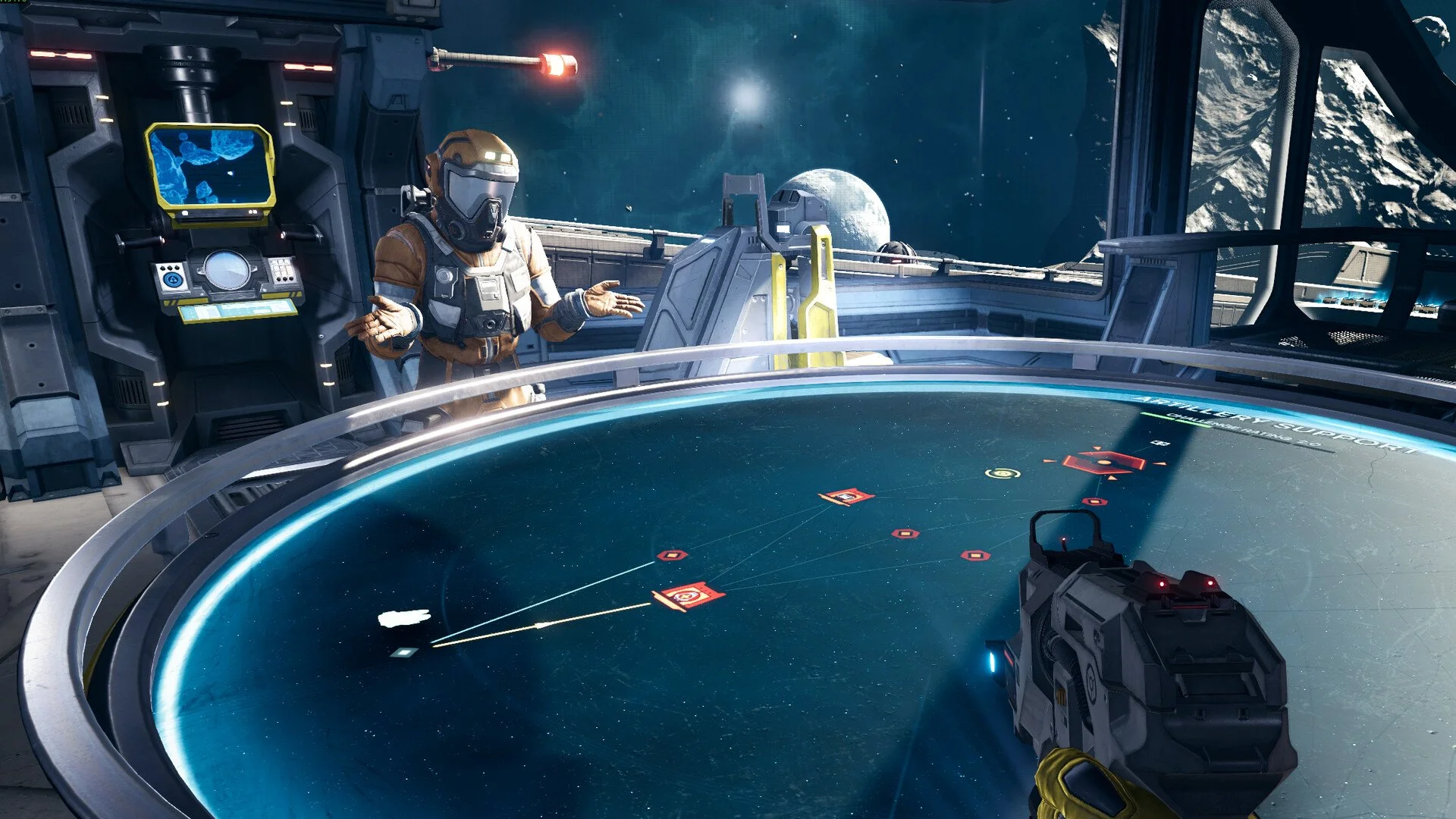
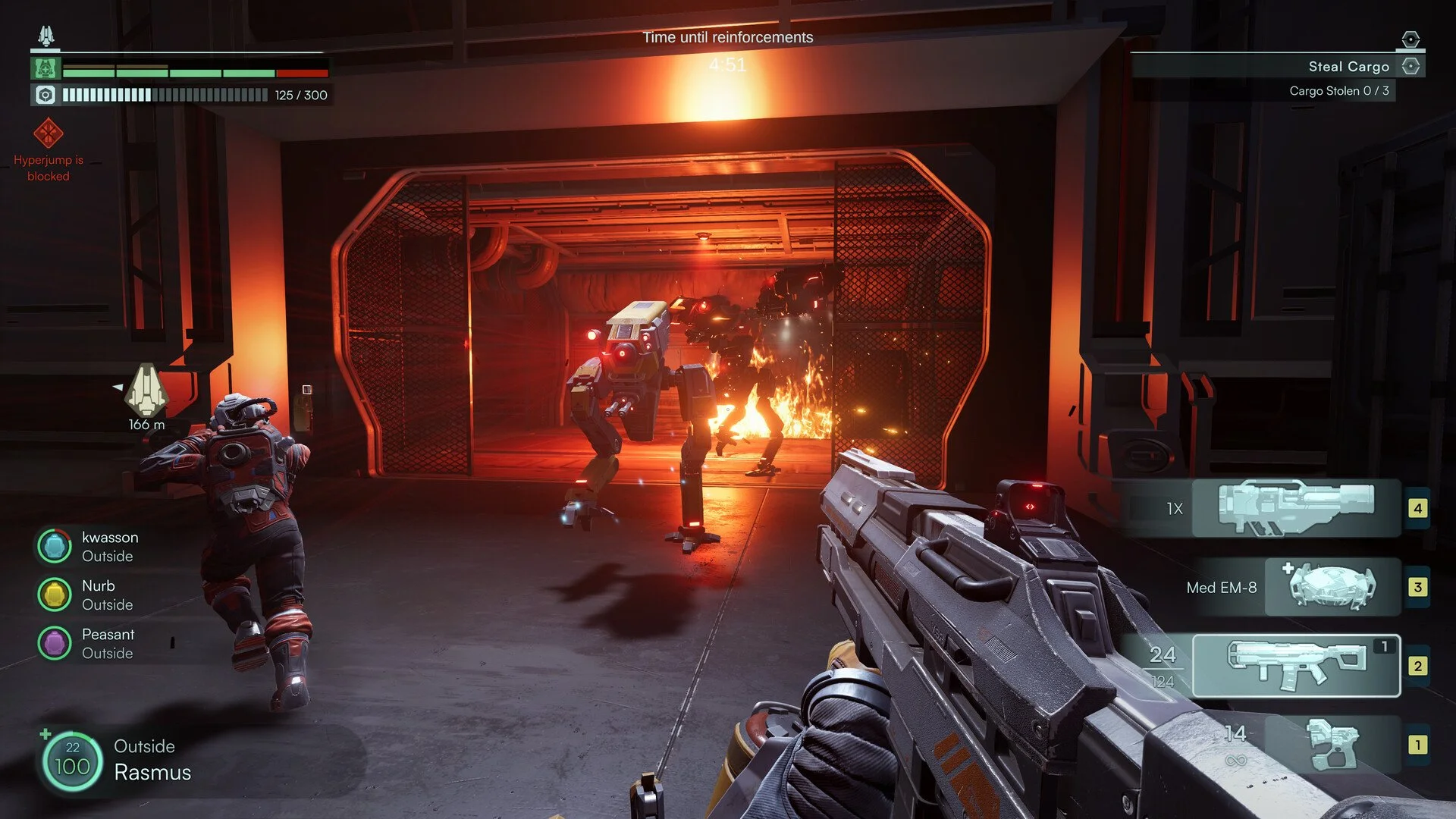
Worries about Jump Space bricking GPUs have spread fast, especially among players with Gigabyte 30XX cards. The launch disclaimer made it sound like the game itself was dangerous, so let’s break down what is actually happening and how you can protect your system.
How to Prevent GPU Damage in Jump Space
The issue is especially big on faulty Gigabyte 30XX GPUs with weak VRM components. These cards can fail under heavy stress in any game, not just Jump Space. What Jump Space does is push the GPU harder when frame rates are left uncapped, which can expose the defect.
The developers explained that the game uses Unity’s standard graphics systems with no direct low-level hardware calls. It passed testing with AMD, Intel, and Nvidia without any flagged issues. Still, they contacted Nvidia and Gigabyte once reports appeared.
Safe Settings to Use
Capping the frame rate to 60 is the safest fix. You can do this in-game or in your GPU control panel. Setting an aggressive fan curve with MSI Afterburner keeps the card cooler, and lowering the GPU power limit to around 70–80 percent reduces stress.
Players have noted that Jump Space can run 10 degrees hotter than other games on certain Gigabyte cards. Liquid cooling setups reduce the risk, but all users should still monitor GPU stats to avoid overheating.
Final Blurb
Jump Space is not bricking GPUs, but it can reveal flaws in defective Gigabyte 30XX cards. By capping FPS, improving cooling, and lowering power draw, you can play safely without risking your hardware.
FAQ
Does Jump Space brick GPUs?
No, the game itself does not brick GPUs. The failures are caused by defective Gigabyte 30XX cards.
Which GPUs are at risk?
Only some Gigabyte 30XX models have been reported. Other brands and later cards are not affected.
What settings should I change?
Cap the frame rate to 60, add a stronger fan curve, and lower power limits if needed.
Is this a permanent problem in the game?
No, it is a hardware flaw. Jump Space is safe when you use the right settings.
More Jump Space