Life Is Strange Reunion Best Graphics Settings
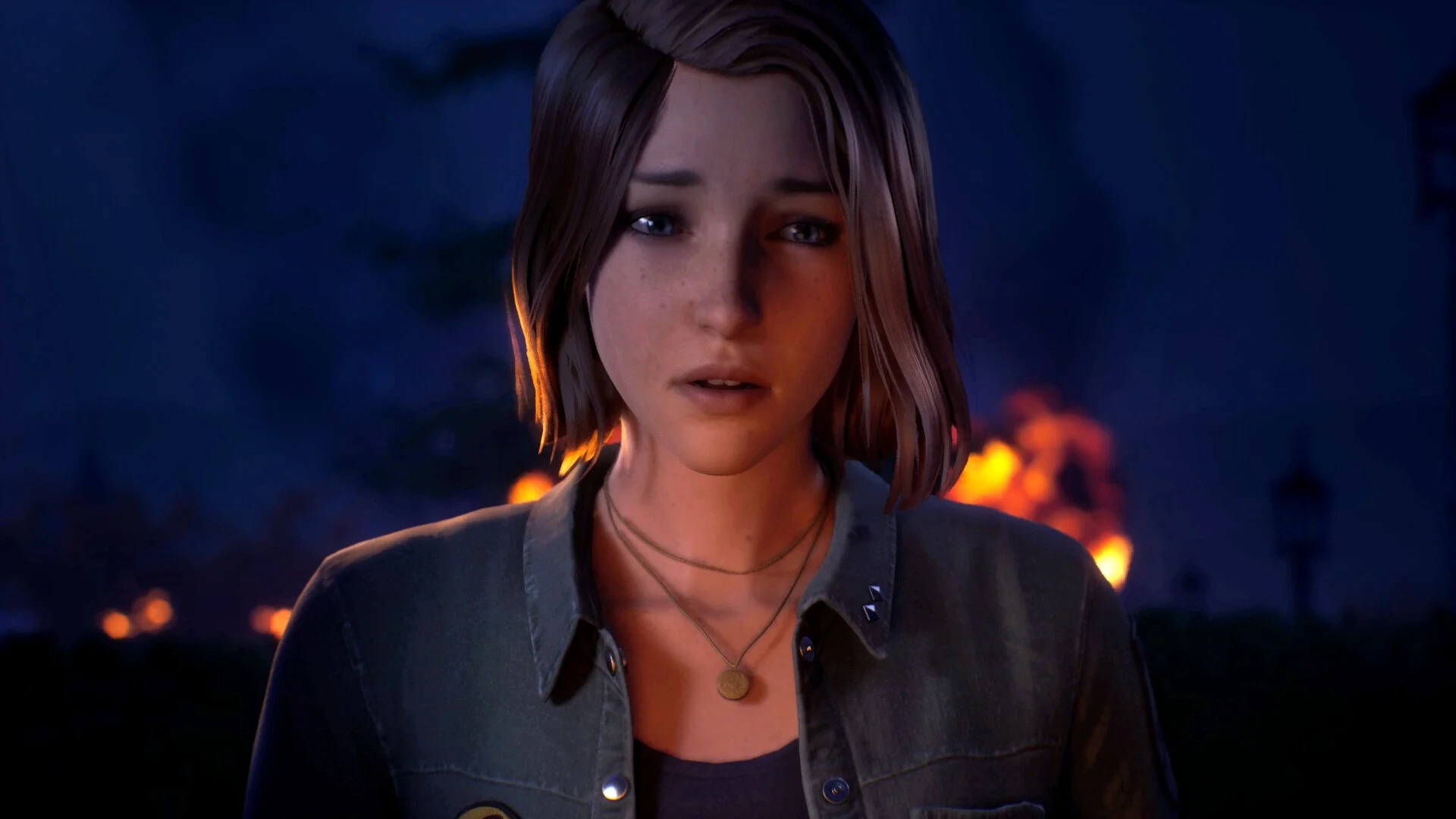
Reunion runs fine on decent PCs, but the default settings are not tuned for smooth gameplay. A few smart changes can clean up stutter and keep visuals looking good without tanking performance.
Best Graphics Settings
Use a balanced setup with capped FPS, adjusted resolution scale, and medium to high quality settings for smooth performance without major visual loss.
These settings aim for stability first, then visuals.
Display Settings Setup
Start here before touching anything else.
Resolution: Native, 1920x1080 or 1440p if your system can handle it
Window Mode: Fullscreen for best performance
Max Frame Rate: 60 FPS
Resolution Scale: 80%
Secondary Scale: 45%
VSync: Off
Capping at 60 keeps things smooth and avoids random spikes that cause stutter
Quality Settings That Work Best
These give you a clean look without overloading your GPU.
Anti Aliasing: Medium
Global Illumination: High
Effects: Medium
Shadow Quality: Low or Medium
Reflection Quality: Medium
Texture Quality: High
Post Process Quality: Medium
Keeping textures higher helps visuals a lot, while shadows are where you save performance.
What Actually Impacts Performance Most
Some settings matter way more than others.
Resolution Scale and Secondary Scale have the biggest impact
Shadows and reflections can cause dips in busy scenes
Global Illumination is worth keeping higher for better lighting
If you need more FPS, lower shadows first, then scale settings.
Quick Tweaks For Better FPS
If you are still getting drops, adjust these first.
Drop Secondary Scale to 40%
Lower Shadow Quality to Low
Keep GI on High if possible
These changes give the biggest gains with minimal visual loss.
What To Avoid
Do not run uncapped FPS on mid range systems
Do not drop resolution scale too low or the image gets blurry
Do not turn on VSync unless you really need it
Unstable FPS feels worse than a locked smooth experience.
Final Blurb
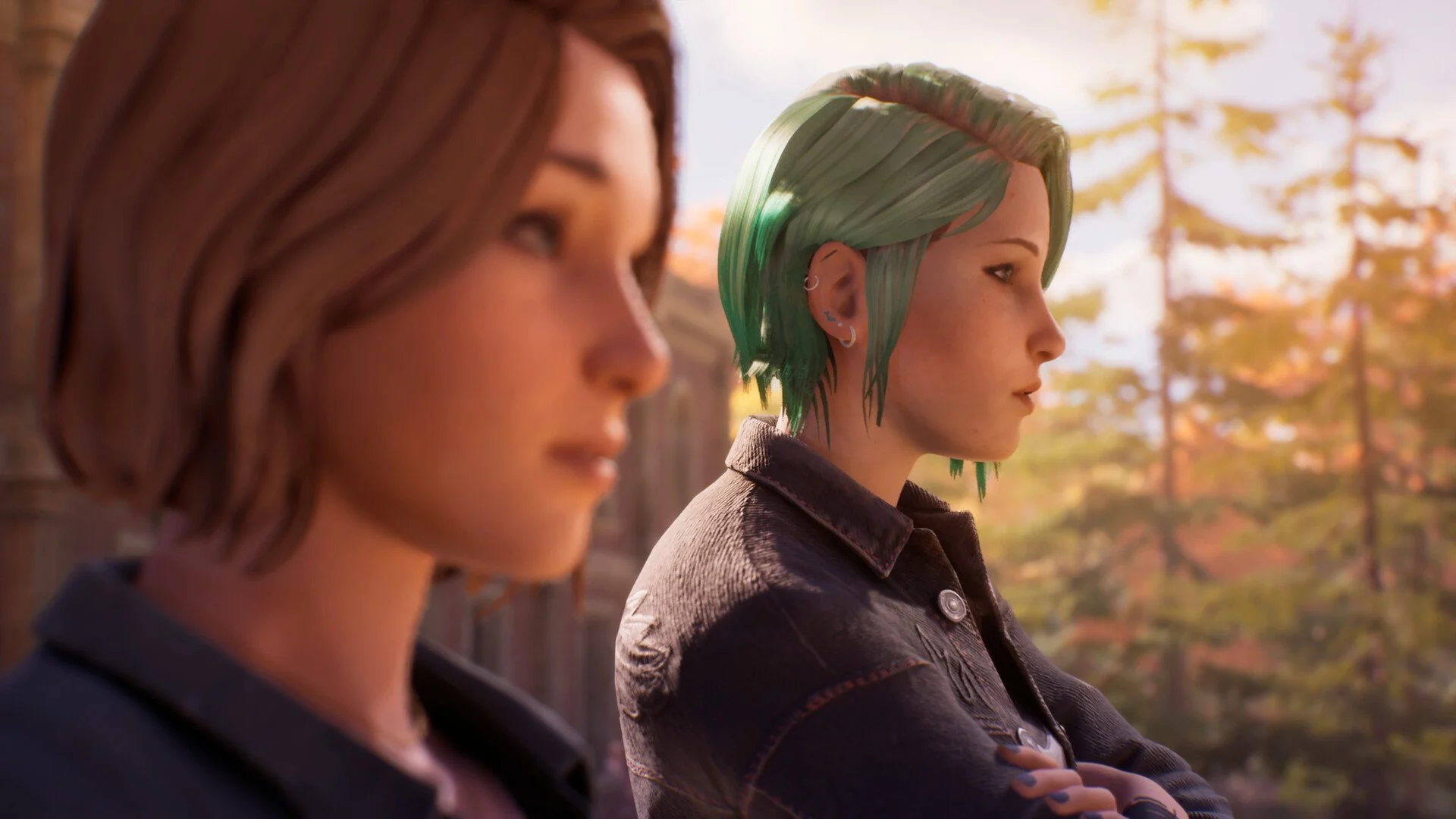
Reunion looks good even on tuned down settings, so focus on keeping things stable. A locked frame rate and smart scaling adjustments make the biggest difference, and once those are set, the rest is just fine tuning.
FAQ
What are the best settings for Life Is Strange Reunion
Balanced settings with 60 FPS cap, medium to high quality, and adjusted resolution scale.
Should you use VSync in Life Is Strange Reunion
No, it adds input delay and is not needed with an FPS cap.
What setting improves FPS the most
Resolution scale and secondary scale.
Is Global Illumination worth keeping high
Yes, it has a big visual impact and is worth the cost.