Life Is Strange Reunion: Best HDR Settings Guide
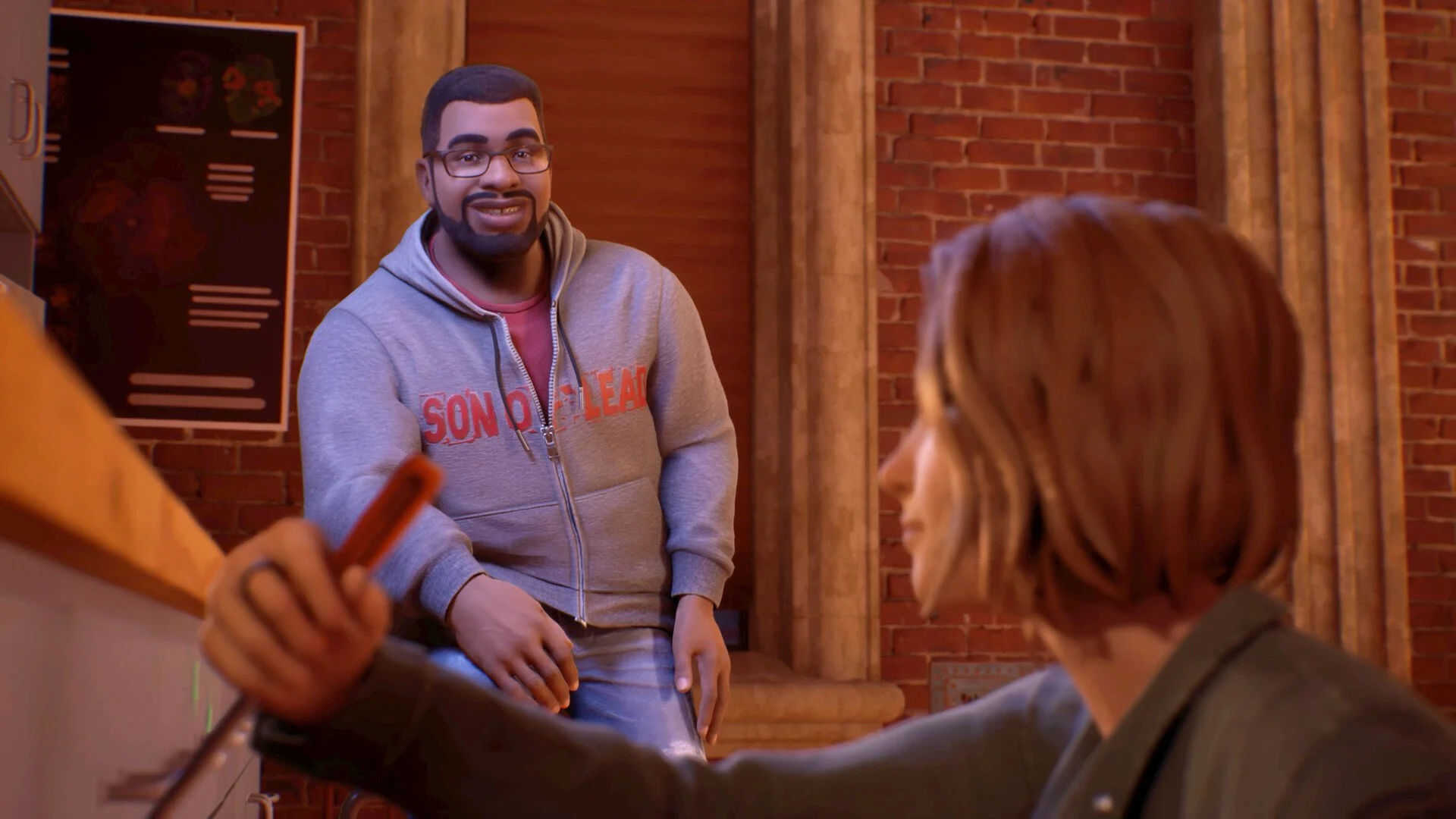
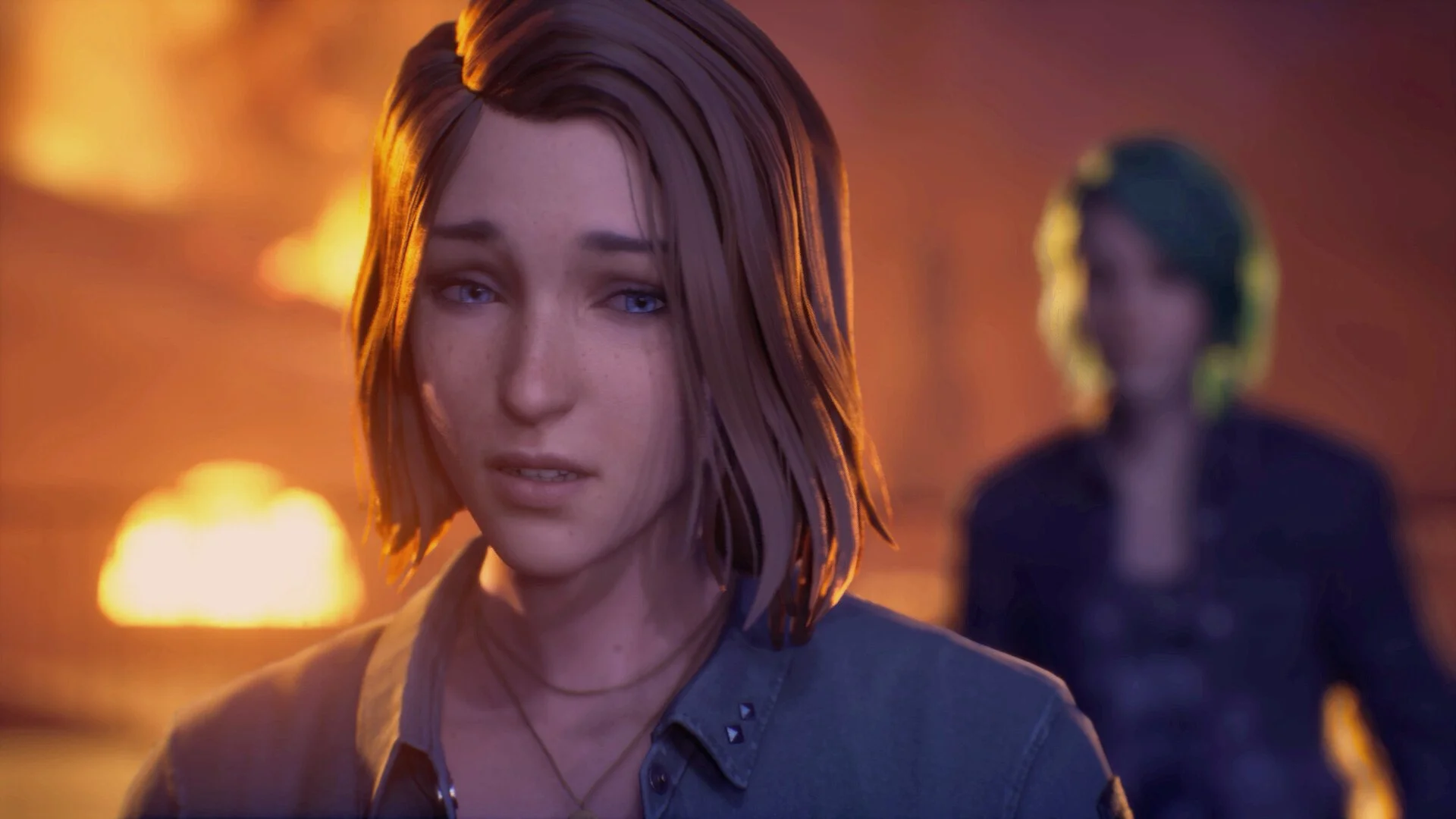
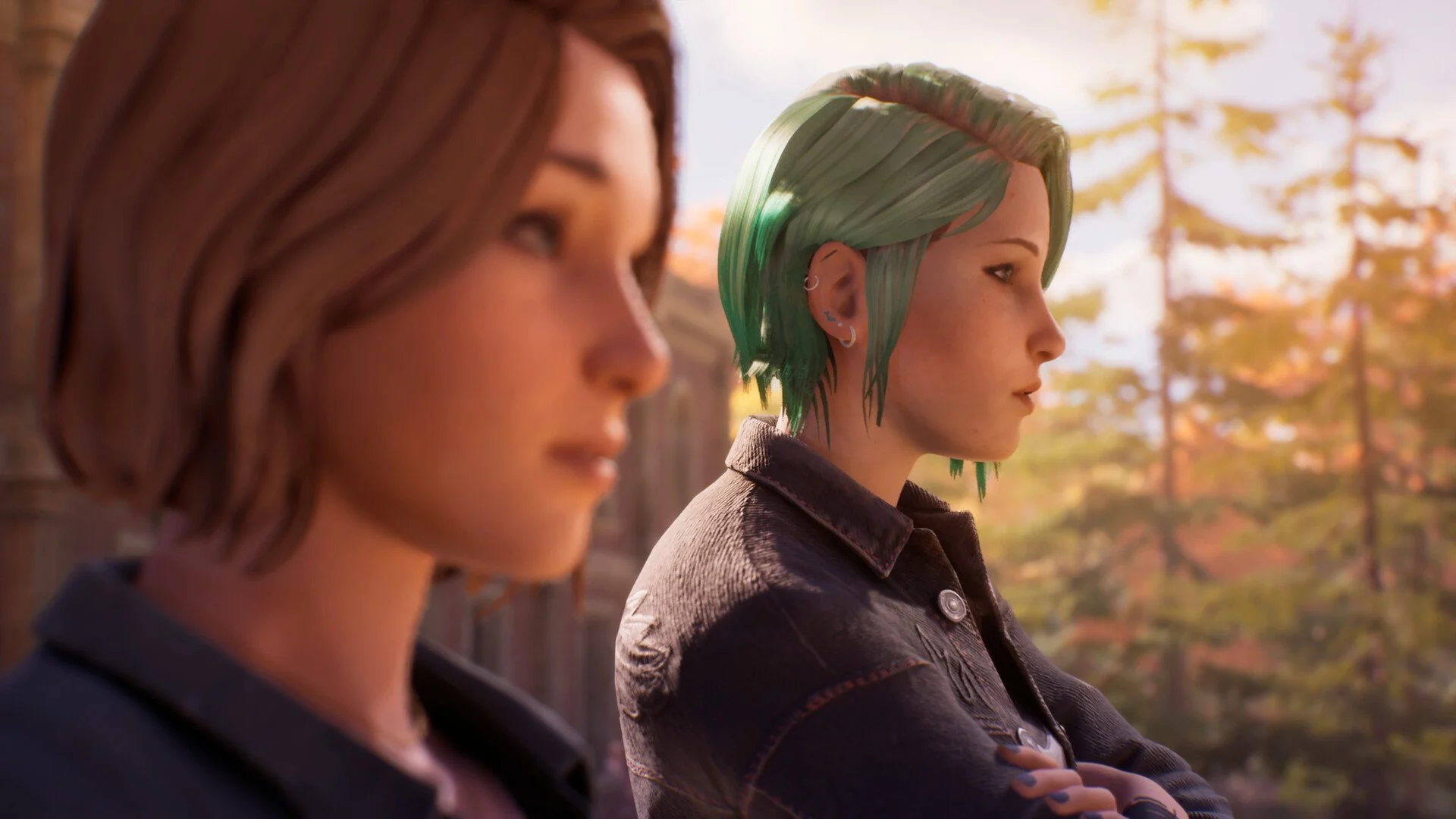
HDR in Life is Strange Reunion can look really good, but it can also look off if your setup is not dialed in. The game uses Unreal Engine 5, which leans heavily on cinematic lighting, so small mistakes in HDR setup can make things look too dark or washed out fast.
Best HDR Settings In Reunion
The best HDR setup in Life is Strange Reunion is using DX12 with HDR enabled, proper brightness calibration, and avoiding settings that crush blacks or blow out highlights.
Start with these core settings:
Use DX12, not DX11
Enable HDR in game and in your system settings
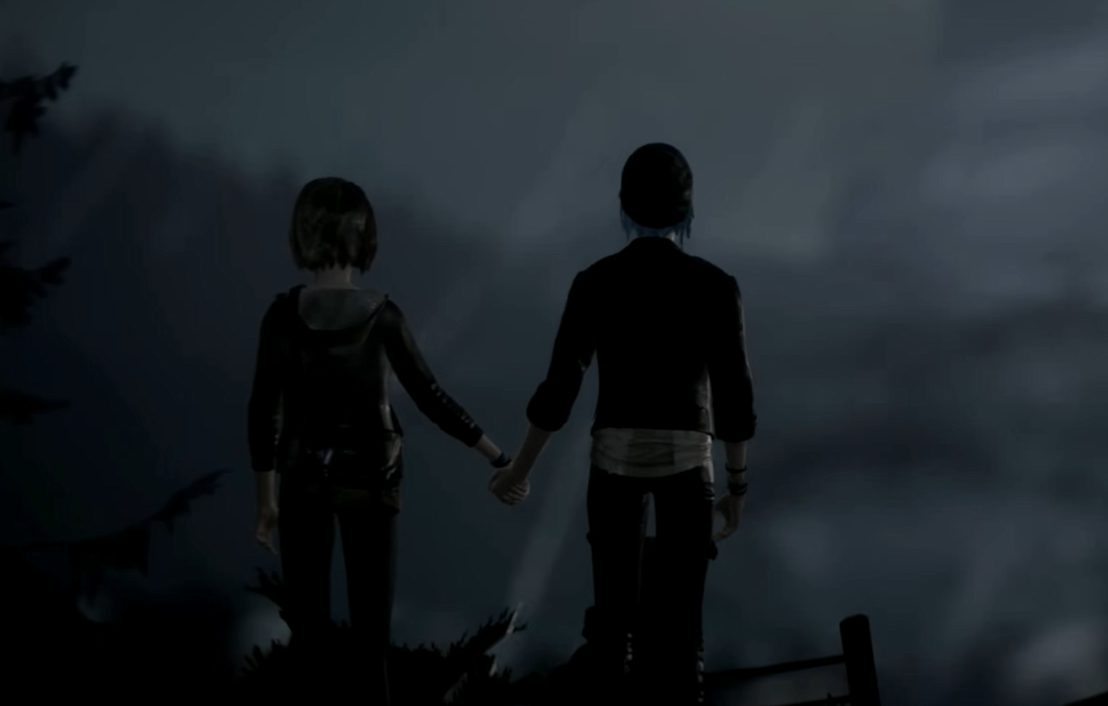
Adjust brightness until dark scenes still show detail
Keep contrast balanced, not maxed
DX12 is important because HDR can break or look incorrect in DX11 mode, especially with lighting and color.
How To Calibrate HDR Properly
HDR is not just turning it on, you need to tune it.
When adjusting brightness:
Make sure dark areas still show detail
Avoid pure black shadows unless intended
Keep highlights bright but not blinding
If everything looks gray or flat, your brightness is too high. If you cannot see detail in shadows, it is too low.
Take your time here, it makes a big difference.
Common HDR Problems And Fixes
HDR issues are pretty common with this engine, but most are easy to fix.
Washed out image, lower brightness and check system HDR settings
Too dark scenes, raise brightness slightly and check contrast
Colors look off, make sure HDR is enabled in Windows and the game
HDR looks broken, switch back to DX12 if you forced DX11
Running the wrong renderer is one of the biggest causes of HDR issues.
When You Should Turn HDR Off
HDR is not always better depending on your setup.
Turn it off if:
Your display has weak HDR support
You notice inconsistent brightness between scenes
Colors look dull instead of vibrant
A bad HDR setup can look worse than standard display.
Extra Tips For Better HDR Visuals
A few quick tweaks help a lot:
Update your GPU drivers
Make sure your monitor or TV HDR mode is active
Avoid maxing out every visual setting
Test HDR in a few different scenes, not just one
HDR can look different depending on lighting conditions in game.
Final Blurb
HDR in Life is Strange Reunion can look great, but only if it is set up correctly. Stick with DX12, take time to calibrate brightness, and avoid pushing settings too far. If something looks off, small adjustments usually fix it fast.
FAQ
What are the best HDR settings for Life is Strange Reunion
Use DX12, enable HDR, and carefully adjust brightness and contrast for balanced visuals.
Why does HDR look washed out in Reunion
This usually happens from incorrect brightness or system HDR settings.
Should you use HDR in Life is Strange Reunion
Yes if your display supports it well, otherwise SDR can look better.
Does DX11 affect HDR in Reunion
Yes, HDR can look incorrect or broken when using DX11 instead of DX12.