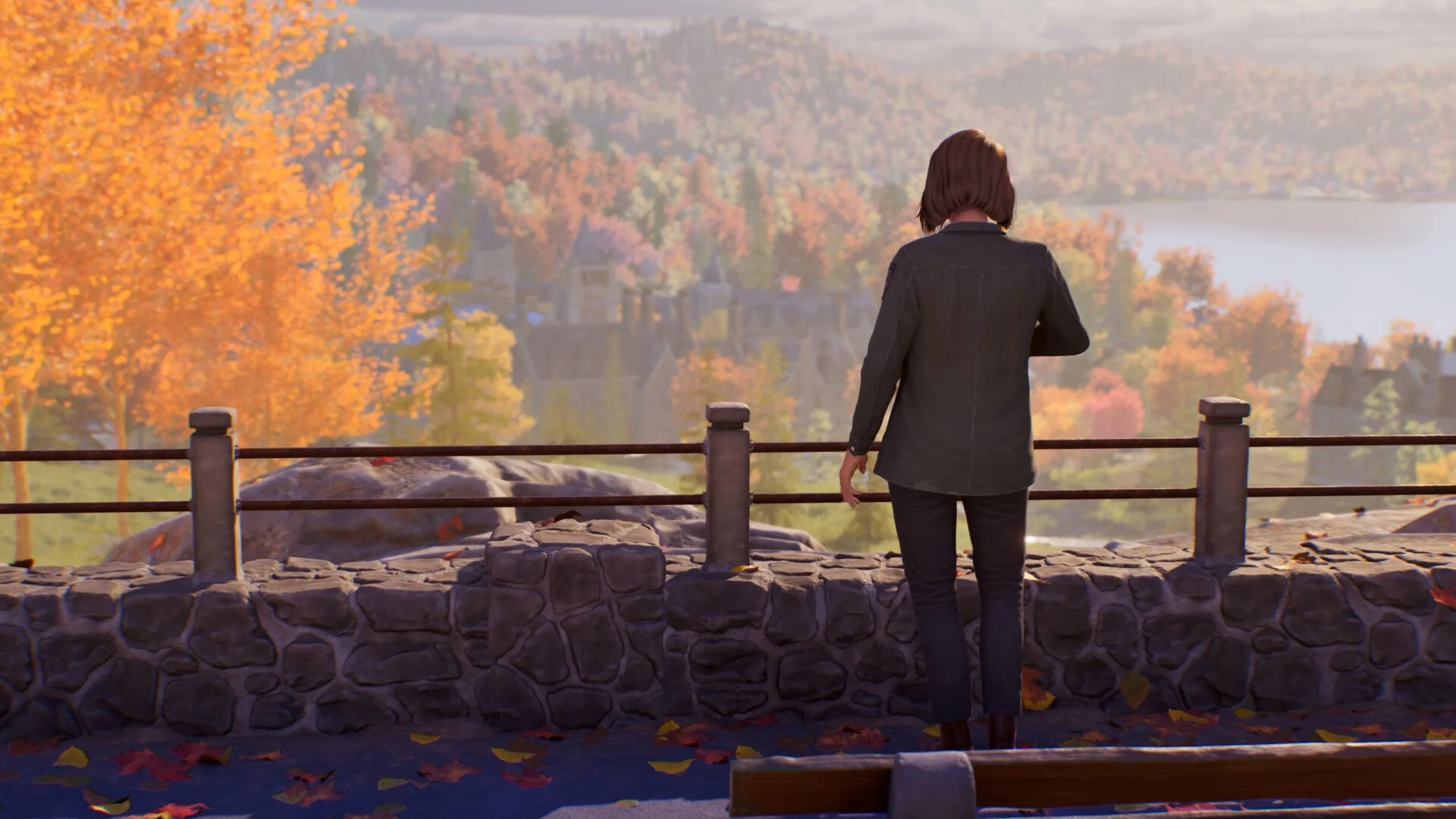
Life is Strange Reunion looks great, but it can run rough depending on your setup. The game uses Unreal Engine 5, which means heavy visuals and some performance spikes, even on solid PCs. The good news is you can smooth things out a lot with a few key setting changes.
Best Settings For Performance And Smooth Gameplay
The best settings in Life is Strange Reunion are Medium to High presets with Global Illumination set to High, while lowering heavier visual options to keep FPS stable.
This gives you a clean balance between visuals and performance without random drops or crashes.
Core Settings You Should Change First
These are the settings that make the biggest difference right away.
Global Illumination, set this to High for stability
Overall preset, start on Medium or High instead of max
Resolution, keep at native or slightly lower if needed
Texture quality, High is fine if you have enough VRAM
Global Illumination is the big one. Lower settings can cause issues during scene transitions, so keeping it on High actually helps stability instead of hurting it
Settings That Hurt FPS The Most
Some options look nice but hit performance hard, especially in story heavy scenes.
Cinematic post processing effects
High end lighting and shadow quality
Ultra level presets
If you are seeing drops in emotional or cutscene heavy moments, these are usually the cause. Dropping from max to High or Medium fixes most of it.
Best Setup For Mid Range PCs
If you are on something like an RTX 3070 or similar, this is a safe setup:
Preset on High
Global Illumination on Medium
Shadows on Medium
Effects on Medium
Textures on High
This keeps the game looking sharp without random drops into low FPS.
Quick Fixes For Common Problems
If your game is not running right, these fixes help fast.
Crashing during scenes, raise Global Illumination to High
Low FPS spikes, drop preset from Ultra to High or Medium
Out of video memory error, lower resolution or textures
Stuttering, close background apps and check GPU usage
The engine can push hardware hard during scene transitions, so stability settings matter more than max visuals
Extra Performance Tips That Actually Help
These are simple but make a real difference.
Update your GPU drivers before playing
Run the game on an SSD
Make sure your system is using your main GPU
Close apps like Chrome or Discord while playing
Unreal Engine 5 games tend to use a lot of resources at once, so clearing background load helps keep things smooth.
Final Blurb
Life is Strange Reunion can look amazing, but max settings are not worth it for most setups. Keeping things around Medium to High with the right tweaks gives you a much smoother experience. If something feels off, small changes like adjusting Global Illumination or lowering presets can fix it fast.
FAQ
What are the best settings for Life is Strange Reunion
Medium to High settings with Global Illumination on High give the best balance of visuals and performance.
Why is Life is Strange Reunion stuttering
Stuttering usually comes from high presets, background apps, or engine load during scene transitions.
What setting fixes crashes in Reunion
Raising Global Illumination to High can help fix crashes during certain scenes.
Is Life is Strange Reunion hard to run on PC
Yes, it can be demanding due to Unreal Engine 5 and heavy visual effects.