Life Is Strange Reunion: Crashing Fix Guide
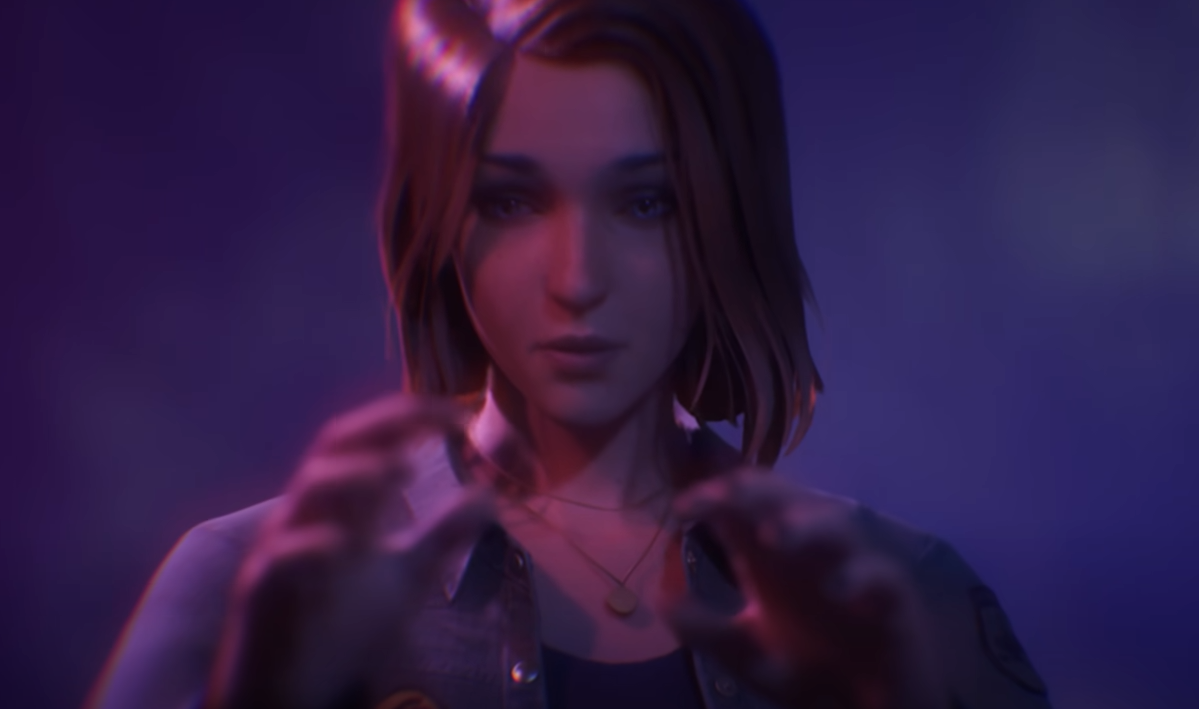
Crashing right at the start of Reunion is way more common than it should be, especially during the opening scene with Max and the camera. The game can run fine on paper, then suddenly crash on things like the journal, camera inspect, or even the first photo.
The good news is this is usually not your PC, it is the game being a bit unstable with certain settings. A few quick tweaks fix it for most people.
How To Fix Crashing In Reunion
Lower your graphics settings, cap your FPS to 60, and avoid extra load like Discord screen sharing during the opening scene.
That combo fixes the majority of crashes, especially the ones tied to the intro.
Quick Fix Steps That Actually Work
Start with these first before doing anything more complicated.
Lower all graphics settings to medium or low
Set FPS cap to 60 in settings
Restart the game after applying changes
Do not screen share on Discord while testing
Play through the opening scene again
Most crashes happen right here, so if you get past the intro, you are usually good.
Why The Game Crashes Early
Reunion has some stability issues, especially during scenes that trigger overlays or UI elements.
The opening sequence uses a lot of transitions like camera zoom, journal UI, and photo pop ups. Those seem to cause crashes when the system is under extra load or running uncapped.
Even strong PCs can run into this, so it is not a hardware problem most of the time.
Extra Fixes If It Still Crashes
If the basic fix does not solve it, try these next.
Verify game files through your launcher
Update GPU drivers even if they seem current
Close background apps that use GPU or overlays
Disable any overlays like Discord or GeForce
Run the game in fullscreen instead of borderless
These help clean up anything interfering with the game.
What The Iris Win64 Shipping Crash Means
If your crash report shows Iris Win64 Shipping with no extra info, it usually means the game failed internally without a clear error.
That points more toward optimization or settings issues rather than a broken install or bad hardware.
Final Blurb
Reunion crashing at the start is annoying, but it is usually an easy fix. Drop the settings, lock FPS to 60, and remove extra load like screen sharing. Once you are past that opening scene, the game tends to behave a lot better.
FAQ
Why does Reunion crash during the opening scene?
The intro has a lot of UI and camera transitions that can cause instability, especially on higher settings or uncapped FPS.
Does lowering graphics really help?
Yes, lowering settings and capping FPS fixes the issue for most players.
Is Discord screen sharing causing crashes?
It can add extra load and trigger crashes, especially during the intro. Turning it off while testing is recommended.
What if it still crashes after all fixes?
Try verifying game files, disabling overlays, and closing background apps. If it continues, it may need a patch from the developers.