Life Is Strange Reunion PC Controls Guide And Keybinds
Controls in Life is Strange Reunion are simple on the surface, but there are a few important keys that matter a lot during choices, rewind moments, and photography sections. Knowing them early makes everything feel smoother, especially during timed decisions.
Full PC Controls List In Reunion
Life is Strange Reunion uses standard WASD movement with Rewind on mouse input, and most key actions are centered around choice navigation and photography controls.
Here are the default PC keybinds:
Movement And Camera Controls
Move Forward, W
Move Backward, S
Move Left, A
Move Right, D
Run, Shift
Camera Up, R
Camera Down, F
Camera Left, Left Arrow
Camera Right, Right Arrow
Choice And Menu Controls
Confirm Choice, Left Mouse Button
Choice Up, Up Arrow
Choice Down, Down Arrow
Back, Space
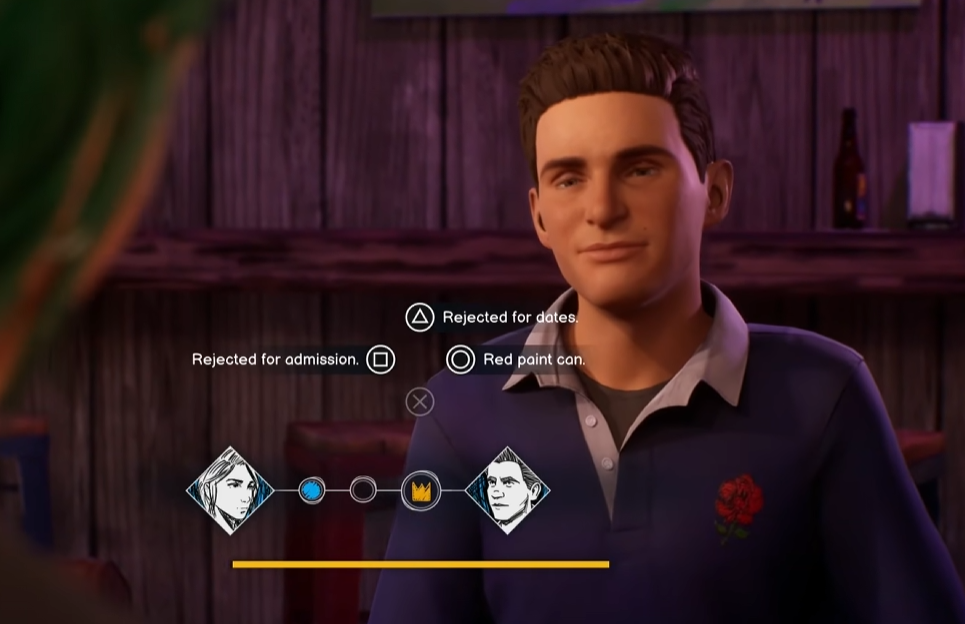
These are the most important during dialogue. You will use them constantly, especially when choices are timed.
Rewind Controls
Rewind, Right Mouse Button
Fast Rewind, Shift
Auto Rewind, Ctrl
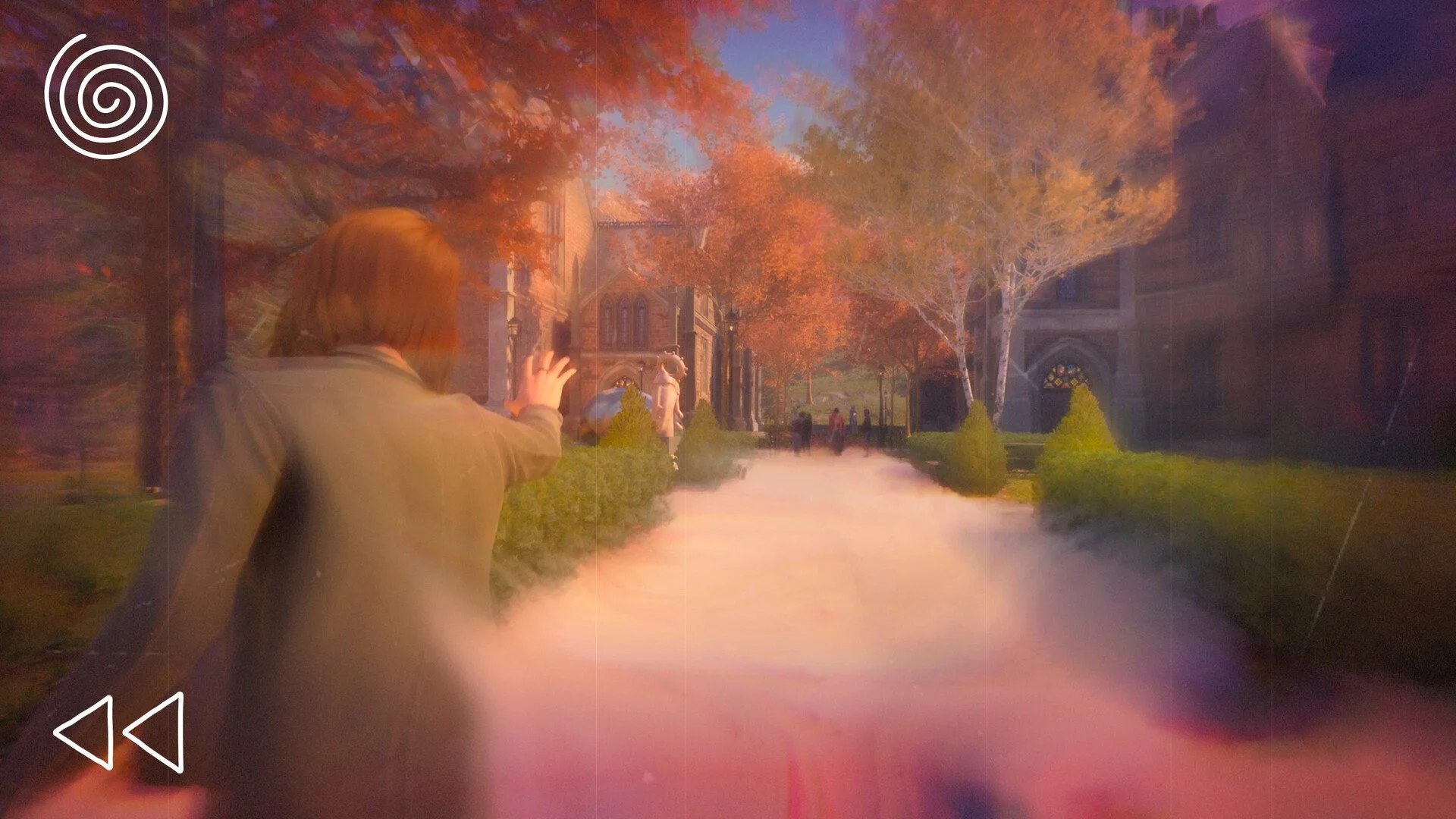
Rewind is a core mechanic, so getting used to these is key. Fast Rewind helps skip through longer moments quickly.
Photography Controls
Open Photography, C
Rotate Up, R
Rotate Down, F
Rotate Left, Left Arrow
Rotate Right, Right Arrow
Zoom In, E
Zoom Out, Q
Take Photo, Left Mouse Button
Double Exposure, W
Photography is used more than you might expect, so these controls come up often during exploration.
Controls Tips That Actually Help
A few small things make a big difference while playing.
Keep your fingers near Shift and Ctrl for Rewind control
Use Fast Rewind instead of holding normal rewind to save time
Get used to arrow keys for choices, they are faster than mouse navigation
Photography controls share keys with movement, so watch your inputs
Once you get used to it, everything flows naturally.
Final Blurb
Life is Strange Reunion keeps controls simple but builds depth through Rewind and photography. Most of the game comes down to movement, choices, and timing, so learning these early makes the whole experience feel smoother.
FAQ
What are the default controls in Life is Strange Reunion
The game uses WASD for movement, mouse for choices and actions, and Shift and Ctrl for Rewind functions.
Can you change controls in Reunion
Yes, keybinds can be adjusted in the settings menu.
What button is Rewind in Reunion
Rewind is mapped to a mouse input, with Shift for fast rewind and Ctrl for auto rewind.
How do you take photos in Reunion
Press C to open photography mode, then use mouse input to take a photo.