Life Is Strange Reunion: Yellow Screen Fix
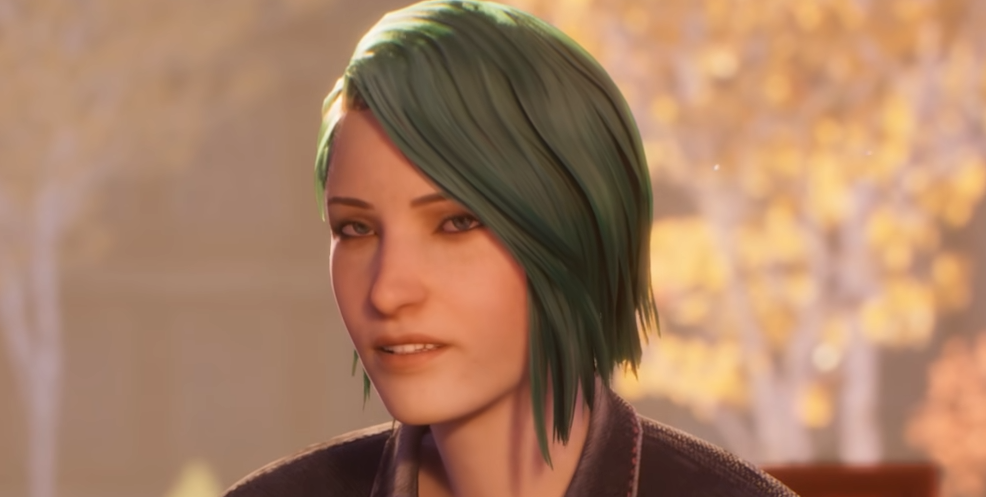
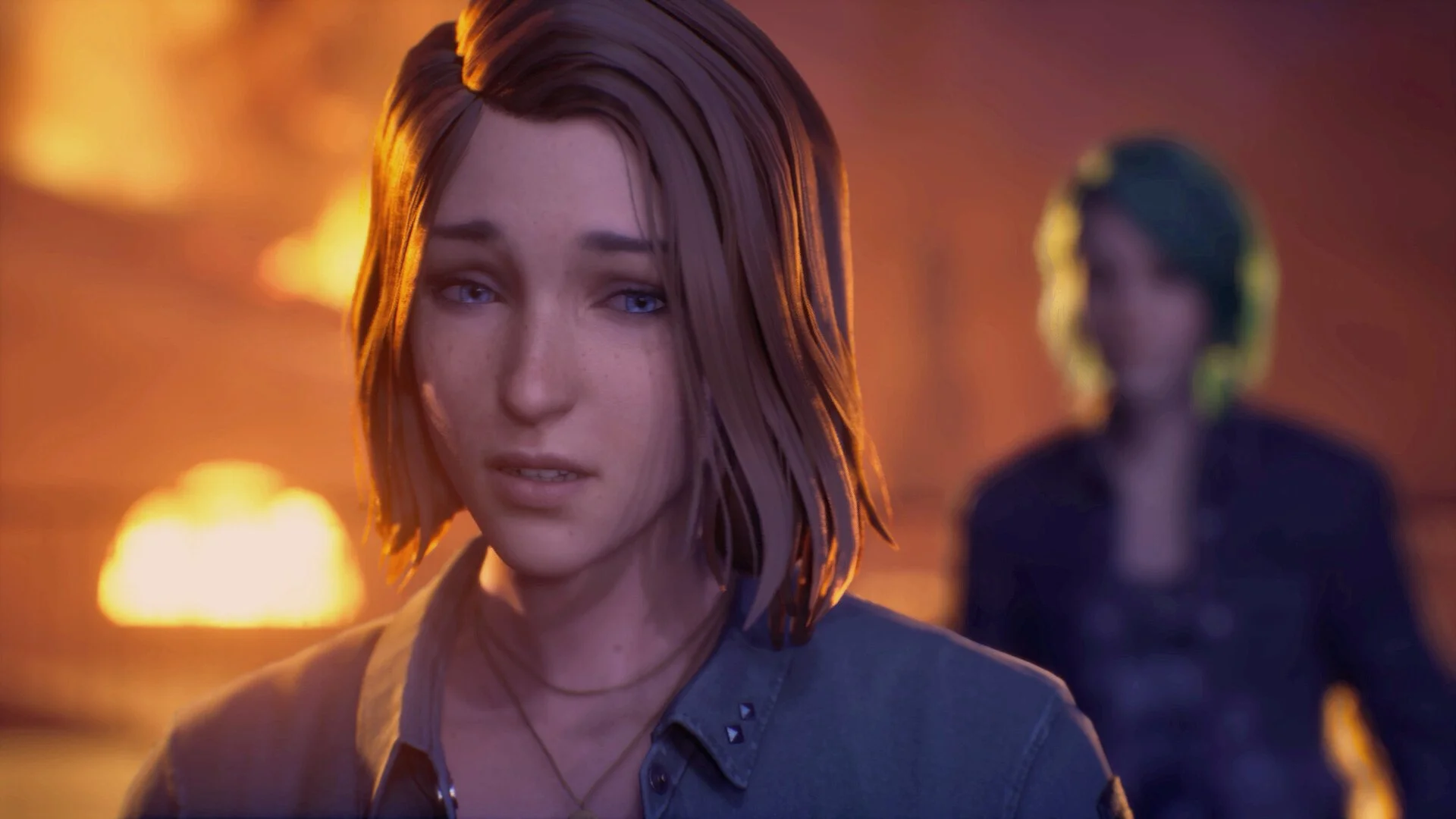
That bright yellow screen bug hits right after the early Chloe scene, and it basically blinds the whole area. It looks like a filter is stuck on, and restarting alone usually does not fix it.
Yellow Screen Bug Fix
There is no confirmed full fix yet, but you can try a few workarounds while waiting for a patch (we mention them below).
Right now this appears to be a bug affecting multiple players, not just a one off issue, and hopefully the devs will have something confirmed soon.
What You Can Try Right Now
These are the main things worth testing.
Restart the game completely, not just reload
Verify game files if you are on Steam
Update your graphics drivers
Switch between Fullscreen and Borderless
Lower post processing settings
Adjust resolution scale slightly
These do not guarantee a fix, but they are the only known things to try so far.
Settings That Might Help
Since the issue looks like a visual effect bug, these are the best settings to tweak first.
Post Process Quality
Resolution Scale
Any lighting or effects related settings
Turning these down can sometimes reduce the intensity of the issue.
What Does Not Seem To Work
Based on current reports:
Lowering all settings to Low does not fix it
Restarting alone does not fix it
Basic graphics changes do not fully remove it
So do not waste too much time trying every single setting.
What Is Likely Causing It
This looks tied to a visual effect or lighting bug during that transition scene.
Since it happens at the same point for multiple players, it is likely something that needs a patch.
What To Do For Now
If nothing works:
Wait for an update or patch
Keep an eye on community reports
Try progressing again after a restart later
Final Blurb
The yellow screen bug is one of those early issues that breaks immersion fast. For now, your best bet is trying small setting tweaks and waiting for a proper fix, since nothing consistently solves it yet.
FAQ
How do you fix the yellow screen bug in Life Is Strange Reunion
There is no confirmed fix yet, but you can try driver updates, settings changes, and restarting.
Why is my screen bright yellow in Reunion
It appears to be a visual bug tied to lighting or post processing.
Does lowering graphics fix the yellow screen bug
No, it does not consistently fix the issue.
Is there an official fix yet
No, not at the moment.