Mafia: The Old Country - How to Save
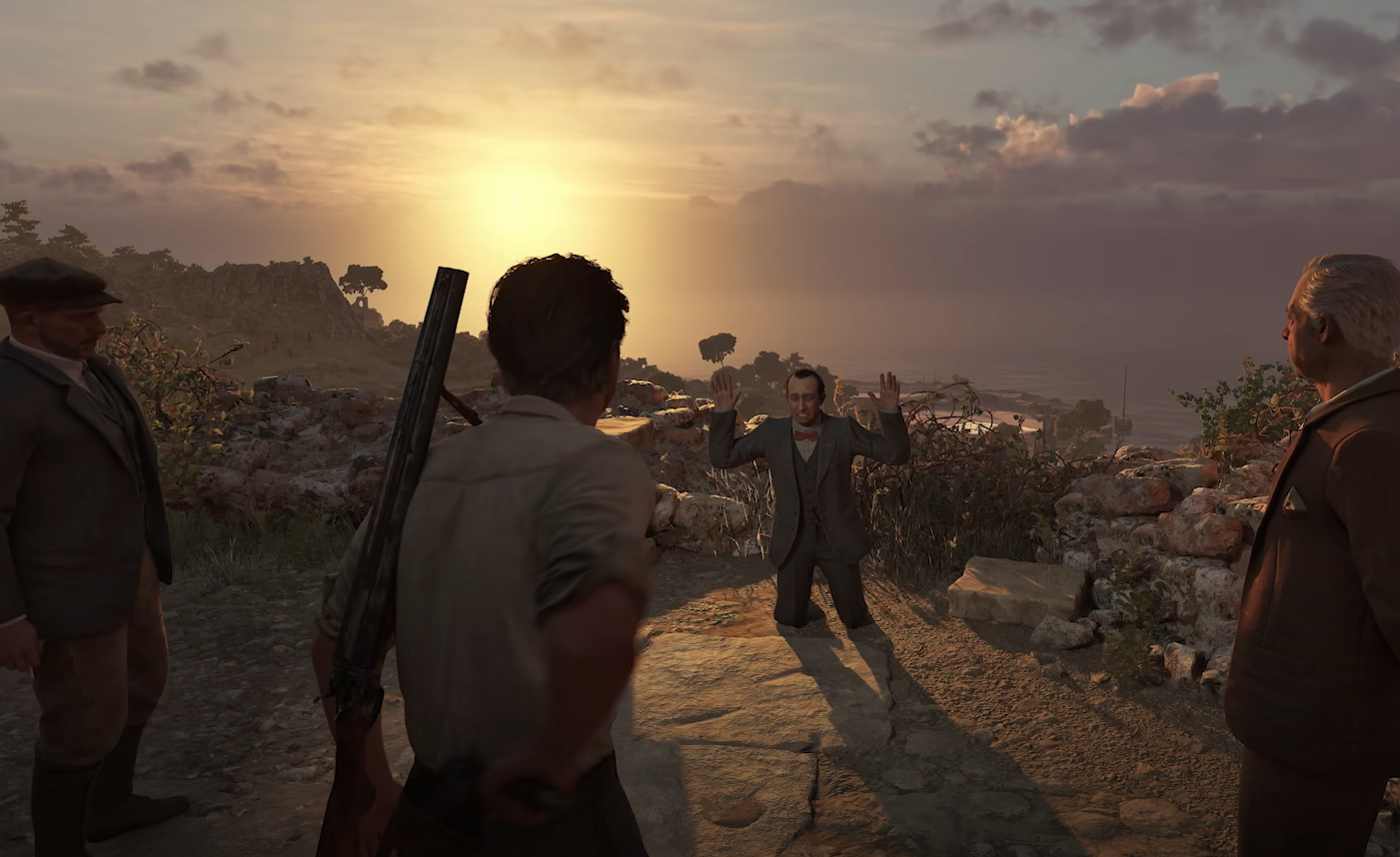
Mafia The Old Country uses an autosave system with checkpoints during each chapter. There is no manual save option, so progress is stored automatically as you play, and you will continue from the last checkpoint when loading the game.
How the Save System Works
Autosaves trigger at certain points in missions, usually after completing objectives or reaching specific locations. The game stores your progress across both Story and Free-Roam modes.
You cannot create your own save slots or manually trigger a save. If you exit mid-mission, you will restart from the most recent checkpoint.
Chapter Replay
After completing Chapter 2, you unlock Chapter Replay from the Main Menu. This allows you to replay any chapter you’ve finished.
When using Chapter Replay, you must play the entire chapter from the start; you cannot choose a specific point inside it. Progress such as collectibles found will still save to your overall profile.
Saving Tips
Wait for the save icon to appear before quitting to avoid losing progress.
Use Free-Roam for exploring and collectible cleanup without worrying about mission checkpoints.
If you are close to an objective, finish it before exiting to make sure the game saves at a convenient spot.
Final Blurb
Saving in Mafia The Old Country is fully automatic, with checkpoints acting as save points. There’s no manual save, but Chapter Replay lets you revisit earlier missions to collect items or retry trophies.
FAQ
Can you manually save in Mafia The Old Country?
No, the game only uses autosaves and checkpoints.
Does the game save in Free-Roam?
Yes, Free-Roam progress is saved instantly, including collectibles and money.
When is Chapter Replay unlocked?
After completing Chapter 2.
Can you start from the middle of a chapter in Chapter Replay?
No, you must replay the chapter from the beginning.
More Mafia: The Old Country