

Oblivion Remastered: How to Change Appearance
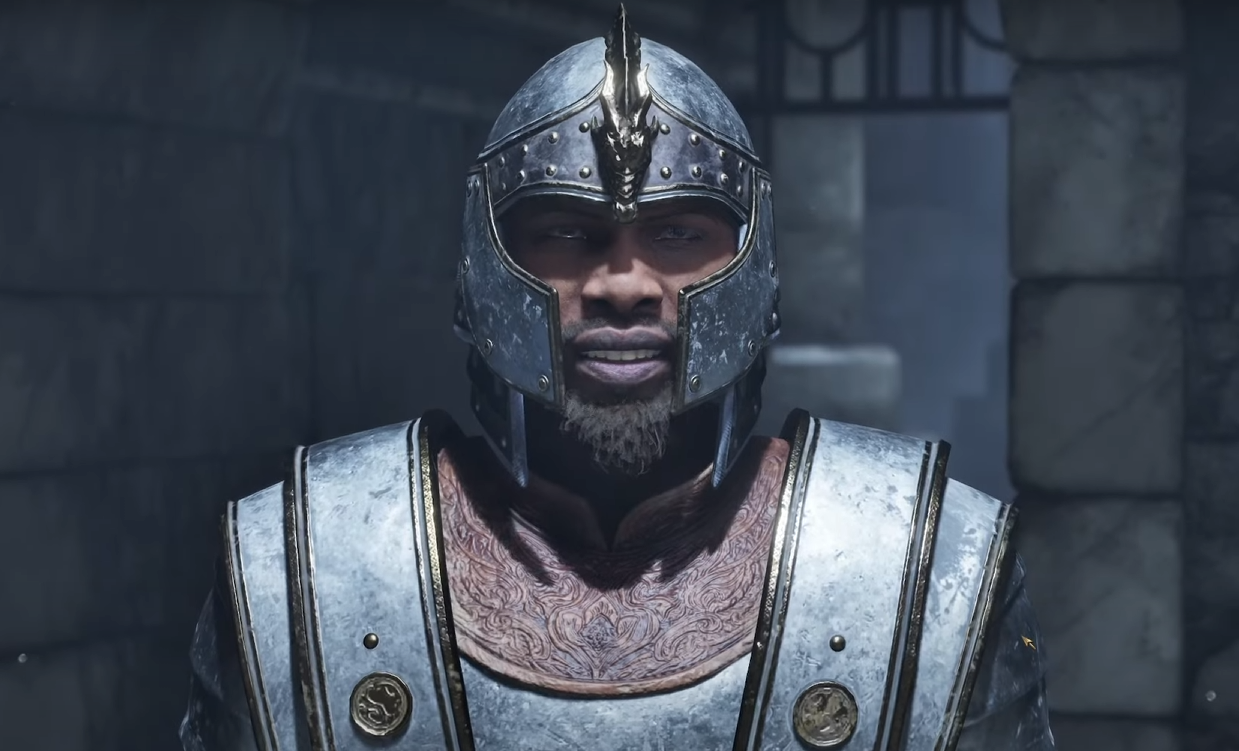
Image Credits: Bethesda Game Studios
So, you’ve made it out of the Imperial City Sewers and realized your hero looks more like a sleep-deprived goblin than the Champion of Cyrodiil. Don’t worry. You’re not stuck with that face forever. Well, unless you’re on console.
Can You Change Appearance in Oblivion Remastered?
If you're playing on PC, yes — but there's a catch. There’s no friendly wizard offering makeovers, and no in-game barber shop. Instead, you’ll need to dive into console commands. Console players, unfortunately, are out of luck here. What you rolled at the start is what you’re stuck with.
How to Use Console Commands to Change Appearance
If you're on PC, here's how to give your character a much-needed glow-up:
Press the tilde key (~) to open the console.
Type showracemenu and hit Enter.
Press ~ again to close the console.
This will bring up the character creation menu where you can adjust your race, face, hair, and even your name. Basically, it’s like going back in time — but without having to replay the sewer tutorial.
A Few Warnings Before You Go Full Stylist
Changing your race will reset your level. Yep, you’ll be back to square one unless you manually fix it.
To restore your levels and stats, you’ll need to use more console commands like:
advlevel — to level back up.
setav [attribute] [number] — to set attributes.
advskill [skill] [number] — to boost skills.
Note that Achievements will be disabled after using console commands. So, if you care about those shiny trophies, maybe embrace your unfortunate character design.
Final Blurb
Unless you’re on PC and comfortable pretending to be a game developer for five minutes, you’re stuck with whatever masterpiece (or disaster) you created at the start. So next time, take an extra minute in the character creator — your future self will thank you.

Recommended | View all Oblivion Remastered


