

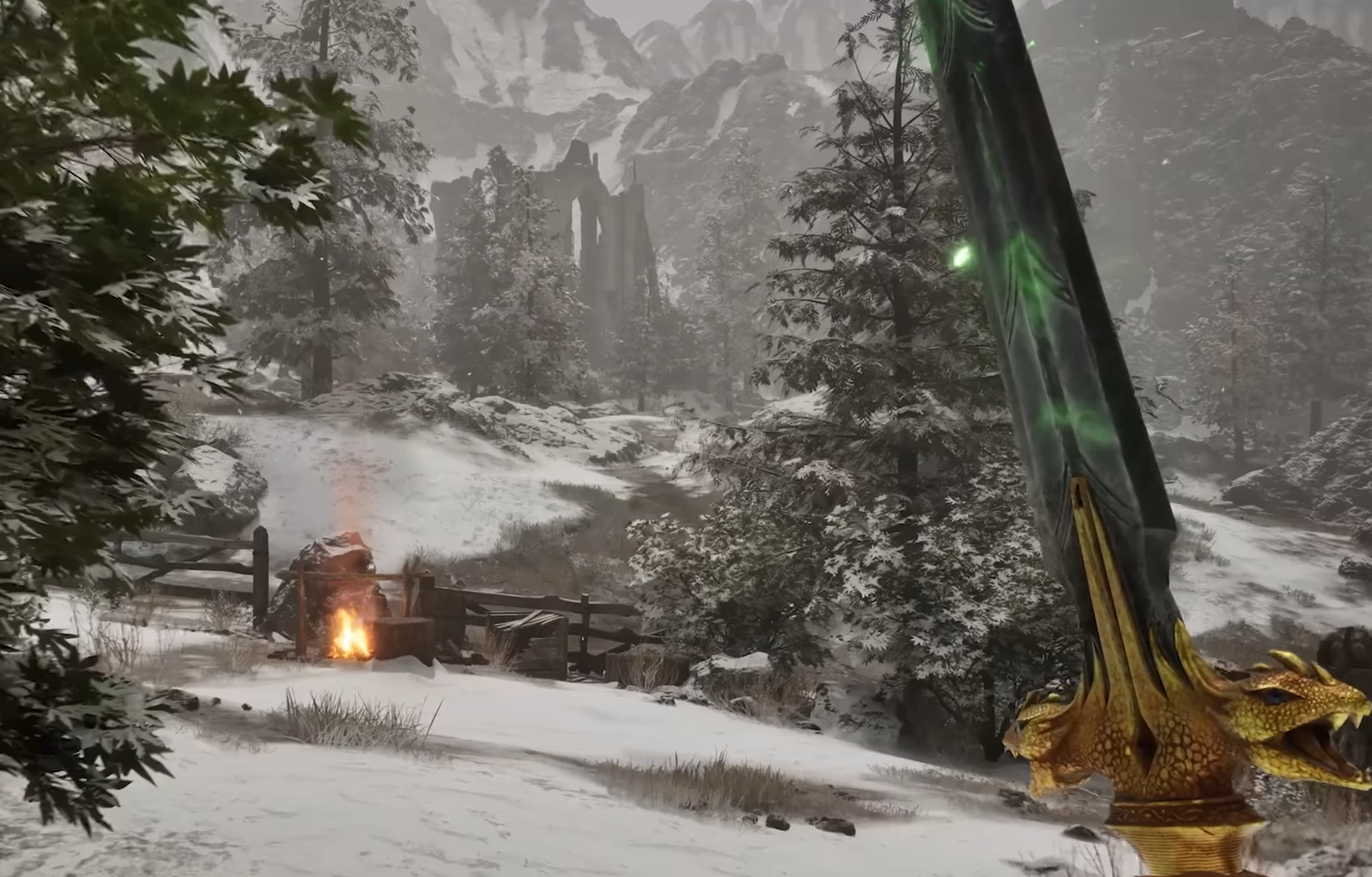
Image Credits: Bethesda Game Studios
So, can Oblivion Remastered actually run on the Steam Deck? Well... yes, but let’s just say you won’t be mistaking it for a smooth 60 FPS experience anytime soon.
Here’s a quick and honest look at how Bethesda’s shiny new remaster performs on Valve’s little handheld powerhouse, along with some tips to help optimize performance.
Is Oblivion Remastered Playable on Steam Deck?
Yes, it’s playable—but "great" might be pushing it. Despite being Steam Deck Verified, you’ll need to temper expectations. Unreal Engine 5 isn’t exactly best friends with portable hardware.
Average FPS: Low 30s in cities, dipping into the 20s in open world areas.
Graphics Settings: Expect to drop most settings to Low. Turning off shadows is basically mandatory if you want to stay near 30 FPS.
FSR 3 (Balanced Mode): Helps a bit, but don't expect miracles—still stutters, especially when swinging the camera around.
Frame Generation: Pretty much useless here. It's designed for higher frame rates, not for saving struggling performance.
The Good News
It runs, which is more than you’d expect from a UE5 game on a handheld.
No extra tweaking needed to launch—just install and play.
If you’re nostalgic and willing to live with 25-30 FPS, it’s serviceable.
The Bad News
Stuttering is noticeable, especially in large open areas.
Forget about high-res textures or fancy effects—this is survival mode for your Deck.
Verified status feels generous. Let’s just say Valve’s definition of "Great on Deck" is... flexible.
How to Optimize Steam Deck Performance
Set everything to Low in the graphics menu.
Disable Shadows completely.
Use FSR 3 on Balanced or Performance mode.
Cap your frame rate to 30 FPS to avoid wild fluctuations.
If all else fails, consider streaming it via GeForce Now or from a gaming PC.
Read More: Oblivion Remastered Tips & Tricks Guide
Final Blurb
Oblivion Remastered on Steam Deck is like inviting a dragon to a tea party—technically possible, but it’s going to get messy. If you’re okay with 30 FPS (or less) and dialed-down visuals, you can enjoy Cyrodiil on the go. Otherwise, this might be one of those "better to stream" games.
At least Mud Crabs don’t care what frame rate you’re running.
Recommended | View all Oblivion Remastered


