Pokemon Champions How To Equip Mega Stones
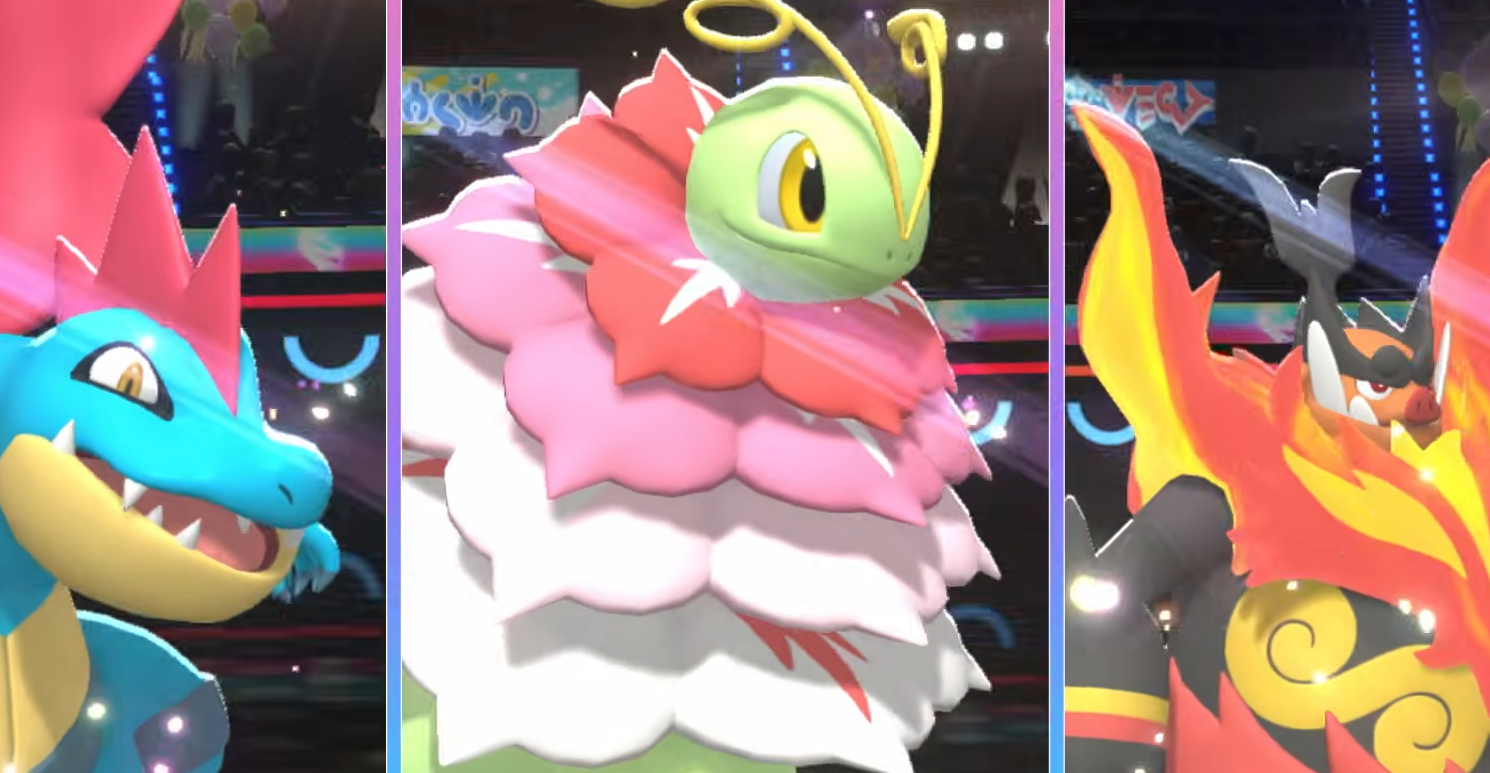
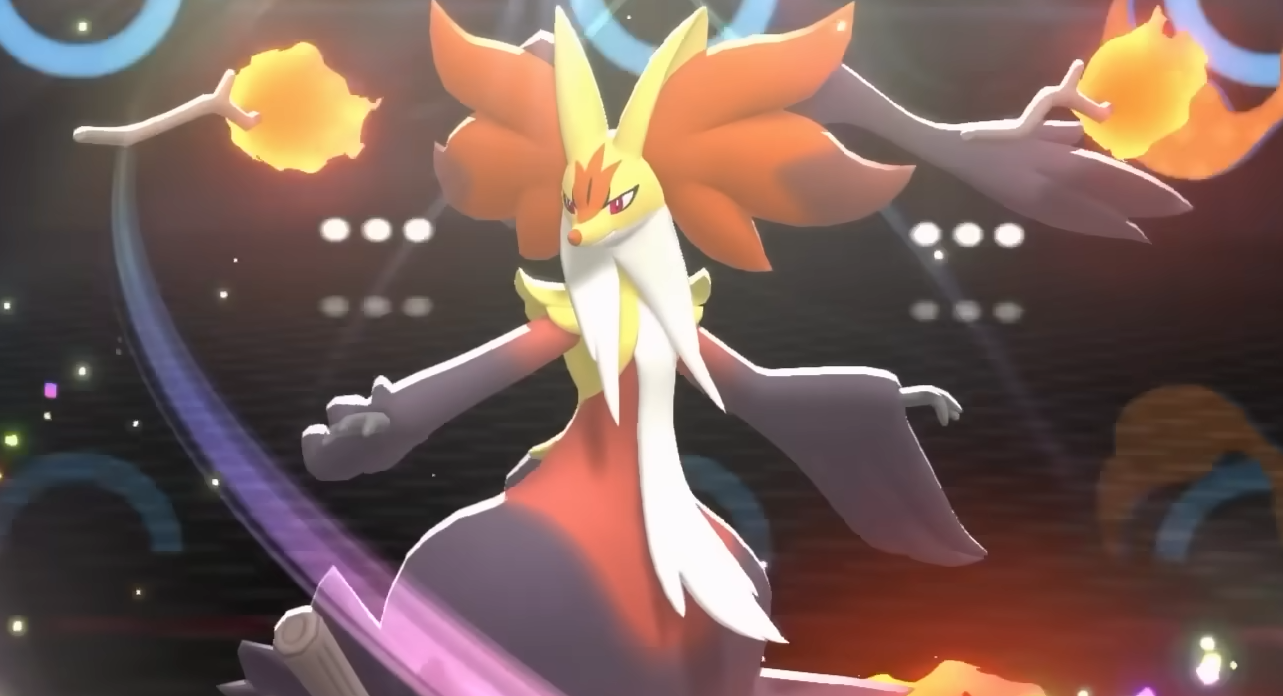
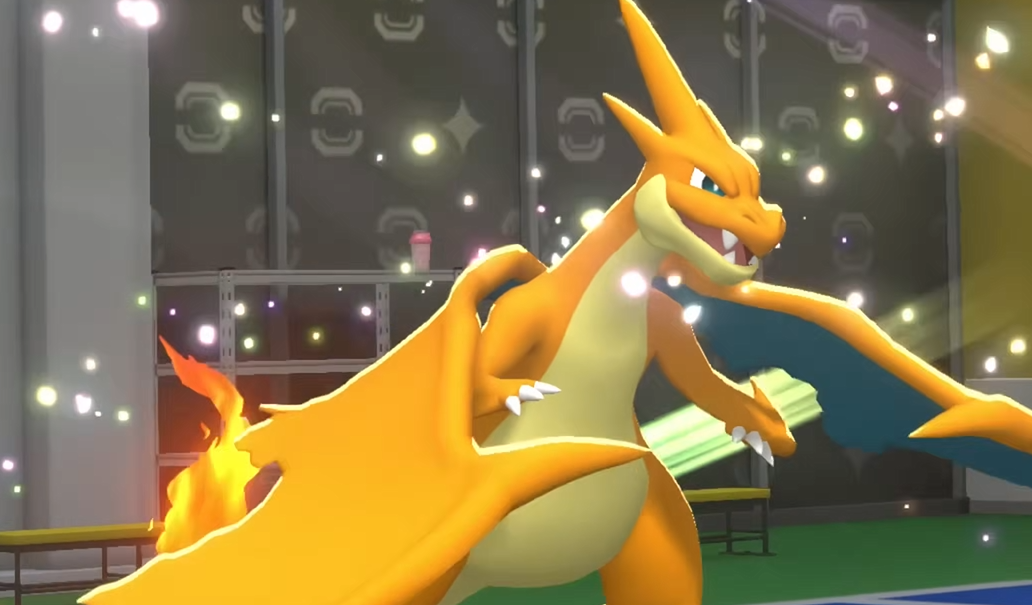
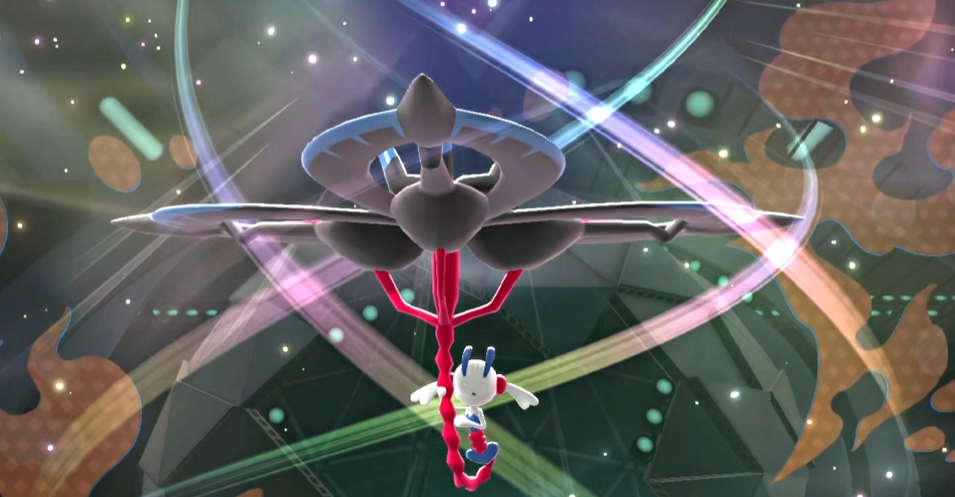
Mega Stones in Pokémon Champions are tied directly to your team setup rather than a general inventory flow. The game does let you equip them, but they do not appear where most players expect, which is why it feels like they are missing after you buy one.
How To Give Mega Stones In Pokemon Champions
You equip Mega Stones in Pokémon Champions by assigning them as a held item from the battle party screen.
Once you’re inside your battle team, each Pokémon has a held item slot. Opening that lets you scroll through item categories using R or L, where Mega Stones appear in their own tab instead of the default item list. From there, you assign the correct stone to the matching Pokémon.
What you notice right away is how strict this system is. If the Pokémon is not in your active battle party, you will not see the option to give it anything, which is where most of the confusion starts.
Quick Guide
Add Pokémon to battle party
Open battle party screen
Select held item slot
Use R or L to switch item tabs
Find Mega Stone tab
Assign to correct Pokémon
Mega Evolution activates in battle
Why Mega Stones Don’t Show Up In Inventory
This is where most players think something is broken… When you buy a Mega Stone, it may not appear in the standard item list. You can open your items, scroll through everything, and still not see it.
Mega Stones are not shown in the default item view. They are placed in a separate tab inside the held item menu, which you only access from the battle party screen.
That extra step makes it look like the item is missing, even though it is already there.
Requirements Before Mega Stones Appear
There are a few conditions that have to be met before you can assign one.
Pokémon must be in your active battle party
You must be in the team setup screen
You must open the held item slot
You must switch to the correct item tab
Miss any of these and the option does not show up at all, which is why it feels inconsistent at first.
How Mega Stones Work After Equipping
Once the Mega Stone is equipped, everything happens in battle.
The Pokémon will not change in menus. Instead, during a fight, you will get the option to Mega Evolve, and that is when the stone activates.
There is no way to fix this mid match. If the stone is not equipped before the fight starts, you simply will not have access to Mega Evolution in that battle.
Final Blurb
Mega Stones in Pokémon Champions are not missing, they are just hidden behind the team setup interface. Once you know to switch item tabs inside the held item menu, everything works normally. Until then, it feels like the game never gave you the item at all.