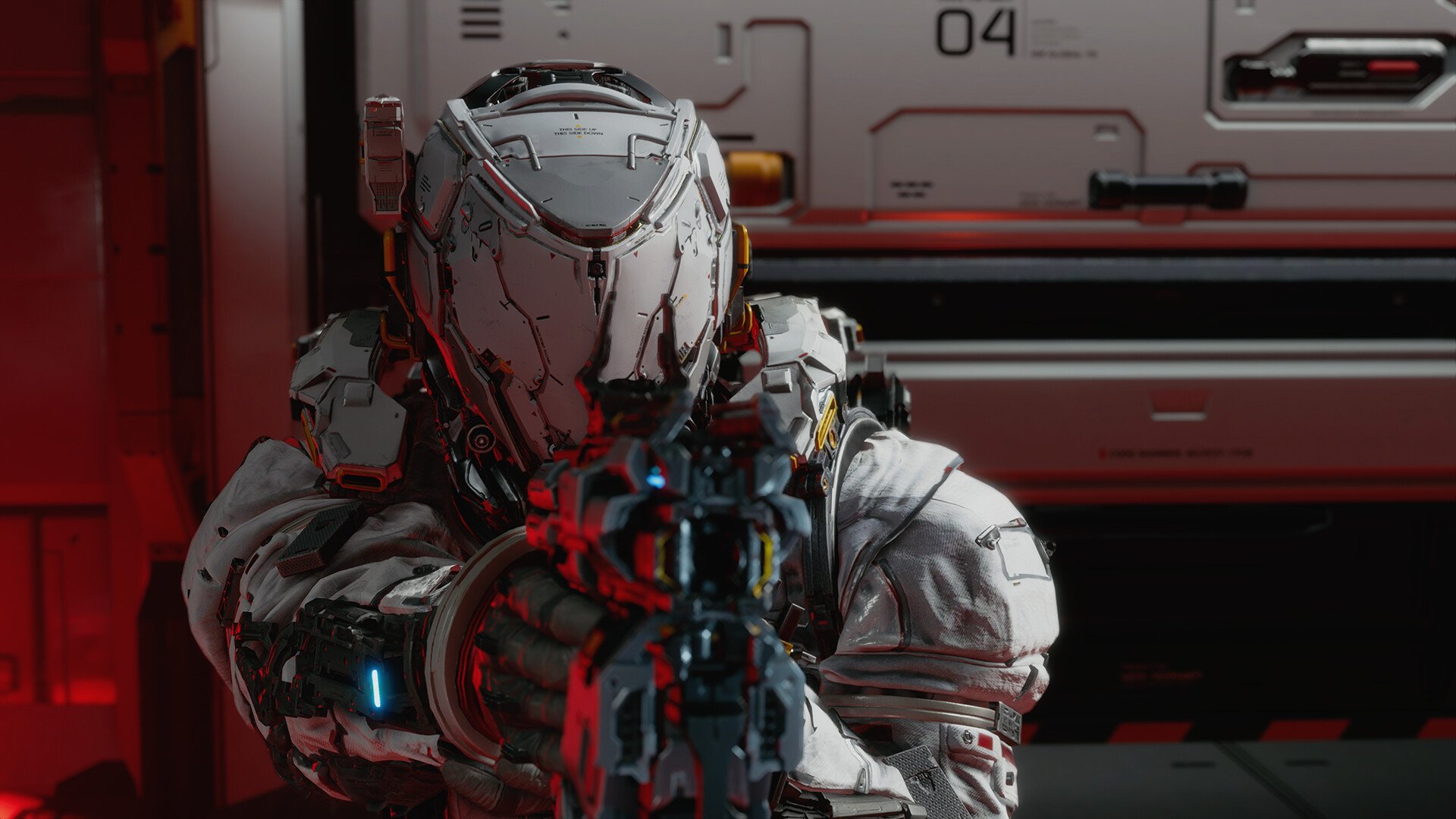
Weapon skins in Pragmata are available early, but the option is tied to a specific system that does not sit on your character or inventory screen. Once the Shelter opens up, customization is handled through a menu that is easy to overlook the first time through.
Where To Change Weapon Skins In Pragmata
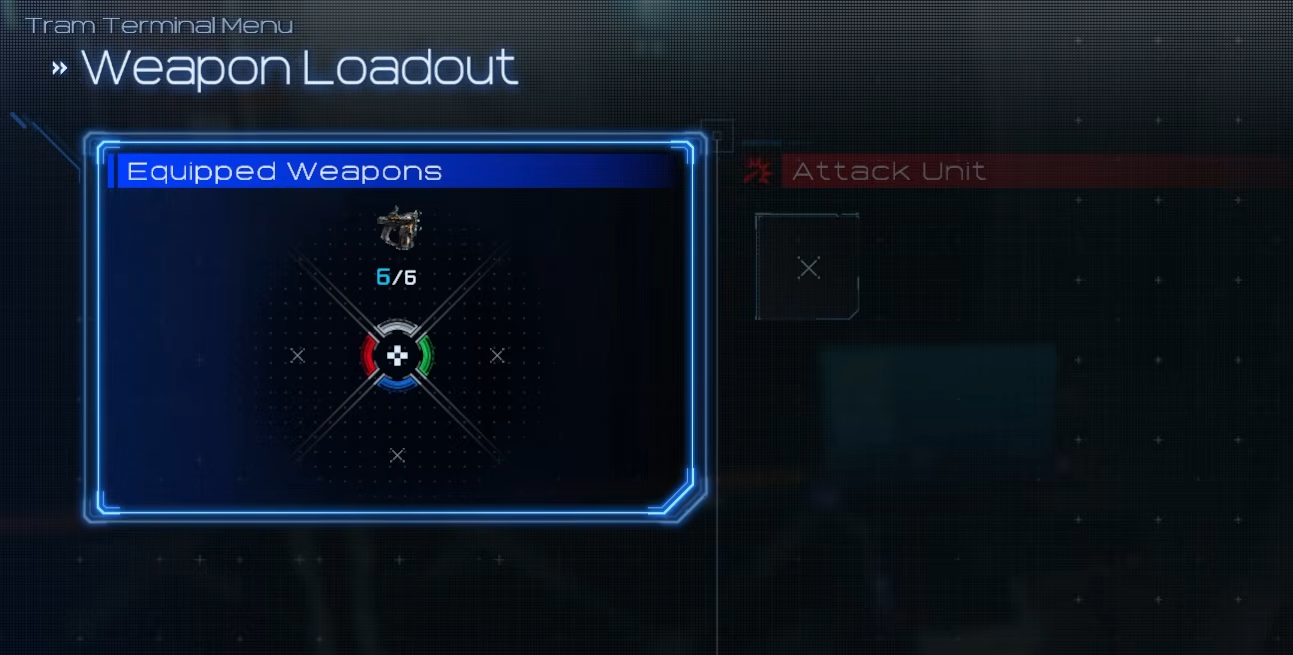
To change weapon skins in Pragmata, open the Tram Terminal in the Shelter, go to Loadout, select Equipped Weapons, choose your weapon, and then select and confirm the skin.
The important step is interacting with the Tram Terminal. That is what opens the full menu. From there, Loadout leads into Equipped Weapons, and selecting a weapon shows any skins tied to it. The swap happens instantly once you confirm, and backing out keeps it applied.
Why The Weapon Skin Menu Feels Hidden
The system is not connected to your inventory or anything you access during combat. If you try to find it there, it just is not present.
Everything is anchored to the Shelter and that single terminal. Until you interact with it directly, the game does not surface customization anywhere else, which is why it feels like the option is missing at first.
Once you know it lives there, it becomes part of your normal loop whenever you return to base.
When Weapon Skins Unlock
Weapon skins unlock as soon as the Shelter becomes available after the prologue. There is no additional requirement beyond reaching that point. The full Loadout system is already active, including weapons and outfits, but nothing appears unless you go through the Tram Terminal to access it. If the menu is not showing up, progression is the only thing holding it back.
Why You Might Not See Any Skins
Opening the weapon menu does not mean you have skins ready to equip.
Some skins are tied to specific editions or rewards, so if you only have the default version of a weapon, the menu will still be there but without alternatives. That can make it look like something is missing when it is really just that nothing has been unlocked yet. Once additional skins are available, they appear automatically in the same spot without any extra steps.
Quick Steps To Change Weapon Skins
Go to the Shelter
Interact with the Tram Terminal
Open Loadout
Select Equipped Weapons
Choose your weapon
Select and confirm the skin
Final Blurb
Changing weapon skins in Pragmata is handled entirely through the Tram Terminal in the Shelter. Once you know where that menu is, the process is quick and repeatable, but until then it feels like the feature is hidden even though it is already unlocked.