The Scav Scanner can improve your scavenging trips in Probably Stolen, but it's not immediately clear whether you need to equip or activate it. Understanding how to carry the scanner, especially when using a toolbox, is important before heading to the Dumping Grounds.
How to Use Scav Scanner
Using Scav Scanner With a Toolbox
Why Scav Scanner Isn't Working
How to Use Scav Scanner in Probably Stolen
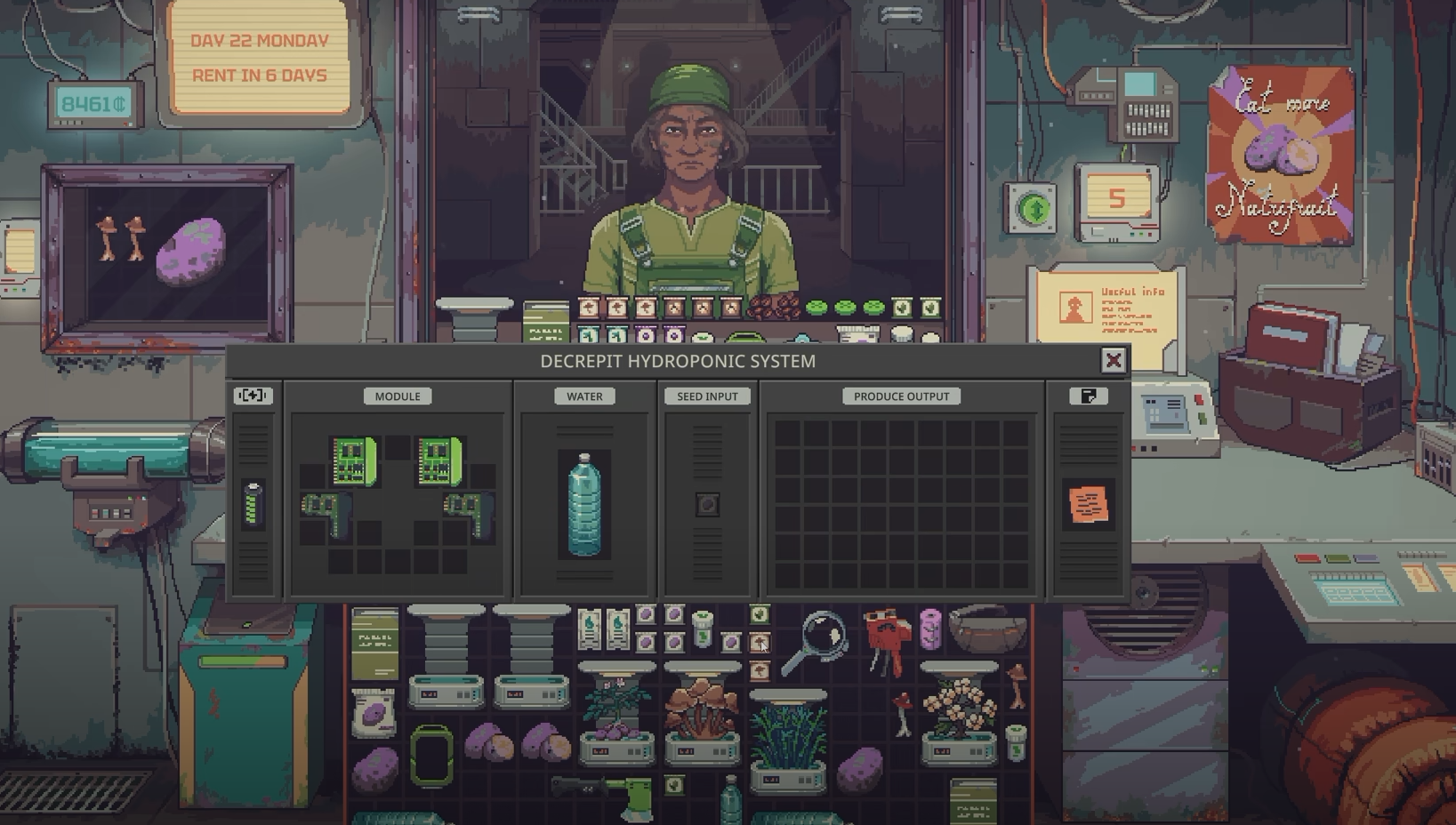
To use the Scav Scanner in Probably Stolen, simply bring it with you when scavenging at the Dumping Grounds. The scanner works passively while carried in your inventory, meaning you don't need to equip it in a special slot, press an activation button, or manually scan anything.
Here's how to use it:
- Place the Scav Scanner inside the backpack or other inventory you plan to bring on your scavenging trip.
- Travel to the Dumping Grounds with the scanner in your possession.
- Search for salvage normally, without activating the scanner.
- Collect your findings, including any additional loot awarded through the scanner's bonus.
The important distinction is that owning a scanner isn't enough. Leaving it inside your shop's storage won't provide its benefit during an outing. You need to physically bring it along.
The scanner gives successful scavenging attempts a chance to produce an additional item. It doesn't guarantee extra loot on every search, so you may complete several searches before noticing its effect.
Can You Use the Scav Scanner Inside a Toolbox?
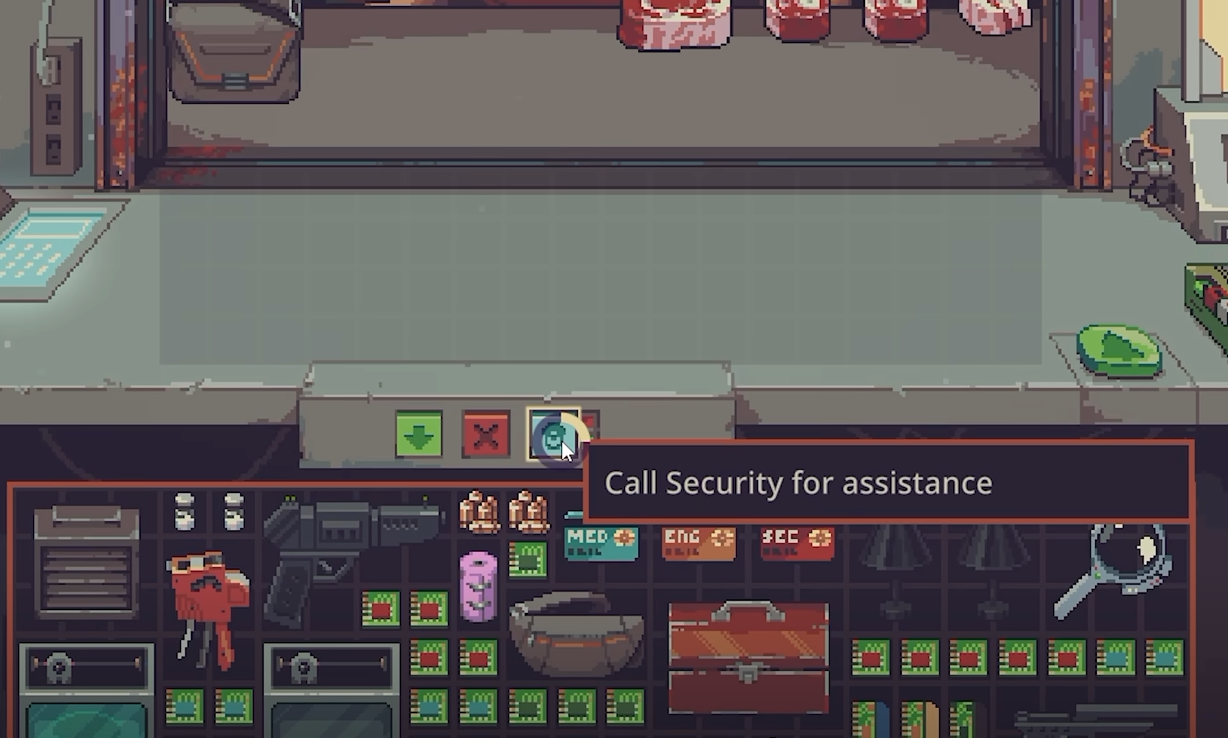
Yes. According to players discussing the mechanic on Steam, the Scav Scanner works while stored inside a toolbox, provided you're carrying that toolbox when scavenging. You don't need to remove the scanner or place it directly into your backpack.
This is particularly useful because the toolbox can hold other scavenging equipment, including a flashlight or Plasma Cutter. Instead of filling your inventory with individual tools, you can keep them together and preserve more room for anything you find.
However, a toolbox doesn't directly improve the scanner's bonus. Its advantage is inventory management, especially when you're bringing several tools on the same trip.
I'd recommend carrying the scanner inside a toolbox when you have multiple useful tools, but there's no need to purchase a toolbox solely to activate the scanner.
Why Isn't the Scav Scanner Working in Probably Stolen?
If you're not receiving additional loot, first confirm that the scanner is actually in your carried inventory. If you're using a toolbox, make sure you've brought the toolbox rather than leaving it in your shop.
The other important consideration is probability. Community item data lists a 15% starting chance for an additional scavenging find, with Electronic Parts increasing that chance by five percentage points per upgrade. The scanner can eventually reach a 100% bonus chance, although that doesn't guarantee rare or valuable loot.
Only one Scav Scanner contributes its bonus, so carrying duplicates won't improve your results. Upgrading your existing scanner is the better approach if you want to increase the chance of receiving additional items.
There have also been player reports of extended scavenging sessions without visible bonus loot, even with an upgraded scanner. Those reports don't establish a confirmed bug or a particular fix, so check your scanner's displayed bonus and make sure you're bringing it on successful scavenging attempts.
For ordinary use, the process remains straightforward: carry one Scav Scanner, keep it inside a toolbox if convenient, and continue scavenging normally. No separate activation is required.