Retro Rewind: Controller Support Guide And Steam Deck Setup
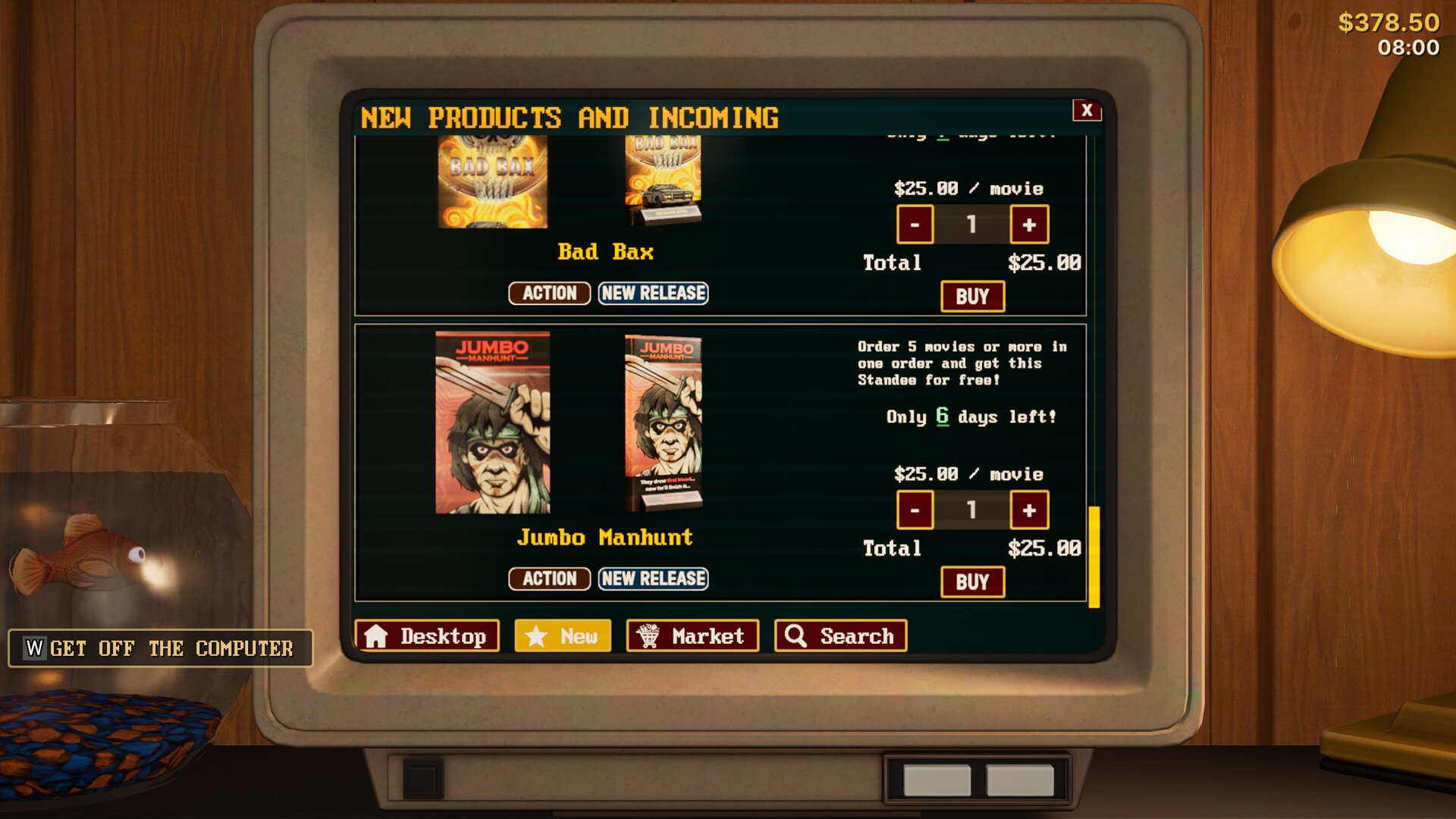
Controller support in Retro Rewind is not fully built in yet, so the game runs more like a keyboard and mouse setup even when using a controller. You can still play it on Steam Deck or with a controller, but it takes a bit of setup and feels different compared to games with full support.
How Controller Support Works In Retro Rewind
Retro Rewind does not have full native controller support, so controls mimic keyboard and mouse inputs and require custom bindings to work properly.
This means you are not getting standard controller menus or layouts by default.
Is Retro Rewind Playable On Controller Or Steam Deck
The game is playable, but not fully optimized.
Controls act like keyboard and mouse instead of true controller inputs
Some actions need manual rebinding
Certain interactions can feel awkward at first
Core gameplay still works once configured
Players report that it works fine overall, just not smooth out of the box.
Best Controller Setup Tips
You can improve the experience a lot with a few adjustments.
Use the touchpad for aiming and looking around
Avoid relying only on analog sticks for precision
Rebind important keys like interact and inspect
Test layouts before committing to one
The touchpad makes a big difference for menus and selecting items.
Common Controller Issues
There are a few things to expect while playing.
Some actions may not respond until properly bound
Menu navigation can feel clunky
Checkout and interaction inputs may need tweaking
Default layout may not feel natural
These are all tied to the lack of full controller support.
How To Improve Controls On Steam Deck
Steam Deck gives you more flexibility through layouts.
Use Steam Input to customize your controls
Map mouse movement to the touchpad
Assign keybinds to buttons manually
Save your layout once it feels comfortable
Spending a few minutes here makes the game much easier to play.
Will Controller Support Improve
Controller support is currently being worked on.
Full support is not fully implemented yet
Updates are expected to improve controls over time
Future patches should make controller play smoother
For now, the game is playable but not fully optimized.
Final Blurb
Retro Rewind can be played on controller and Steam Deck, but it runs on keyboard and mouse style inputs instead of full controller support. With a bit of rebinding and using the touchpad, it becomes much more comfortable to play. It works well enough to enjoy, but it is clearly still a work in progress.
FAQ
Does Retro Rewind have controller support
No, it does not have full native controller support yet.
Can you play Retro Rewind on Steam Deck
Yes, it is playable, but you will need to adjust controls for the best experience.
What is the best way to aim on controller
Using the touchpad works better than analog sticks for accuracy.
Why do controls feel awkward
Controls mimic keyboard and mouse inputs instead of using a true controller layout.
Will controller support be added later
Yes, controller support is being worked on and may improve in future updates.