Retro Rewind How to Play Your Own Video
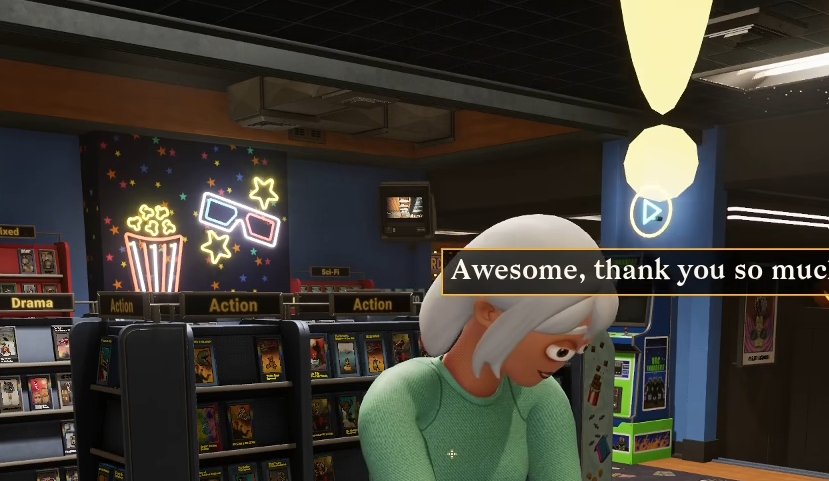
Playing your own videos in Retro Rewind is one of the coolest hidden features, but the game barely explains how to do it. Once you know where to put the file and how it needs to be formatted, it works every time.
How To Play Your Own Video In Retro Rewind
To play your own video, you need to replace a channel video file with your own MP4 that matches the required format and file name.
This is done directly through the game files, not in game menus.
Where To Put Your Video File
You need to find the correct folder first.
Go to your Steam folder
Open steamapps
Go to common
Find RetroRewind
Open Content then Movies then VHS
Inside this folder, you will see channel folders like Public.
How To Replace The Video
Once you are in the correct folder:
Choose a working channel like Public
Find the existing file
Replace it with your own video
Rename your file to match the original
For example, your file should be named exactly like the original channel file.
Required Video Settings
Your video needs to match the game’s format.
MP4 file type
512x512 resolution
Keep file size reasonable
If it does not match this, it may not play correctly.
How To Get It Working In Game
After replacing the file:
Launch the game
Go to a TV
Switch to the channel you replaced
Your video should now play on that channel.
Which Channels Work
Not every channel works right now.
Public works
Sci Fi works
Police works
Other folders may exist but do not always function yet.
Tips For Best Results
To avoid issues:
Keep video short and optimized
Make sure the file name matches exactly
Replace, do not add new files
Test one channel first before doing more
Once it works, you can repeat the process for other channels.
Final Blurb
Playing your own video in Retro Rewind is simple once you know where the files are and how the system works. Replace a channel file with your own MP4, match the format, and switch to that channel in game. It is one of the easiest ways to customize your store and make the TVs feel way more personal.
FAQ
How do you play your own video in Retro Rewind
Replace a channel video file with your own MP4 in the game folder.
What format does the video need to be
MP4 with a 512x512 resolution.
Which channels work for custom videos
Public, Sci Fi, and Police are confirmed to work.
Why is my video not playing
The file name or format likely does not match the required settings.