Your store name in Retro Rewind looks permanent after the first setup, especially if a typo slips through. The rename option is real, but it is easy to miss because it is handled through Edit Mode on the outside store logo instead of a normal menu.
Jump To
Can You Change Your Store Name In Retro Rewind
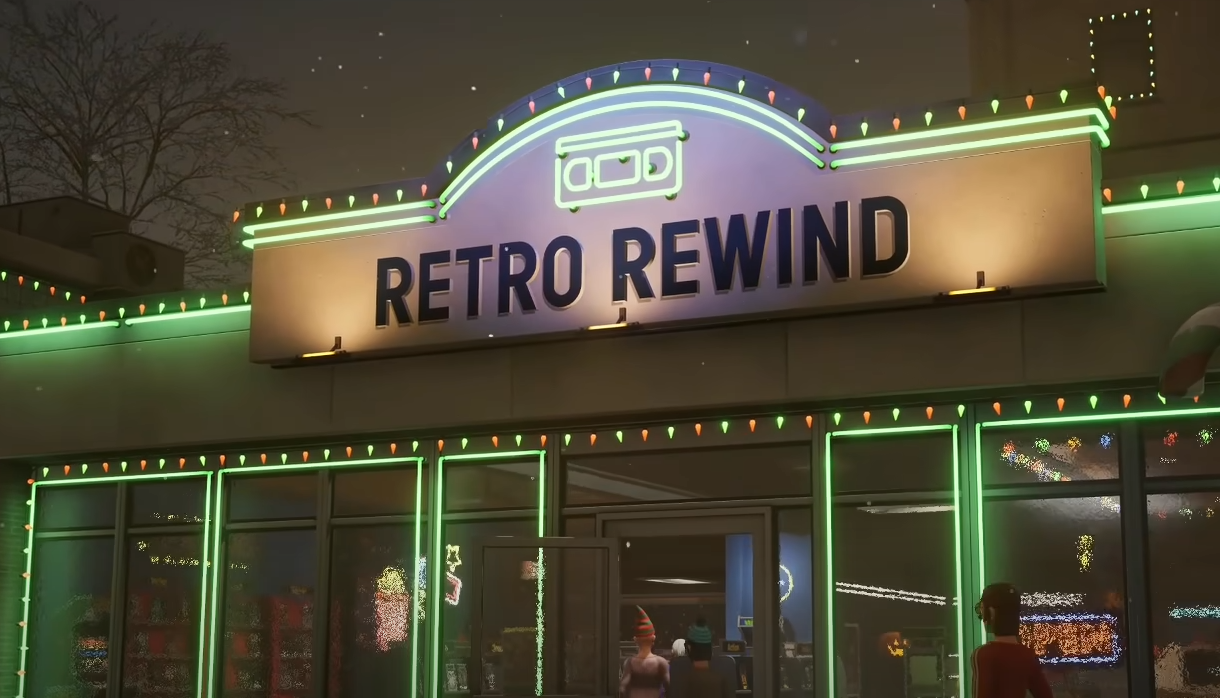
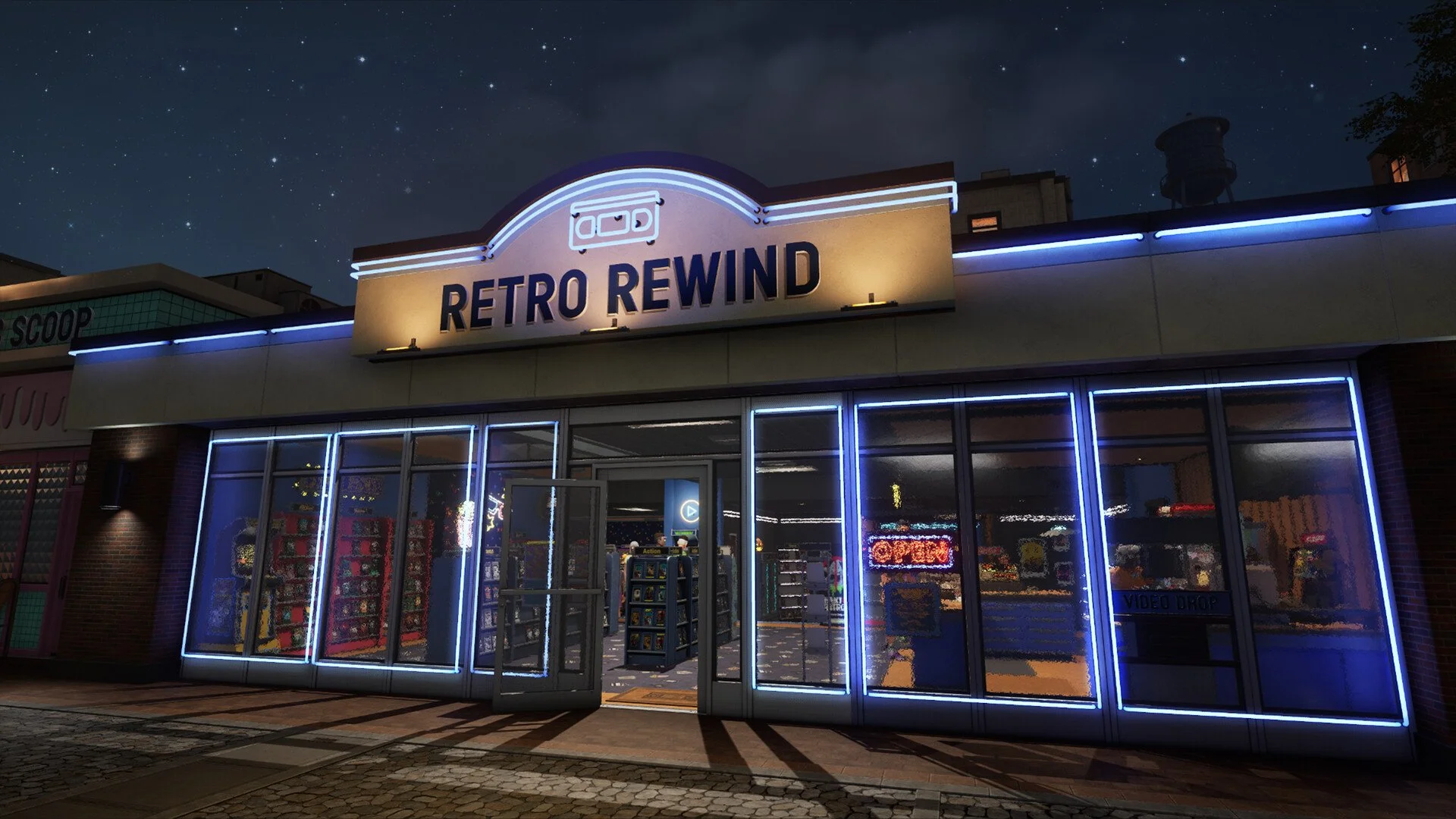
You can change your store name in Retro Rewind by using Edit Mode while facing the store logo outside your shop.
The store name is not locked forever after the opening setup. It only feels that way because the game does not put the rename option in a standard settings menu or business screen. The name change is connected to the physical store logo outside the building.
That means a typo does not require a new save. The fix is just hidden behind the sign interaction, which is very simulator game behavior. Completely fair once known, mildly evil before then.
How To Change Your Store Name In Retro Rewind
To change your store name, go outside the shop, face the store logo, then enter Edit Mode with the default B key bind.
| Step | What To Do |
|---|---|
| 1 | Walk outside your store. |
| 2 | Face the store logo on the outside of the building. |
| 3 | Enter Edit Mode. The default key bind is B. |
| 4 | Use the edit option on the logo to change the store name. |
The important part is targeting the outside logo directly. Opening Edit Mode in the wrong spot can make it seem like the feature is missing, even though the rename option is available on the sign.
Where The Name Change Option Is
The store name change option is on the outside store logo, not inside a regular menu.
This is the part that trips people up. After naming the store at the start, the natural place to look is a shop menu, save menu, settings screen, or business management tab. Retro Rewind uses the physical logo instead, so the rename feature is easy to overlook.
Stand outside, look directly at the logo, and enter Edit Mode. If nothing shows up, adjust the angle and make sure the logo is the object being targeted. The feature is connected to the sign itself, so being close to the building is not always enough.
Does Store Name Affect Gameplay
Your store name does not appear to affect income, customers, progression, or store performance in Retro Rewind.
The name is mainly cosmetic. It helps personalize the shop and gives the store its own identity, but it is not a hidden stat that changes how much money customers spend or how quickly the business grows.
That makes the rename feature useful for fixing typos, cleaning up a bad first choice, or swapping to something that fits the store better. It is worth changing if the name looks bad, but it is not something that needs to be optimized for gameplay.
Funny Store Name Ideas For Retro Rewind
Retro Rewind has the right setup for dumb video store names, and being able to rename the shop makes experimenting safer. Short names usually work best because they stay readable on the logo and still fit the old rental store vibe.
| Store Name Idea | Vibe |
|---|---|
| BlockBusted | Obvious, dumb, and honestly effective. |
| Tape Escape | Clean retro rental store energy. |
| Late Fee Legends | Good for a store with threatening vibes. |
| VHS And Chill | Simple, readable, and easy to remember. |
| Rewind Rage | For a store owner who has seen too many late returns. |
| Flick Fix | Short and clean. |
| Static Palace | A little weird, but it fits the retro theme. |
| Return Or Else | Strong customer service policy, probably illegal. |
| Cassette Kingdom | Good for a bigger store vibe. |
| Shelf Control | Perfect for pretending the layout is organized. |
A name can be funny without being unreadable. Long names tend to look worse on signs, so a short joke usually lands better than a whole sentence crammed onto the logo.
Tips Before Renaming Your Store
Since the store name can be changed, there is less pressure to get it perfect the first time. Still, the name shows up enough that it is worth choosing something clean.
- Keep the name short and easy to read.
- Double check spelling before leaving Edit Mode.
- Use a name that fits the video store theme.
- Avoid a joke name that will get old fast.
- Use the outside store logo whenever the name needs to be fixed.
The rename option is best used for simple fixes. Correct a typo, clean up the wording, or switch to a better store name once the theme of the shop starts coming together.
Final Blurb
The store name in Retro Rewind can be changed by going outside, facing the store logo, and using Edit Mode. The default Edit Mode key bind is B, and the rename option is connected to the physical sign instead of a normal menu.
That means a typo does not ruin the save. The name is cosmetic, so it does not affect income or progression, but it still shows up enough to be worth fixing. Walk outside, edit the logo, clean up the name, and move on with the important work of running a deeply serious VHS empire.