Retro Rewind TV Guide: Channels And Custom Videos
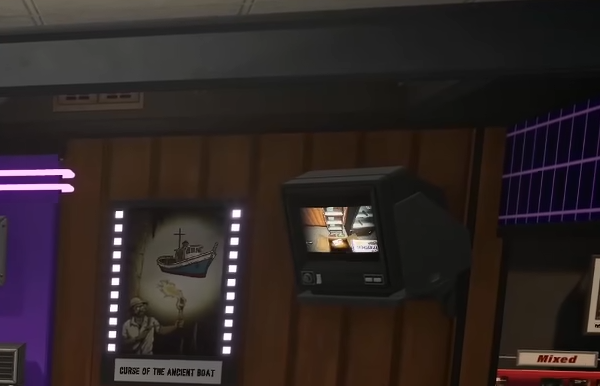
The TV in Retro Rewind looks like it should have a full set of channels, but once you start flipping through them, most just show static. It feels like you are missing something at first, but you are not. The system is just limited right now, even though it looks bigger than it actually is.
Can You Unlock More TV Channels In Retro Rewind
No, you cannot unlock more TV channels right now, only a few channels actually work.
The only working channels are:
Public
Sci Fi
Police
Everything else either does nothing or shows static when you switch to it.
Why TV Channels Are Not Working
This is not tied to progression or upgrades.
The TV system is only partially implemented, so while you can see multiple channels and folders, most of them are not active in the game yet.
There is no hidden unlock or requirement you are missing. If a channel is not working, it simply is not available right now.
How To Add Custom Videos To The TV
Even though you cannot unlock new channels, you can still customize the ones that work.
To do this:
Go to your game files
Find the Movies or VHS channel folders
Choose a working channel like Public
Replace the existing video file
Your video needs to follow these rules:
MP4 format
512 by 512 resolution
Same file name as the original
After that, load the game and switch to that channel, your video will play instead.
Which Channels Work For Custom Videos
Only the working channels can be used for custom videos.
Public
Sci Fi
Police
Trying to use other channels will not work, even if you replace the files.
Why The TV Shows Static
Static usually happens for a simple reason.
You are on a channel that does not work
Your file format is wrong
The file name does not match
The resolution is incorrect
Fix those and the TV should work as expected.
Final Blurb
The TV in Retro Rewind looks like it has more features than it actually does right now. You cannot unlock new channels yet, but you can still get some use out of it by adding your own videos to the working ones. It is a simple system for now, but still a fun extra if you want to customize your store a bit.
FAQ
Can you unlock more TV channels in Retro Rewind
No, only a few channels work and there is no way to unlock more right now.
Which TV channels work in Retro Rewind
Public, Sci Fi, and Police are the only working channels.
Can you add your own videos to the TV
Yes, you can replace the channel files with your own MP4 videos.
Why does the TV show static
Static means the channel does not work or the video file is not set up correctly.