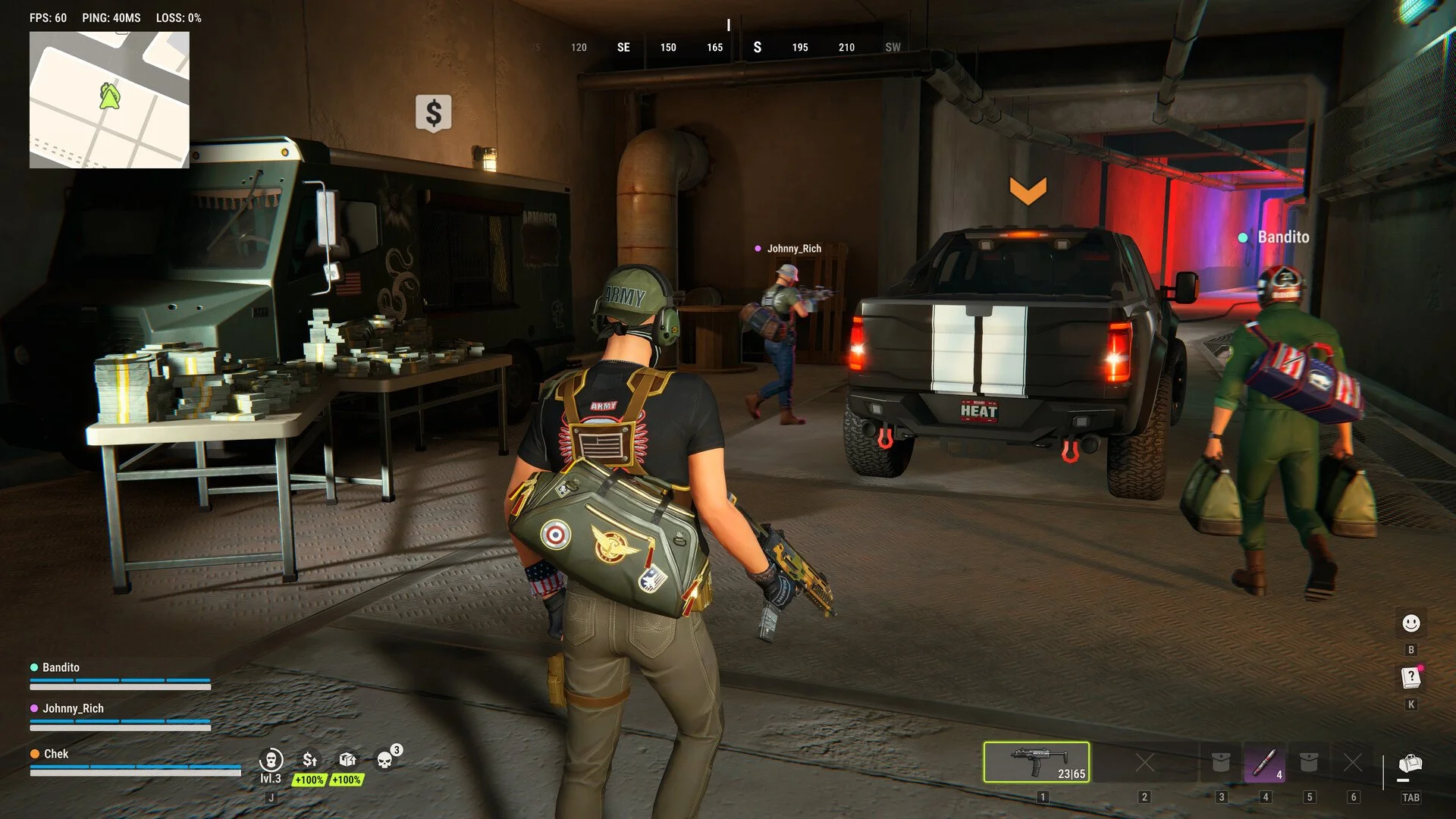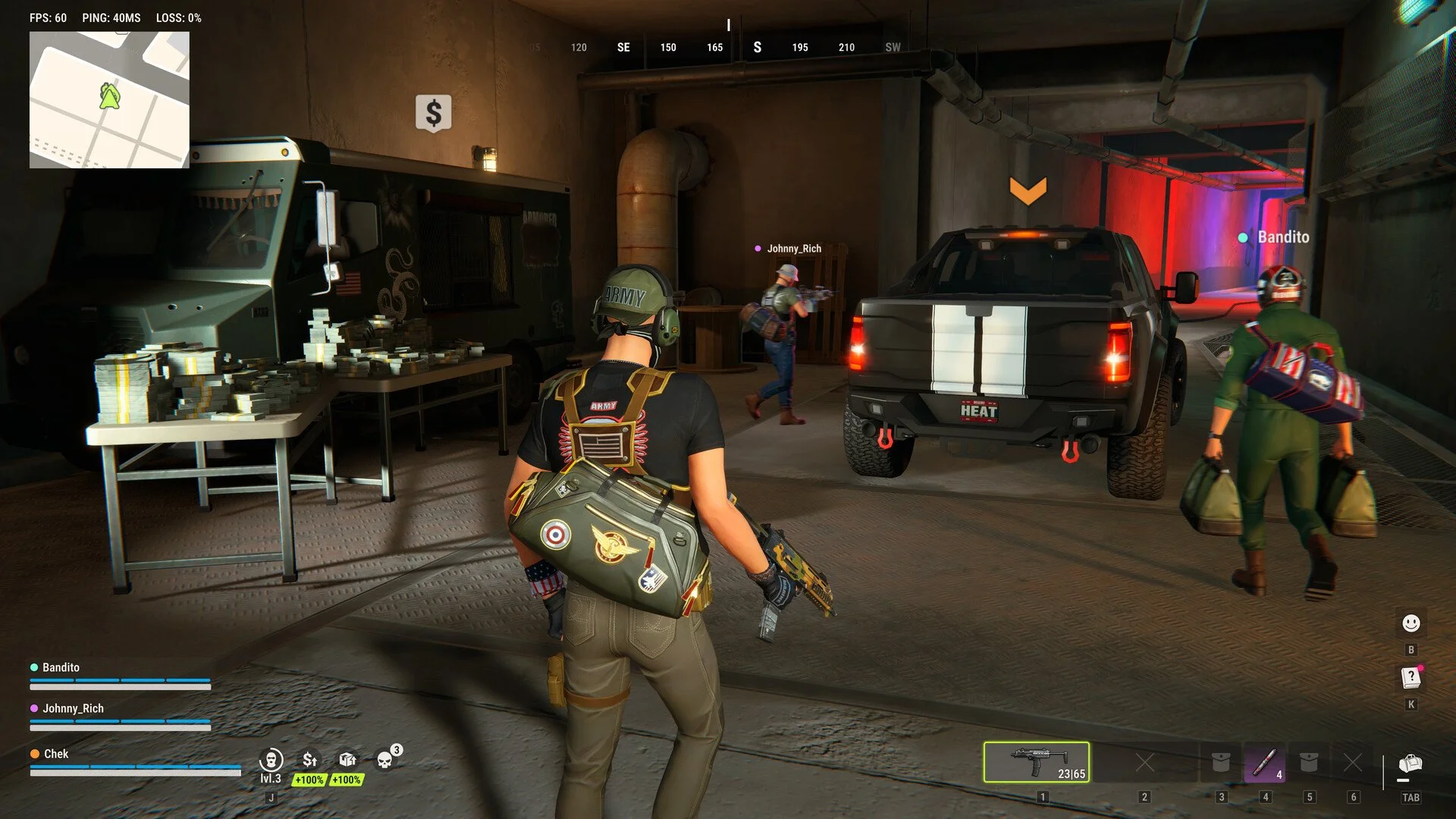
Joining friends in ROB RUN can be confusing when the game says you're on different servers. Sending another party invitation won't resolve the issue until both players are connected to the same server. Fortunately, the game has a specific way to handle this through Prison.
How to Join Friends' Servers
Fixing the Different Server Error
Do You Lose Items When Switching?
How to Join Your Friend's Server in ROB RUN
To join a friend's server in ROB RUN, open your global map, select Prison, and choose Surrender to Feds. Once inside Prison, switch to the server your friend is playing on, then send them a new party invitation.
Follow these steps:
- Open your global map in ROB RUN.
- Select the Prison location.
- Choose Surrender to Feds after checking the confirmation.
- Once inside Prison, select your friend's server using the server-switching option.
- Send your friend another party invitation.
This is the method documented by developer Kefir for joining friends who are already playing on a different server.
For more information about switching between sessions, see our ROB RUN How to Change Servers guide.
How to Fix the Different Server Error
If ROB RUN says your friend is on another server, the invitation won't automatically transfer you to their session. You'll need to switch servers through Prison before inviting them again.
If the warning continues after switching, confirm that you selected the correct server and try sending a fresh invitation.
I'd recommend checking the server information with your friend before switching, especially if several servers have similar names.
Do You Lose Items When Joining Another Server?
The official instructions don't confirm whether using Surrender to Feds preserves your inventory, equipment, or current progress.
Before selecting the option, read any confirmation displayed by the game. Don't assume the transfer is completely free of consequences.
Once you've switched to your friend's server, send a new party invitation to confirm that you're both connected and ready to play together.