Finding your current server in ROB RUN is important when playing with friends or keeping track of your progress. Every server has a unique identifier that distinguishes it from others in the same region, and you can find yours directly through the game.
How to See Your Current Server in ROB RUN
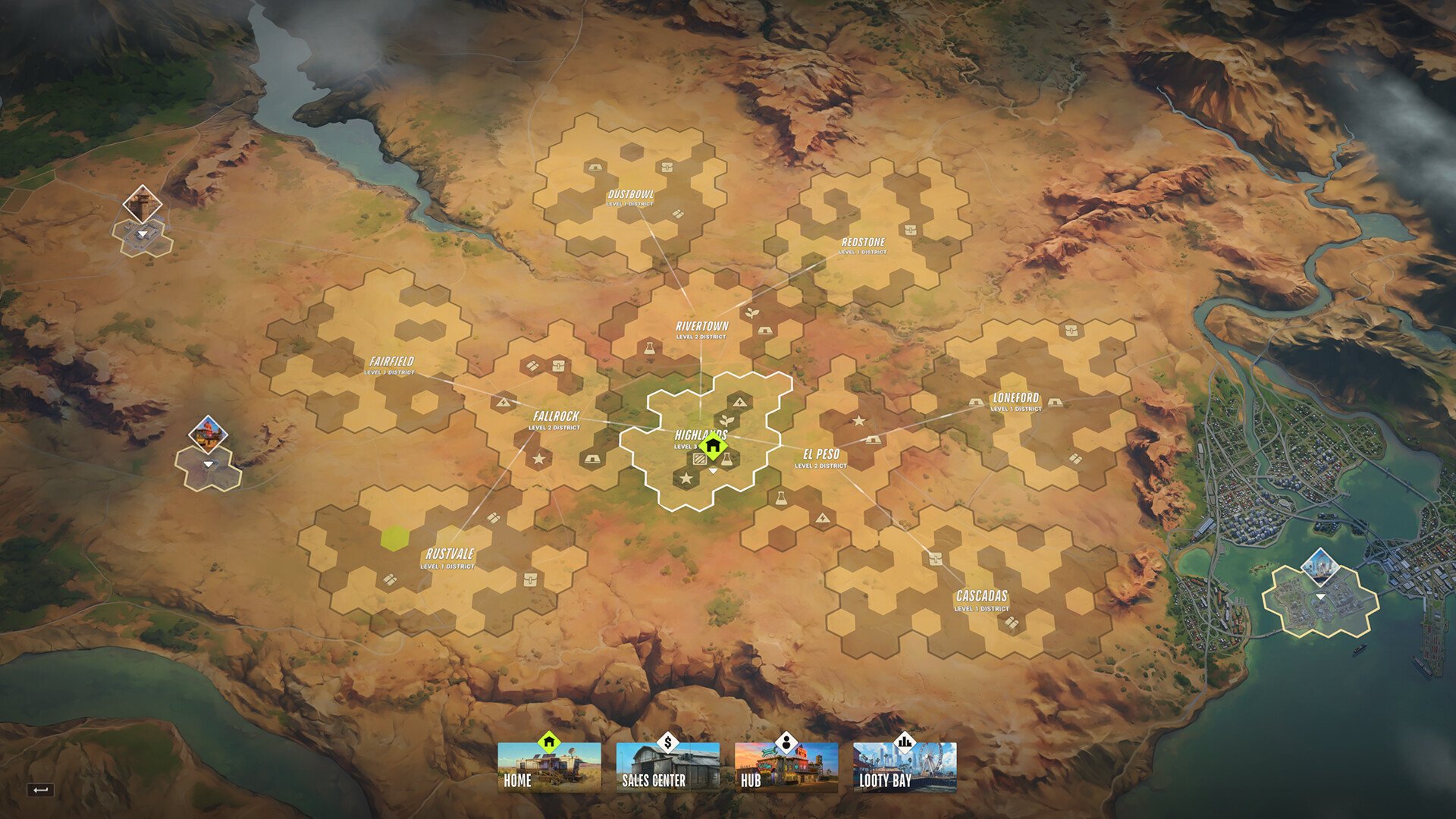
To see what server you're in on ROB RUN, open your in-game map. Your current server ID is displayed on the map screen and contains a region abbreviation followed by a unique number.
For example, an American server identifier would follow a format similar to US-XXXXX, with the Xs representing the server's identifying numbers.
The letters tell you which region you're connected to, while the numbers distinguish your server from others operating in that region.
If you're trying to play with friends, make sure to share the entire server ID rather than just the region. Two players can both be connected to East US without necessarily being on the same server.
It's also worth saving your server ID when establishing a base. ROB RUN operates on individual seven-day server cycles, so recording the server you're playing on can help you keep track of where your progress is located.
Why Can't You See Your Server ID in ROB RUN?
If your server name isn't appearing on the map, Streamer Mode may be enabled. This setting hides identifying server information, preventing the ID from being displayed normally.
Disable Streamer Mode and check your map again to reveal your current server identifier.
Server ID vs. Player UID
Another common mistake is confusing your server ID with your personal UID.
Pressing Esc displays your UID beneath your character name. However, this identifies your player account rather than the server you're connected to.
To find the correct server information, use the identifier shown on your map instead. The server ID is the one you'll want to record or share when identifying your current ROB RUN server.