

RV There Yet Crash Fix | How to Fix Game Crashing Error
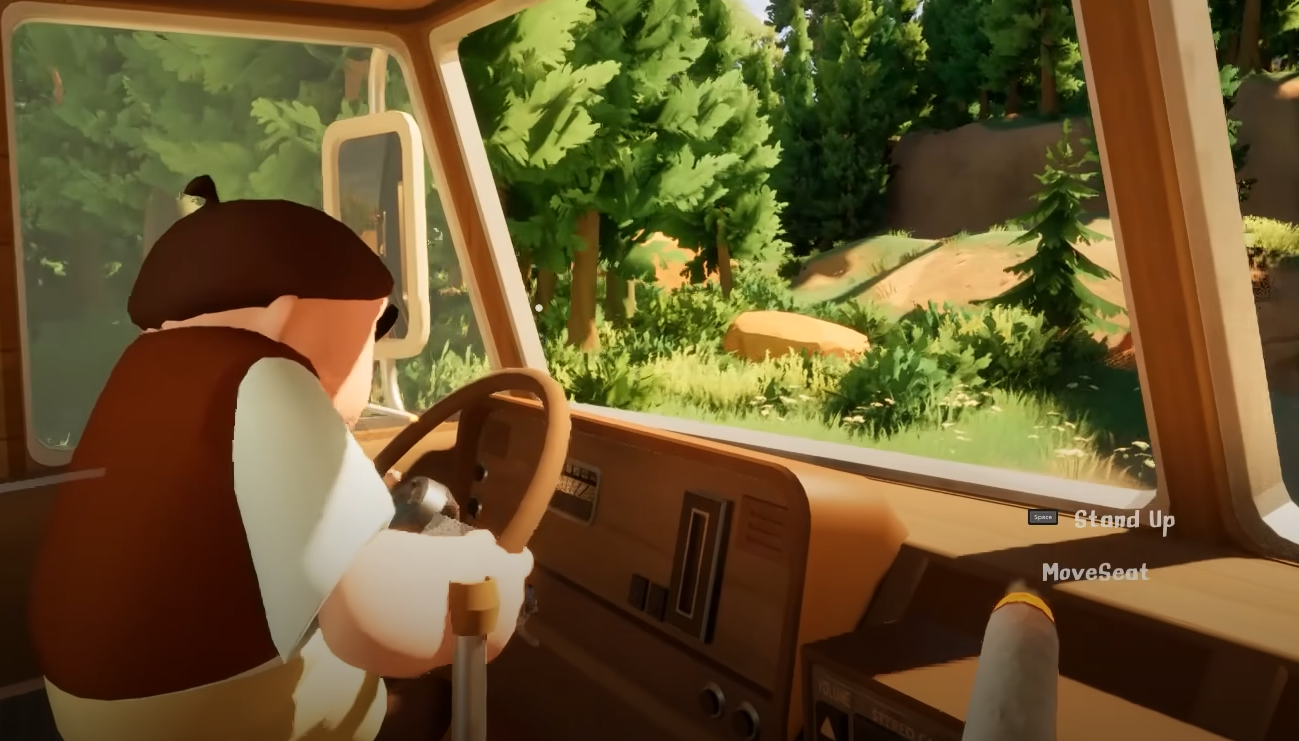
RV There Yet is still early and might crash on startup for some players, especially with older GPUs or unusual setups. A few simple steps can usually get you past the fatal error and into the game without waiting on a patch.
How to Fix UE Crash on Startup
This specific crash is tied to Unreal Engine and DirectX 12.
The error mentions a failure in D3D12Submission.cpp, which means your GPU or drivers may not support DirectX 12 properly. The best fix right now is to force the game to run in DirectX 11 instead.
Force DirectX 11
Right-click the game in your Steam Library
Select Properties
Under Launch Options, enter:
-d3d11Close the window and relaunch the game
You can also do this by creating a shortcut from the .exe and adding -d3d11 after the file path.
Example:"C:\Games\RV There Yet\Ride.exe" -d3d11
This skips DirectX 12 entirely and avoids the GPU crash.
Other Crash Fix Tips
If forcing DX11 doesn’t solve it, try these:
Update your GPU drivers directly from NVIDIA or AMD
Disable any background GPU overclocking or third-party monitoring tools
Verify game files in Steam to make sure nothing is corrupted
Run the game as Administrator
Check for pending Windows updates and restart your PC
If none of those work, some users have had luck reinstalling Visual C++ Redistributables.
Final Blurb
If RV There Yet keeps crashing on launch, especially with a fatal UE error, it’s most likely tied to DirectX 12. Forcing DirectX 11 is the cleanest fix for now, and it’s already worked for several players with older or unsupported GPUs.
FAQ
Why does RV There Yet crash with a fatal error on startup
It’s usually a DirectX 12 error. Forcing DX11 solves it for most players.
How do I force DirectX 11
Add -d3d11 to the game’s launch options in Steam or through a shortcut.
Will Steam Deck or low-end GPUs crash too
Possibly. Devices without full DX12 support are more likely to hit this issue.
Do I need to reinstall the game
No. Try forcing DX11 and verifying files before reinstalling anything.
Is there an official patch coming
The devs haven’t said yet, but future updates may improve compatibility.
© 2025 GamerBlurb. Linking is welcome with credit to GamerBlurb.com. Copying or reproduction without permission is prohibited.
More RV There Yet


