

RV There Yet VOIP Not Working Fix Guide
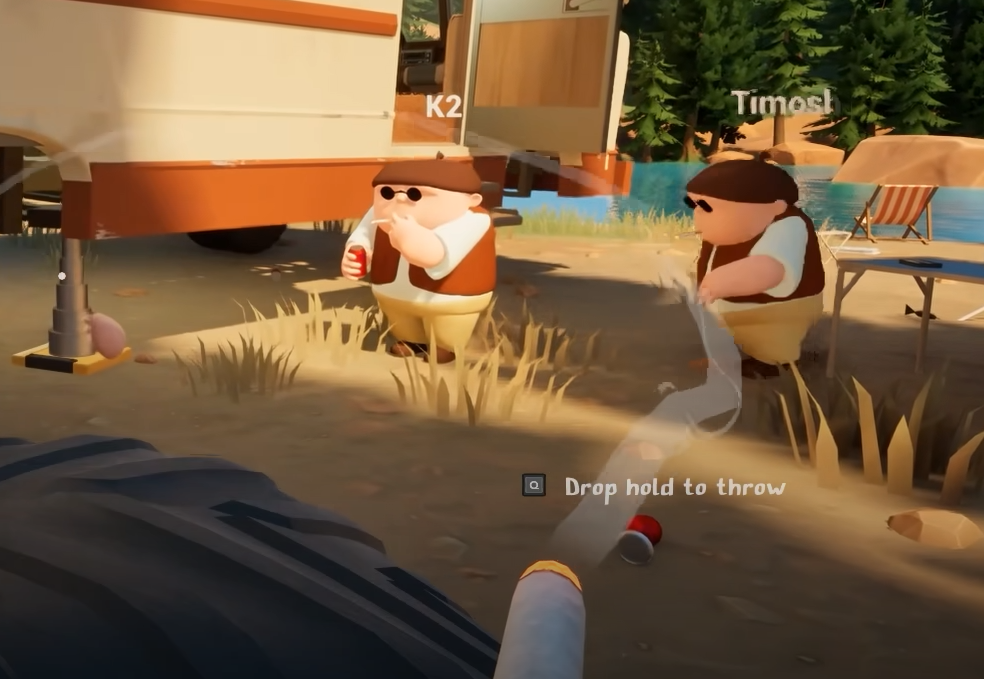
The voice chat in RV There Yet is built in, but it’s a little rough around the edges for some players. From near-silent teammates to buggy range settings and full-on disconnects, here’s how to get it working as best as possible for now.
How To Fix Quiet or Broken VOIP
There’s no one-button fix, but a few things help.
For Quiet Voice Chat
Turn up all in-game audio sliders to 100
Go to the VOIP settings and double-check volume is maxed
Have teammates boost their microphone gain in Windows or Steam
Use wired headsets if possible, wireless devices sometimes bug out
The in-game VOIP is naturally low right now, even on max. Boosting from outside the game helps the most.
For VOIP Cutting Out or Stopping
If voice chat stops working mid-game, open the menu and re-enter the VOIP settings
Toggling a VOIP option (like range) can sometimes restart it
If nothing works, restarting the game is the most consistent fix, if not completely reinstalling
Avoid alt-tabbing frequently, which can trigger the issue more often
This bug happens randomly, even if everything looks fine.
For VOIP Range Not Saving
The VOIP range slider sometimes resets to 1
Lowering it to 0.5 or similar currently won’t stick
Until patched, you’ll need to re-set it every time you launch the game
There’s no permanent fix yet, just temporary re-adjustments.
Final Blurb
RV There Yet’s voice chat mostly works, but it’s unreliable at times. Keep settings maxed, be ready to reset your VOIP mid-run, and consider using an external voice app until the devs push a proper fix.
FAQ
Why is voice chat so quiet
Even at max volume, VOIP is currently low. Boost your mic in Windows or Steam.
What do I do if voice chat stops working
Open the menu, toggle a VOIP setting, or restart the game if needed.
Why won’t my VOIP range setting save
It’s a known bug. The slider resets to 1 every time the game loads.
Is there a way to fix it permanently
Not yet. These are temporary workarounds until the system gets patched.
Can I use Discord instead
Yes, and right now it may be more reliable for full-session play.
© 2025 GamerBlurb. Linking is welcome with credit to GamerBlurb.com. Copying or reproduction without permission is prohibited.
More RV There Yet


