Schedule 1: Unlimited Money Guide
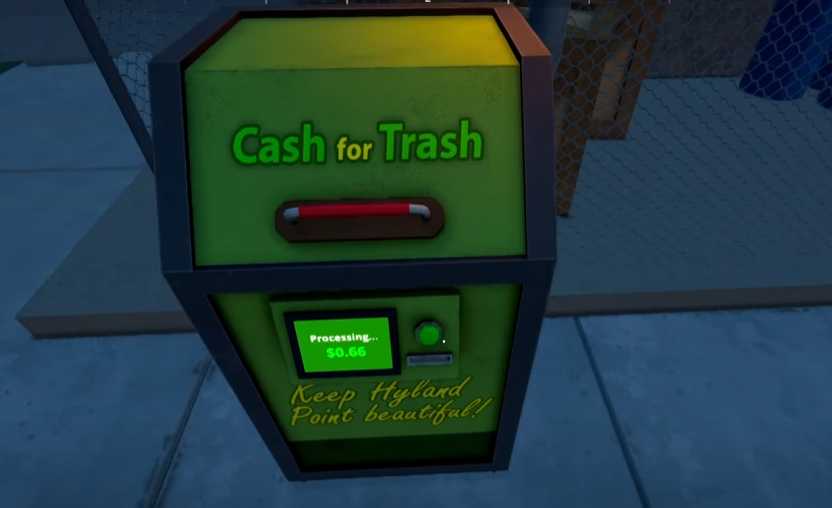
Image Credit: TVGS, Schedule I
Note: This guide covers content from Schedule 1, a satirical video game set in a fictional world. All items, recipes, and references are entirely made up and exist only in the game. Please don’t try any of this in real life.
If you want to skip the grind and jump straight into being the kingpin of Hyland Point, there’s a simple money method that gives you unlimited money. No selling. No growing. Just editing one file and becoming filthy rich.
Here’s how to get unlimited money in Schedule 1.
Read More: Schedule 1 Tips and Tricks
Step 1: Close the Game
Before you do anything, make sure the game is completely closed.
Step 2: Open Your Save Files
Press the Windows key + R on your keyboard.
In the little box that pops up, type:
%appdata%Press Enter.
When the folder opens, go back one folder to get into
AppData.Now go to this path:
LocalLow > TVGS > Schedule 1 > Saves
Step 3: Pick a Save File to Edit
Inside the "Saves" folder, you’ll see one or more folders—each one is a different save. Open the folder for the save you want to make rich.
Step 4: Edit Your Money
Inside the save folder, you’ll see a file with the word “Money” in it.
Right-click that file
Choose Open with > Notepad
Somewhere in there, you’ll see your current money amount. Just replace the number with something huge. Something ridiculous. Like ten million.
Save the file and close it.
Step 5: Reload the Game
Start the game again and load that save. You should now have way more money than anyone deserves in the first 10 minutes of the game.
Final Blurb
This gives you an early-game money bomb that lets you test setups, buy whatever you want, and skip all the broke-dealer phase. Just don’t forget: the game might patch this out eventually, so use it while it lasts. Or don’t—and keep pretending your motel grow-op is “gritty realism.”
Recommended | View all Schedule I