StarRupture Crashing On Startup Fix Guide
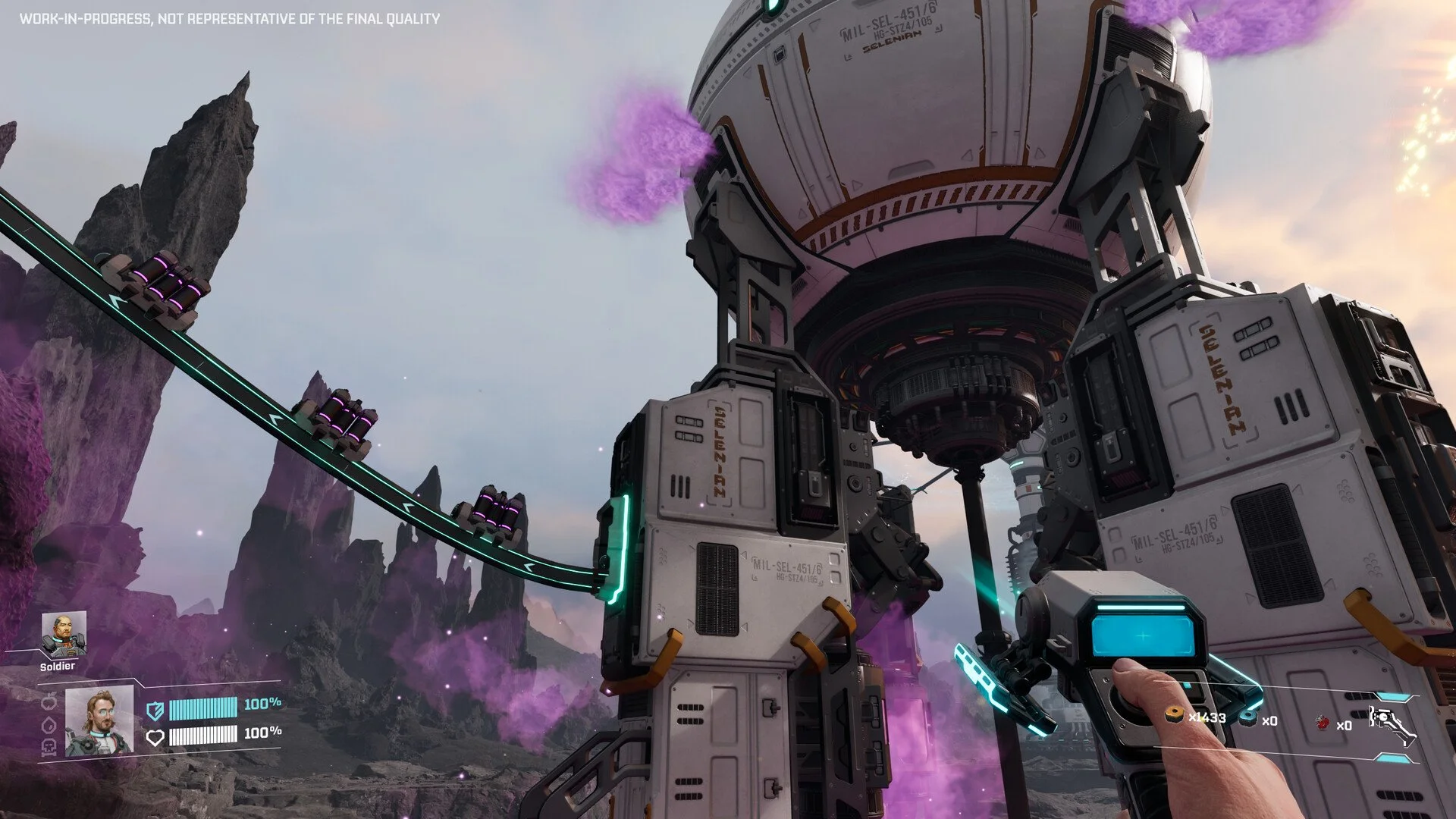
Instant crashes can kill the hype fast, especially when the game does not even reach the menu. StarRupture has a few known crash patterns right now, mostly tied to system setup and how the game is launched. This guide walks through the most reliable fixes players are reporting.
How To Fix Instant Crash On Startup In StarRupture
An instant crash on startup in StarRupture is usually caused by system level conflicts, not hardware power. Most crashes happen before gameplay loads and are tied to Steam services, storage setup, or firmware issues.
Move The Game Off Network Storage
StarRupture does not behave well when installed on a network drive or home server. Even if other games work fine, this one can crash immediately.
Install the game on a local SSD or NVMe drive
Avoid NAS, shared drives, or mapped network locations
Restart Steam after moving the install
This single change has fixed instant startup crashes for multiple players.
Update BIOS And Firmware
Several players reported full crash resolution after updating their motherboard BIOS. This matters more on newer CPUs.
Update motherboard BIOS to the latest stable version
Reset BIOS to default after update
Disable experimental CPU tuning
This is especially relevant for Intel 10th gen through 14th gen systems.
Update GPU Drivers And Remove Dual GPU Configs
Running multiple GPUs can confuse Unreal Engine systems. StarRupture prefers a clean setup.
Update NVIDIA drivers to the latest version
Disable secondary GPUs if possible
Avoid assigning physics to a separate GPU
Use one GPU for everything during testing.
Verify Windows Version And Updates
Some crashes appeared after upgrading Windows.
Fully update Windows 11
Restart after updates
Disable overlays during testing
Fresh updates reduce engine level conflicts.
Verify Game Files And Steam Services
Steam OnlineSubsystem errors show up in crash logs. These can trigger startup crashes.
Verify game files in Steam
Launch Steam as administrator
Ensure Steam is running before launching the game
Do not launch the executable directly.
Avoid Platform Heavy Builds Early
Some players report crashes tied to elevated platform placement.
Avoid stacking elevated platforms early
Place one platform at a time
Save often during base building
This does not cause startup crashes but can trigger early session instability.
First Launch Instability Is A Known Issue
In some cases, the game crashes once and never again.
Relaunch after first crash
Start a new single player game with tutorial enabled
Avoid changing settings before first load
This appears to be Unreal Engine startup instability.
When To Contact The Developers
If crashes continue after these steps, providing data helps.
Full PC specs
Windows version
Storage type used
Crash logs from the report window
Posting this in official channels improves visibility.
Final Blurb
Most StarRupture startup crashes come from storage setup, BIOS state, or GPU configuration. Installing the game on a local drive and updating BIOS has the highest success rate so far. Fix the system layer first, then worry about in game bugs.
FAQ
Why does StarRupture crash instantly on launch
Most cases are tied to network storage installs, outdated BIOS, or Steam service conflicts.
Does hardware power matter for this crash
No, high end systems are affected just as often.
Is this caused by Unreal Engine
Partially, Unreal Engine startup services are involved in several crash logs.
Should I wait for a patch instead
Try these fixes first, many players resolved the issue without waiting.