StarRupture How to Deconstruct
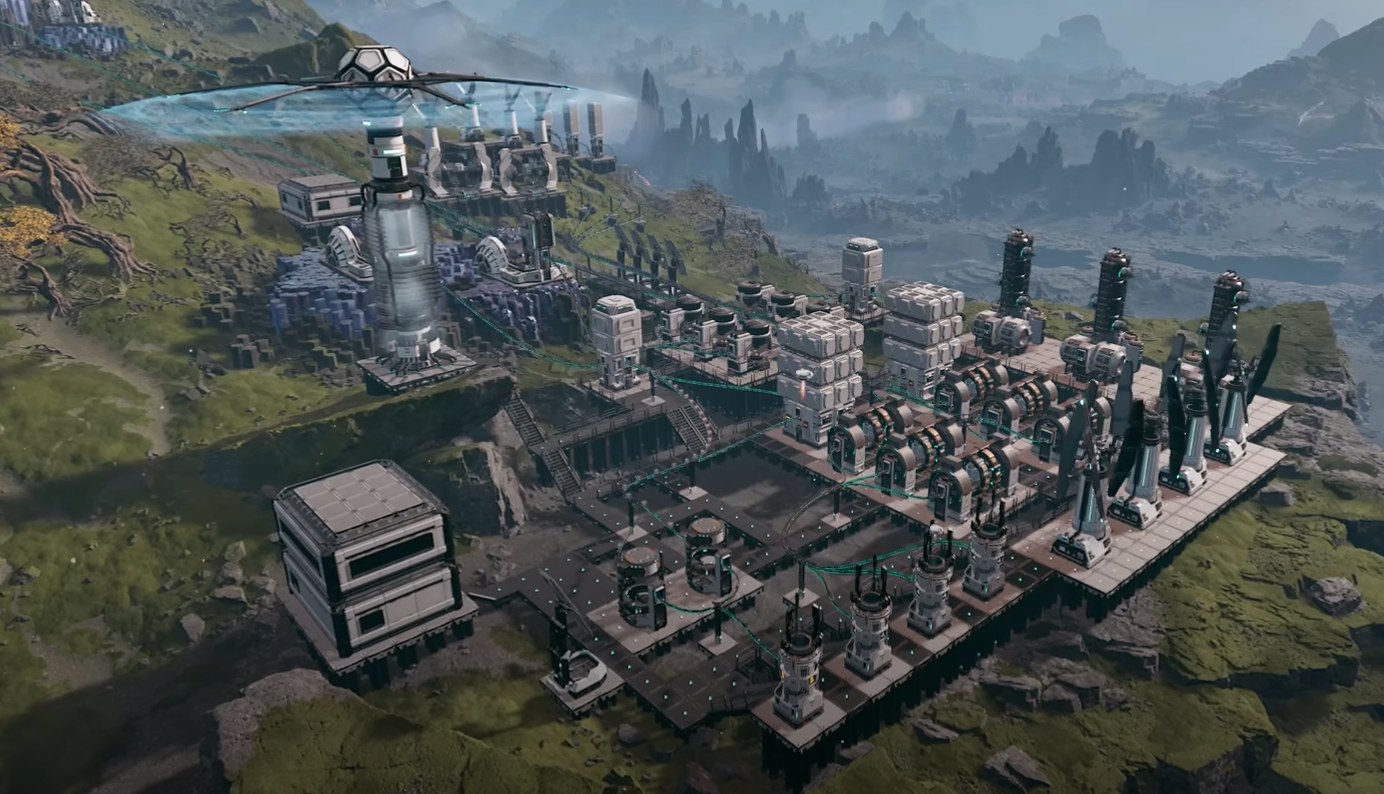
Deconstructing buildings is required early on, and the game does not make it very obvious at first. If you are stuck on a quest marker, this is usually the missing step. Here is exactly how it works.
How To Deconstruct Buildings In StarRupture
In StarRupture, deconstruction is done using the same tool you already have. You do not need to unlock a separate item or menu.
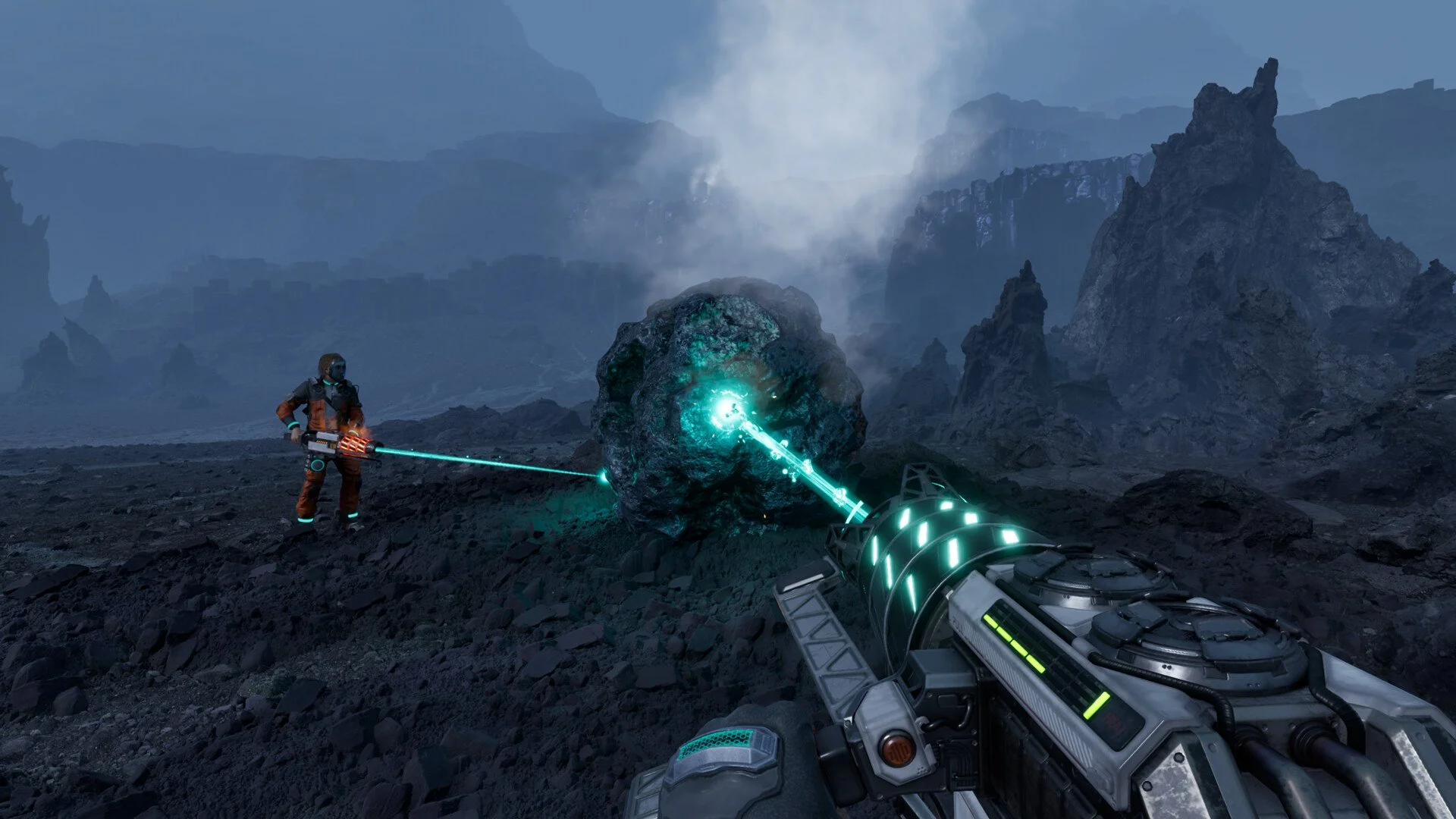
Press F to switch your active tool mode. Watch the tool icon on the right side of the screen change.
Once in deconstruct mode, aim at the structure you want to remove. Hold the left mouse button to begin dismantling it.
What Tool Mode You Need
The key is switching modes, not equipping something new. Many players miss this step.
Press F to cycle tool modes
Confirm the right hand tool icon changes
Hold left mouse button to deconstruct
If nothing happens, you are still in the wrong mode.
Why The Quest Marker Is Blocked
Some objectives require clearing an area or removing placed structures. The marker will not update until the object is fully removed.
Once the structure finishes deconstructing, the quest marker should immediately progress.
Be Careful When Deconstructing
Deconstruction speeds up as pieces are removed. This can cause accidents.
Structures can disappear very fast
Large sections can be deleted unintentionally
Stop holding the button as soon as the target is gone
Take a second to confirm what you are aiming at before holding the button.
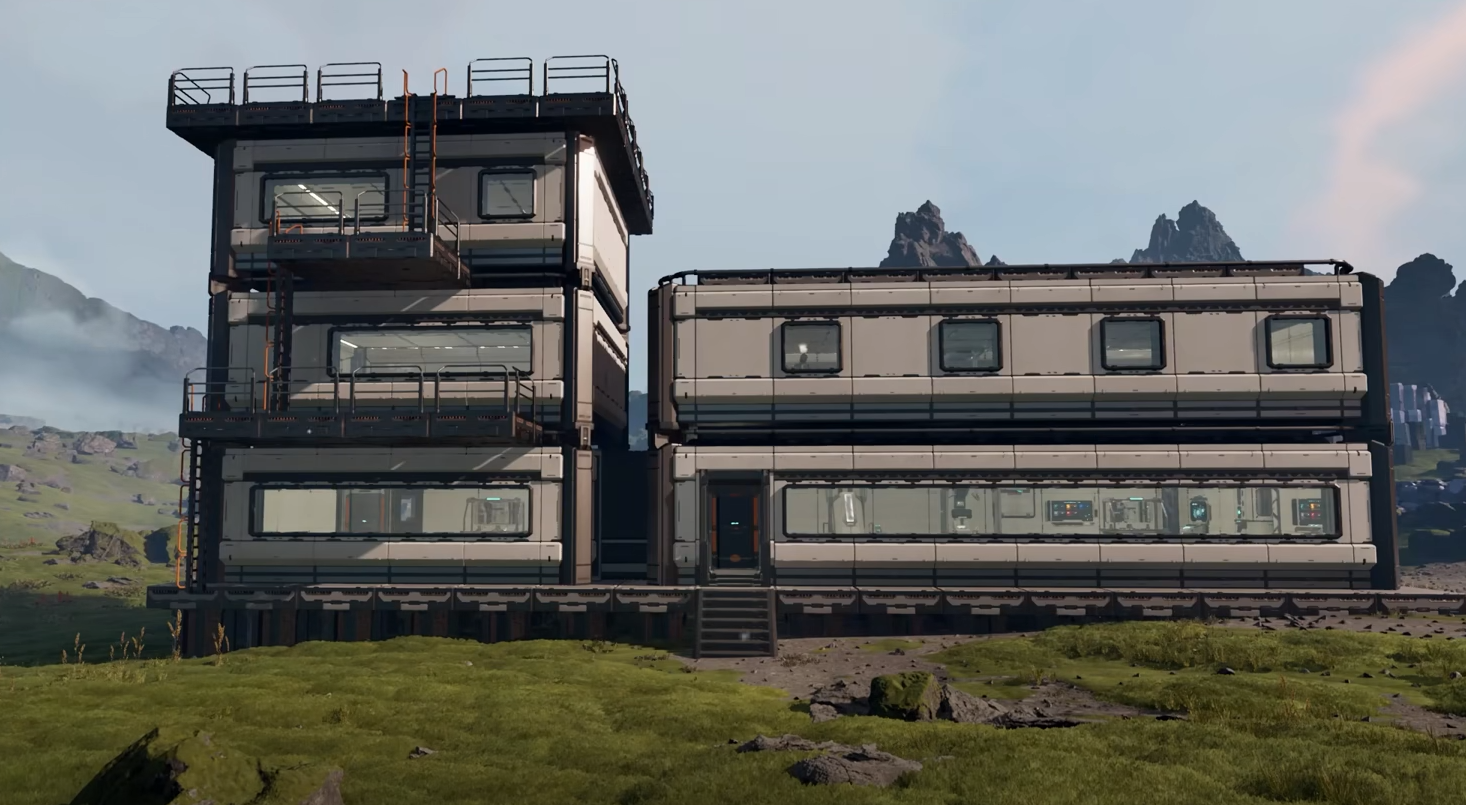
Tutorial Reminder
The game does explain this briefly during the tutorial. If you skipped or missed it, the mechanic is easy to forget.
This is one of those systems that feels obvious after you learn it once.
Final Blurb
To deconstruct buildings in StarRupture, press F to switch tool mode, then hold the left mouse button on the structure. That is all there is to it. Just be careful, because once it starts removing pieces, it goes fast.
FAQ
What button deconstructs buildings in StarRupture
Press F to switch to deconstruct mode, then hold left mouse button.
Do I need a special tool to deconstruct
No, it uses the default tool with a mode switch.
Why did my base delete so fast
Deconstruction speeds up as items are removed, so holding too long can wipe large areas.
Why is my quest marker not updating
The structure must be fully removed before the objective completes.